About the Sun Server X4-2 9
Related Information
■ “Front Panel Controls and Indicators on a System With Eight 2.5-inch Drives” on
page 3
■ “Front Panel Controls and Indicators on a System With Four 2.5-inch Drives and
DVD Drive” on page 4
■ “Server Back Panel View” on page 5
Server Fan Status Indicators
Each fan module has one bicolored status indicator (LED). The LEDs are located on
the chassis mid-wall adjacent to and aligned with the fan modules and are visible
when the top cover fan door is open.
Top Fan TOP FAN Amber Indicates that one (or more) of the internal fan modules has failed.
• OFF – Indicates steady state; no service is required.
• STEADY ON – Indicates service required; service the fan modules,
Rear Power
Supply Fault
REAR PS Amber Indicates that one of the server power supplies has failed.
• OFF – Indicates steady state; no service is required.
• STEADY ON – Indicates service required; service the power supply.
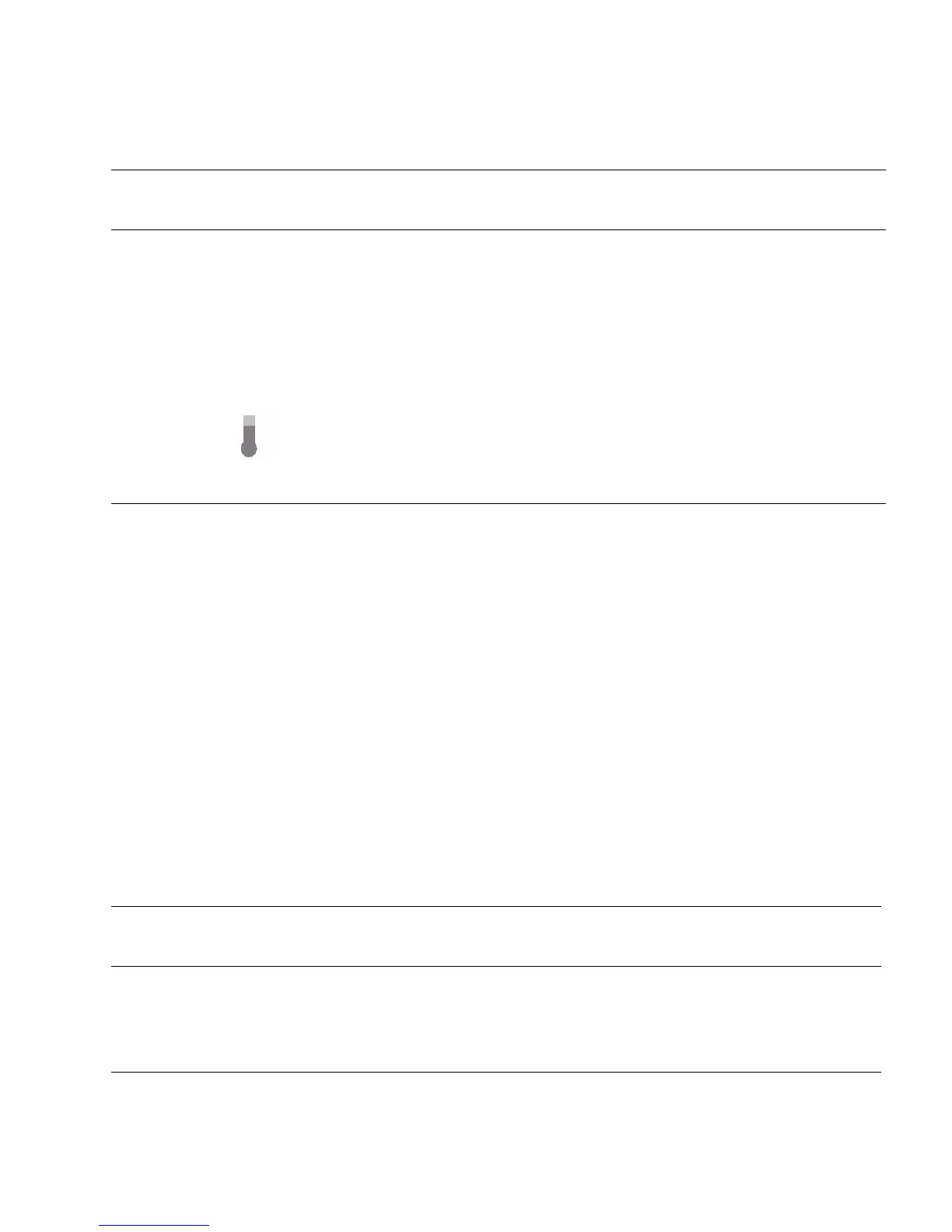
System Over
Temperature
Warning
Amber • OFF – Normal operation; no service is required.
• STEADY ON – The system is experiencing an overtemperature warning
condition.
Note - This is a warning indication, not a fatal overtemperature. Failure to
correct this might result in the system overheating and shutting down
unexpectedly.
TABLE: Server Fan Status Indicators
Status
Indicator
Name Icon Color State Meaning
Fan Status None Bicolored:
Amber/Green
• Amber – The fan module is faulty. The front TOP FAN LED and the
front and rear panel Service Required LEDs are also lit if the system
detects a fan module fault.
• Green – The fan module is correctly installed and operating within
specification.
TABLE: Server General Status Indicators (Continued)
Status
Indicator
Name Icon/Label Colors State Meaning



 To Next Page