10 Sun Server X4-2 Service Manual • May 2014
Related Information
■ “Front Panel Controls and Indicators on a System With Eight 2.5-inch Drives” on
page 3
■ “Front Panel Controls and Indicators on a System With Four 2.5-inch Drives and
DVD Drive” on page 4
■ “Server Back Panel View” on page 5
■ “Servicing Fan Modules (CRU)” on page 50
Storage Drive Status Indicators
There are three status indicators (LEDs) on each drive.
Related Information
■ “Front Panel Controls and Indicators on a System With Eight 2.5-inch Drives” on
page 3
■ “Front Panel Controls and Indicators on a System With Four 2.5-inch Drives and
DVD Drive” on page 4
■ “Server Back Panel View” on page 5
■ “Servicing Storage Drives (CRU)” on page 45
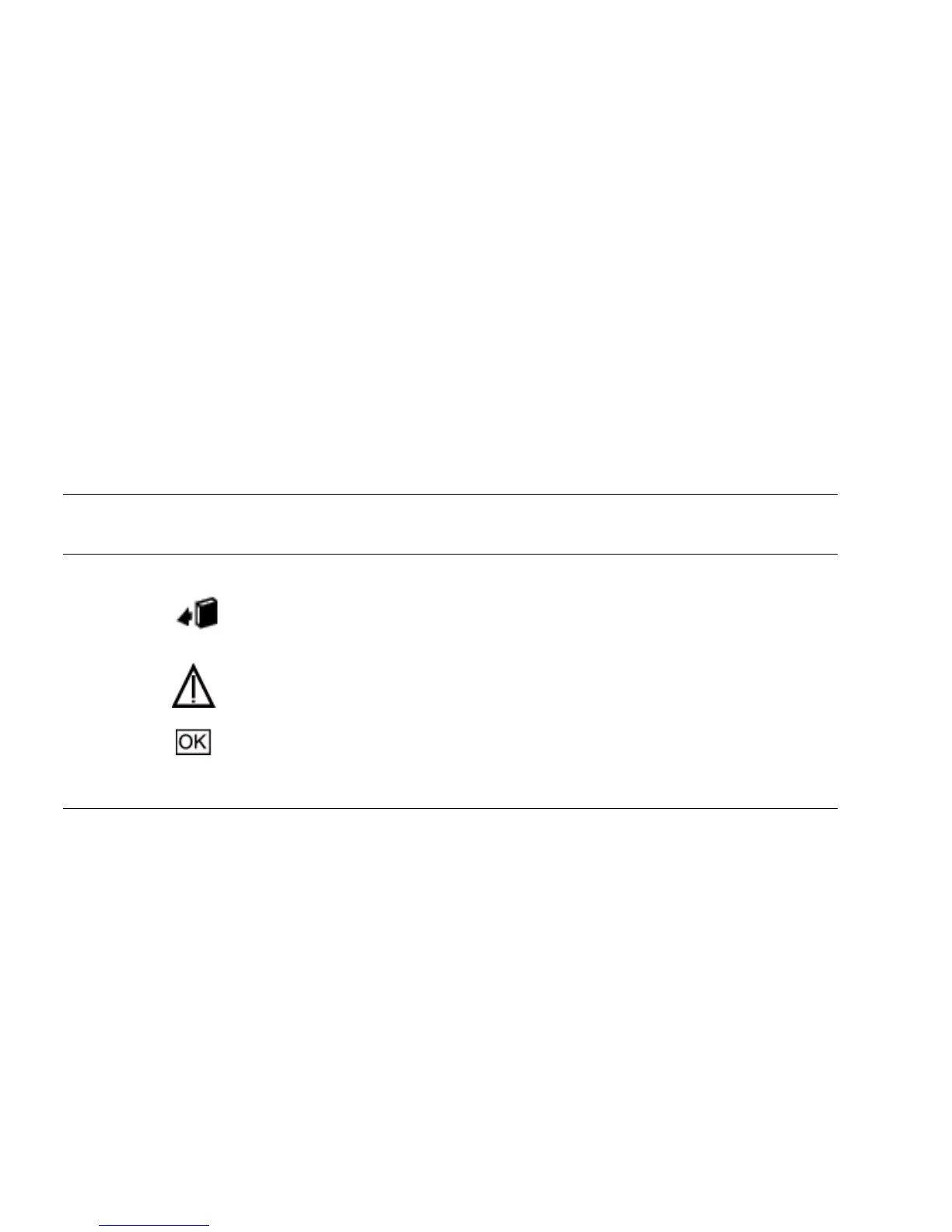
TABLE: Server Front Storage Drive Indicators
Status
Indicator
Name Icon Color State Meaning
OK to
Remove
Blue • STEADY ON – The storage drive can be removed safely during a
hot-plug operation.
• OFF – The storage drive has not been prepared for removal.
Service
Required
Amber • OFF – The storage drive is operating normally.
• STEADY ON – The system has detected a fault with the storage drive.
OK/Activity Green • OFF – Power is off or the installed drive is not recognized by the system.
• STEADY ON – The drive is engaged and is receiving power.
• STEADY BLINK – There is disk activity. The LED blinks on and off to
show activity.



 To Next Page