Servicing CRUs That Require Server Power-Off 71
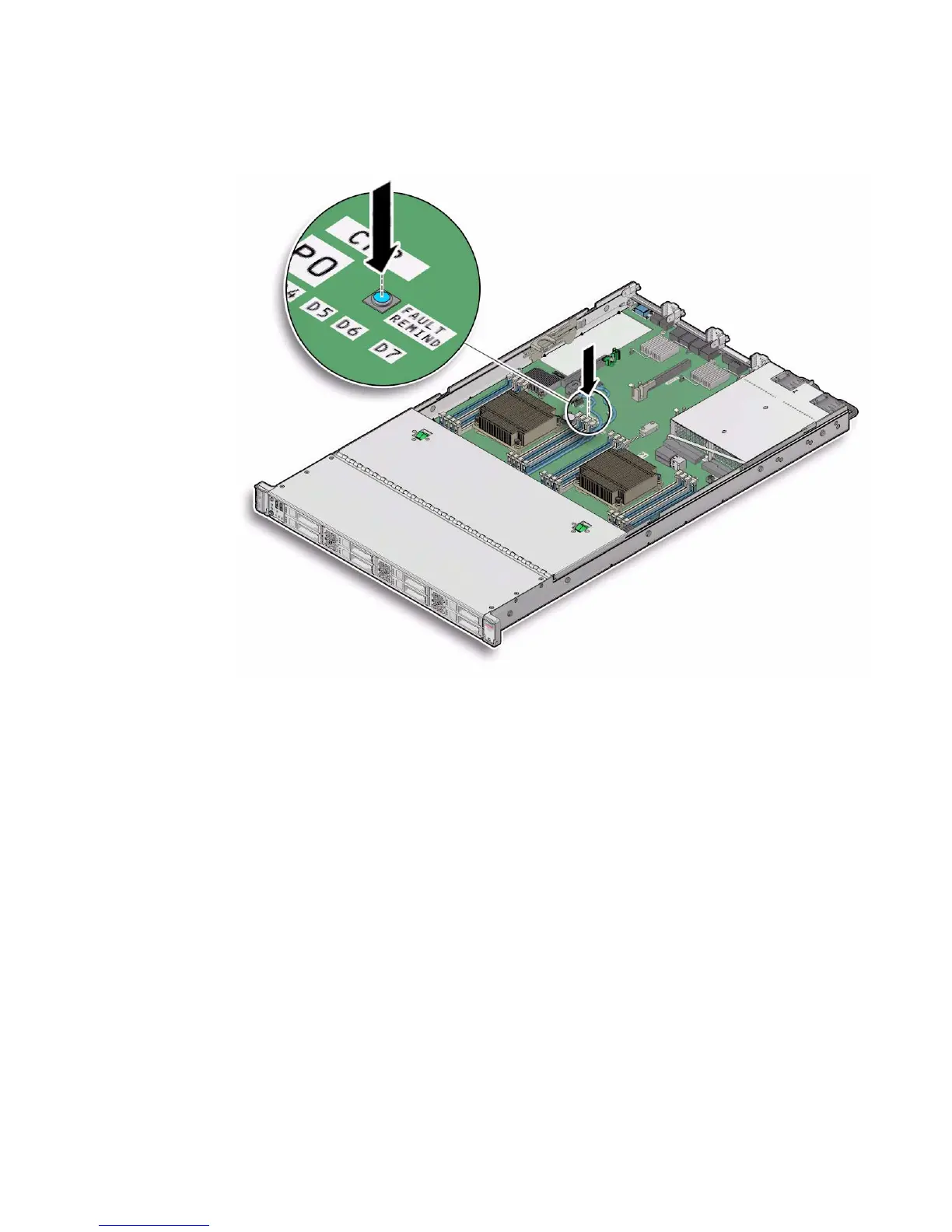
FIGURE: Fault Remind Button Location
▼ Identify and Remove a Faulty DIMM
1. Prepare the server for service.
a. Power off the server, and disconnect the power cords from the power
supplies.
See “Powering Down the Server” on page 33
b. Extend the server to the maintenance position.
See “Extend the Server to the Maintenance Position” on page 39.
c. Attach an antistatic wrist strap to your wrist and then to a metal area on the
chassis.
See “Take Antistatic Measures” on page 42.
d. Remove the server top cover.
See “Remove the Server Top Cover” on page 43.



 To Next Page