Servicing FRUs 119
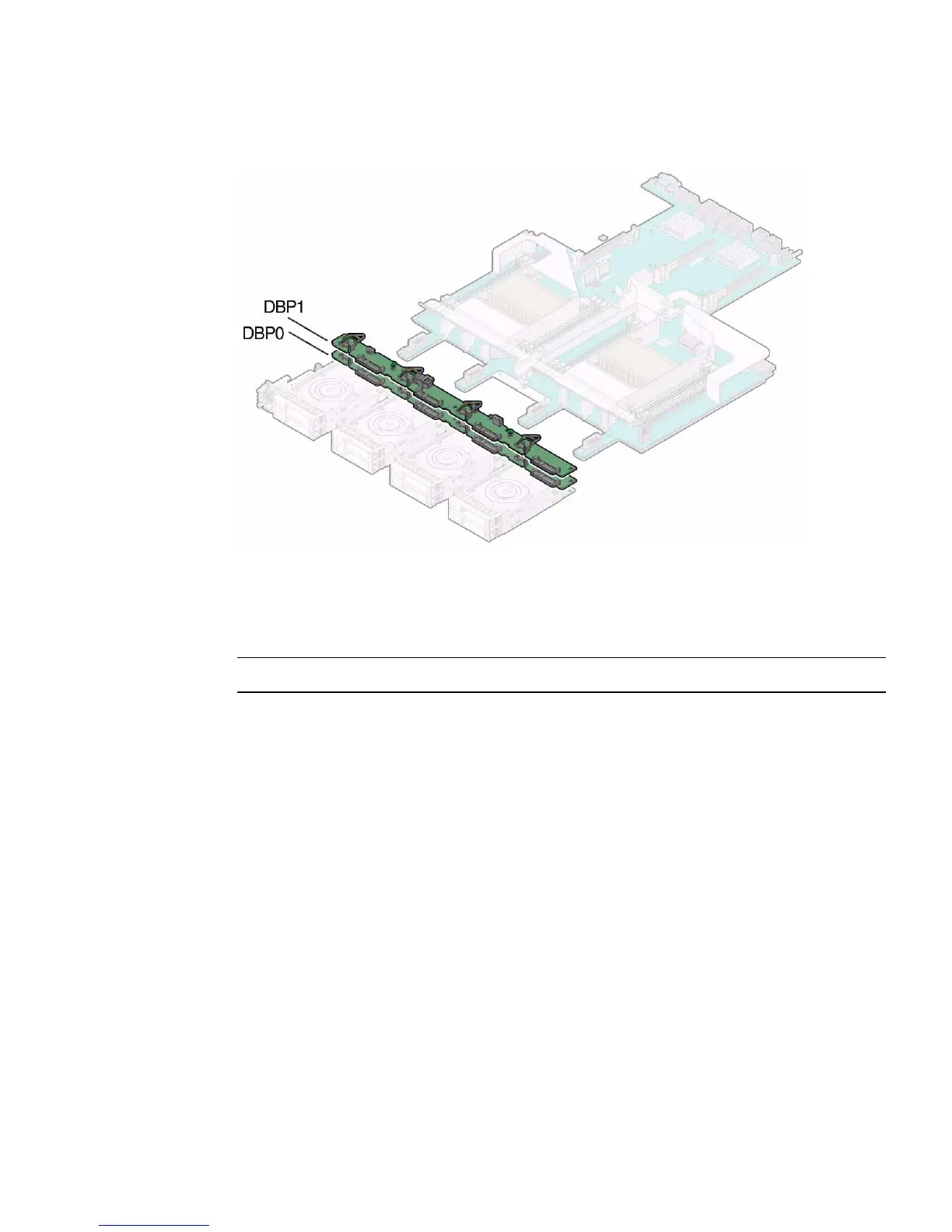
FIGURE: Disk Backplane Configurations
▼ Remove the Disk Backplane
Note – A server with four or fewer storage drives has only one disk backplane.
1. Prepare the server for service.
a. Power off the server and disconnect the power cords from the power
supplies.
See “Powering Down the Server” on page 33.
b. Extend the server to the maintenance position.
See “Extend the Server to the Maintenance Position” on page 39.
c. Attach an antistatic wrist strap to your wrist, and then to a metal area on the
chassis.
See “Take Antistatic Measures” on page 42.
d. Open the server fan door to gain access to the disk backplanes.
2. Pull each storage drive out far enough to disengage it from the disk backplane.
See “Remove a Storage Drive” on page 47.



 To Next Page