186 Sun Server X4-2 Service Manual • May 2014
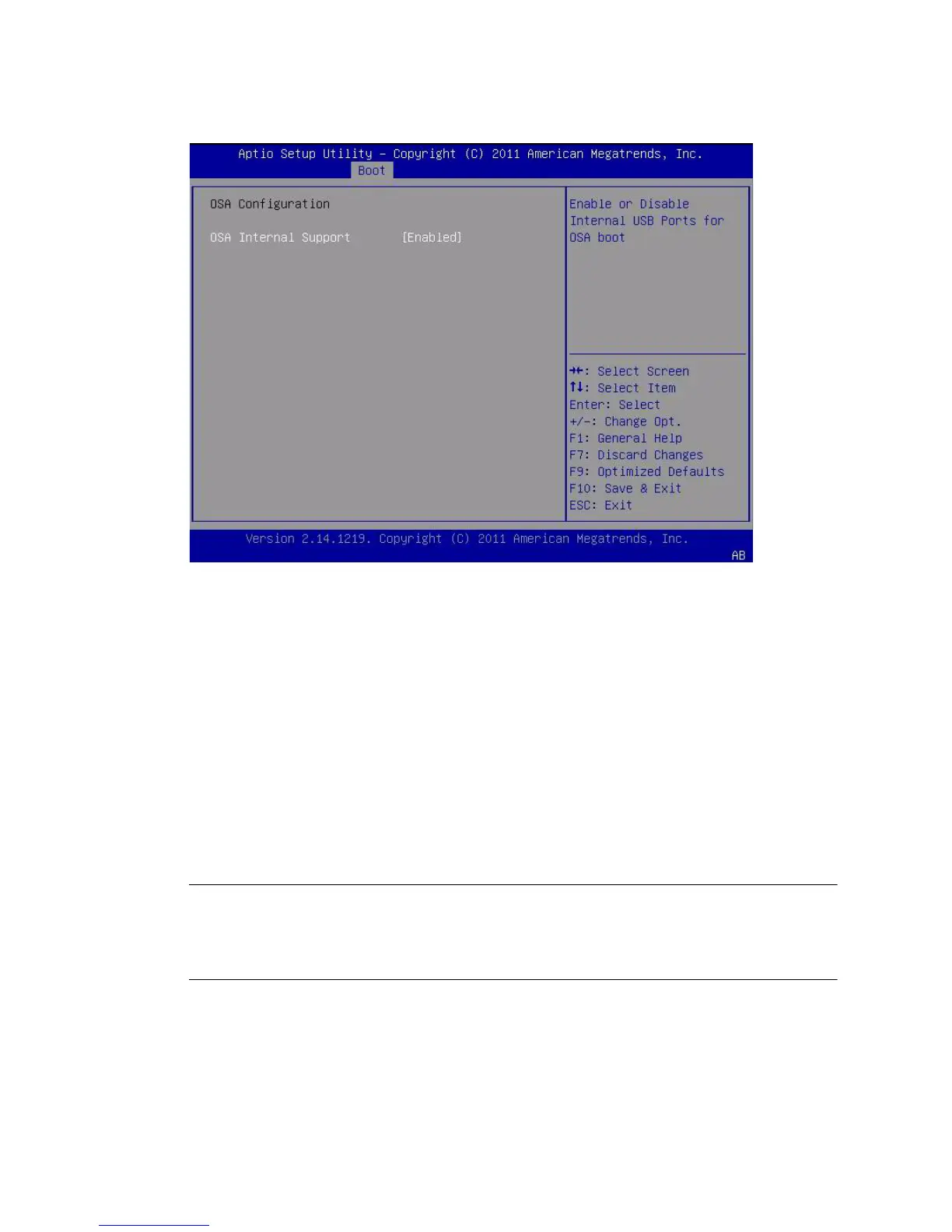
4. To change the setting, use the + or - key (plus or minus), and then press Enter to
select either Enabled or Disabled.
5. Press F10 to save the changes and exit the BIOS Setup Utility.
Related Information
■ “BIOS Main Menu Selections” on page 198
▼ Configure TPM Support
If you intend to use the Trusted Platform Module (TPM) feature set, you must
configure the server to support this feature.
Note – TPM enables you to administer the TPM security hardware in your server.
For additional information about implementing this feature, refer to the Trusted
Platform Module Management documentation provided by your operating system
vendor.
1. Access the BIOS Setup Utility menus.
See “Access BIOS Setup Utility Menus” on page 164.



 To Next Page