Setting Up BIOS Configuration Parameters 185
1. Access the BIOS Setup Utility.
See “Access BIOS Setup Utility Menus” on page 164.
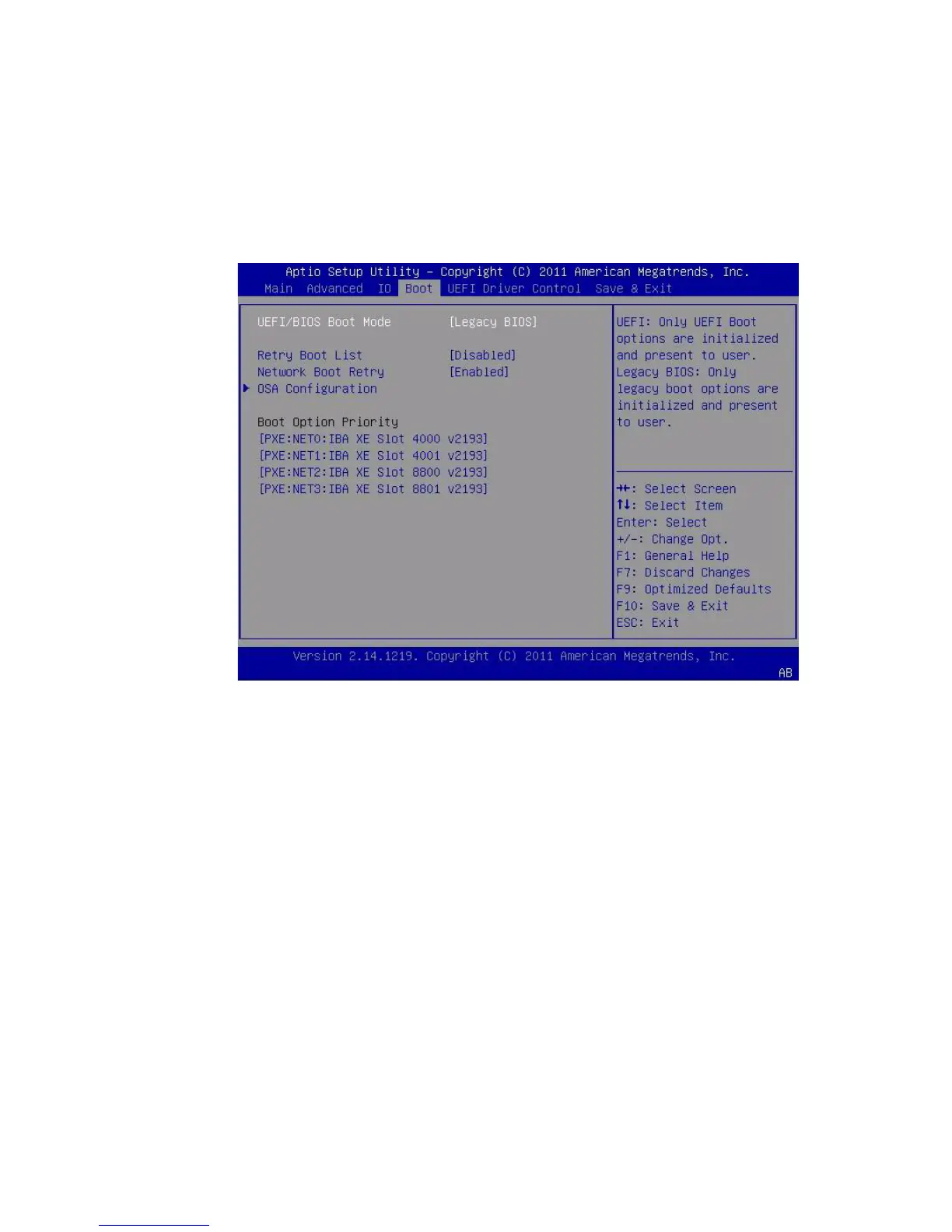
2. In the BIOS Setup Utility menus, navigate to the Boot Menu.
The Boot Menu screen appears.
3. Select OSA Configuration.
The OSA Configuration screen appears. The setting for OSA Internal Support is
either Enabled or Disabled.



 To Next Page