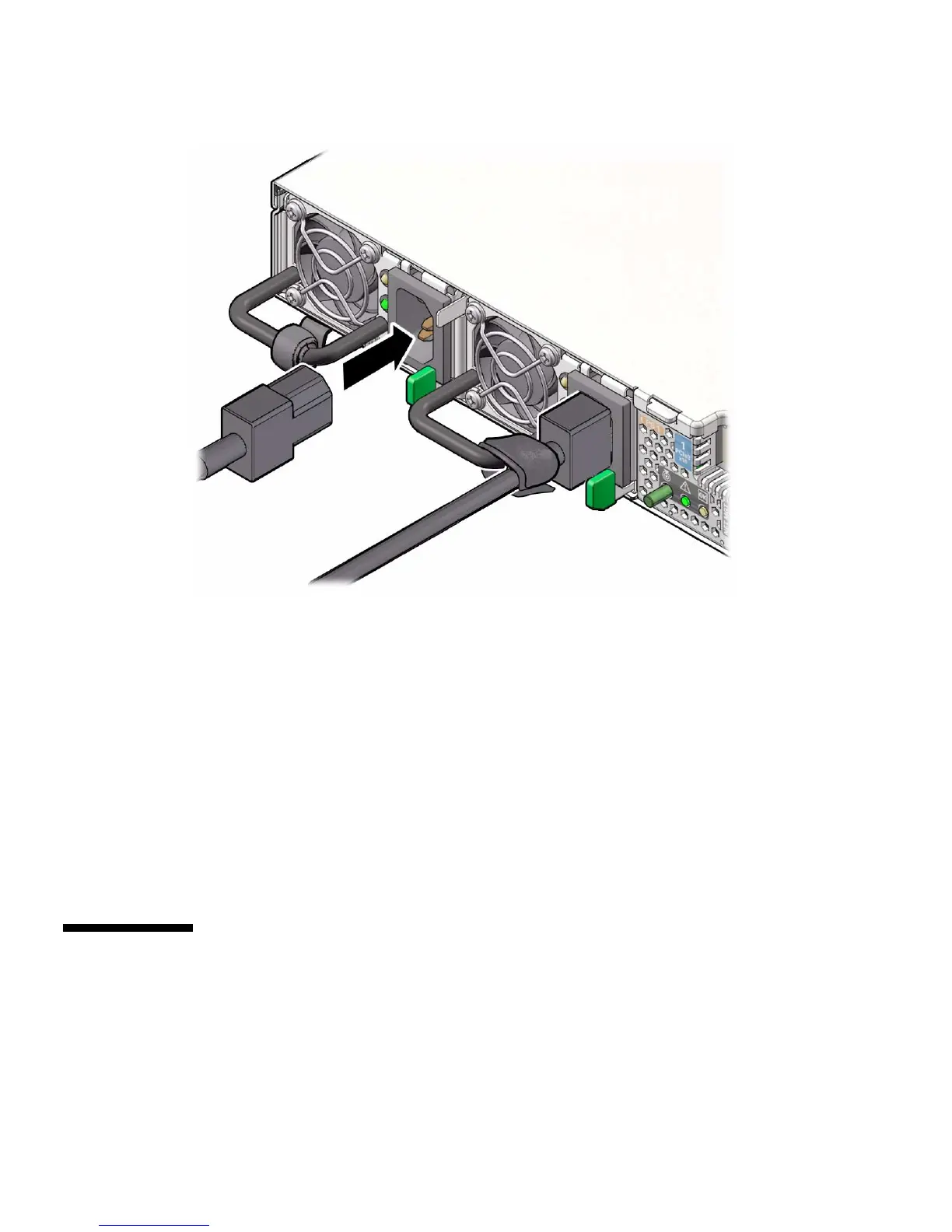
150 Sun Server X4-2 Service Manual • May 2014
3. If necessary, reinstall the cables into the CMA and secure them with Velcro
straps or cable straps, depending on which version of the CMA you are using.
4. If you pulled the server out of the rack to make it easier to connect the cables,
push the server into the rack until the slide-rail locks (on the front of the server)
engage the slide-rail assemblies.
You will hear an audible click when the server is in the normal rack position.
Related Information
■ “Disconnect Cables From the Server” on page 39
■ “Reinstall the Server Chassis Into the Rack” on page 146
■ “Power On the Server” on page 150
▼ Power On the Server
As soon as the power cords are connected, standby power is applied and the green
Power/OK status indicator on the server front panel blinks. Depending on the
configuration of the firmware, the system might boot. If not, complete this step:



 To Next Page