Preparing for Service 41
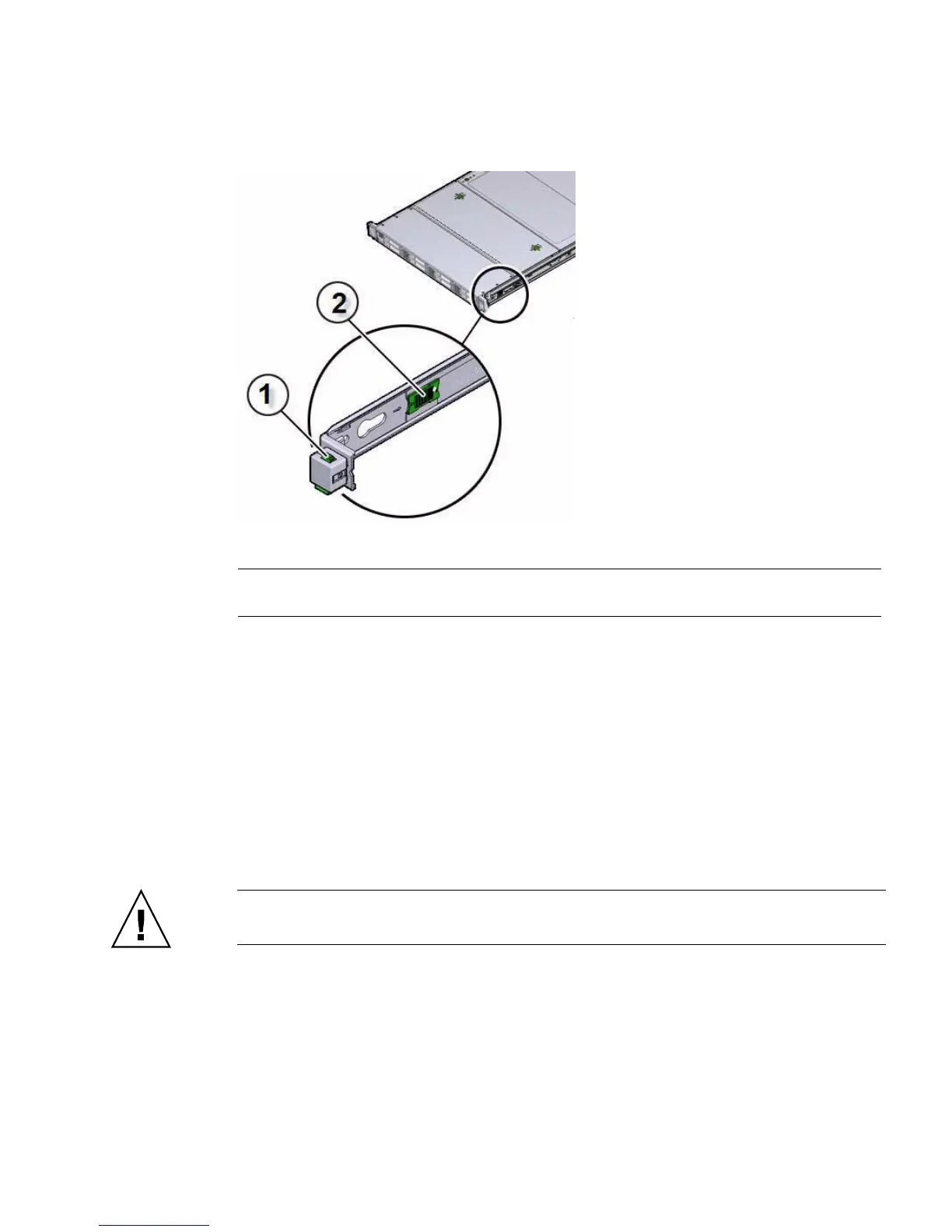
FIGURE: Slide-Rail Release Latches
4. Slowly pull the server out of the rack until the slide-rails latch.
Related Information
■ “Disconnect Cables From the Server” on page 39
■ “Remove the Server From the Rack” on page 41
■ “Reinstall the Server Chassis Into the Rack” on page 146
▼ Remove the Server From the Rack
Caution – The server weighs approximately 18.0 kg (40.0 lbs). Two people are
required to dismount and carry the chassis.
1. Disconnect all the cables and power cords from the server.
2. Remove the cable management arm (CMA).
■ For instructions for removing the second-generation CMA, see the Sun Server
X4-2 Installation Guide, “Remove the Second-Generation Cable Management
Arm” on page 64.
Figure Legend
1 Slide-rail lock
2 Slide-rail release tab



 To Next Page