184 Sun Server X4-2 Service Manual • May 2014
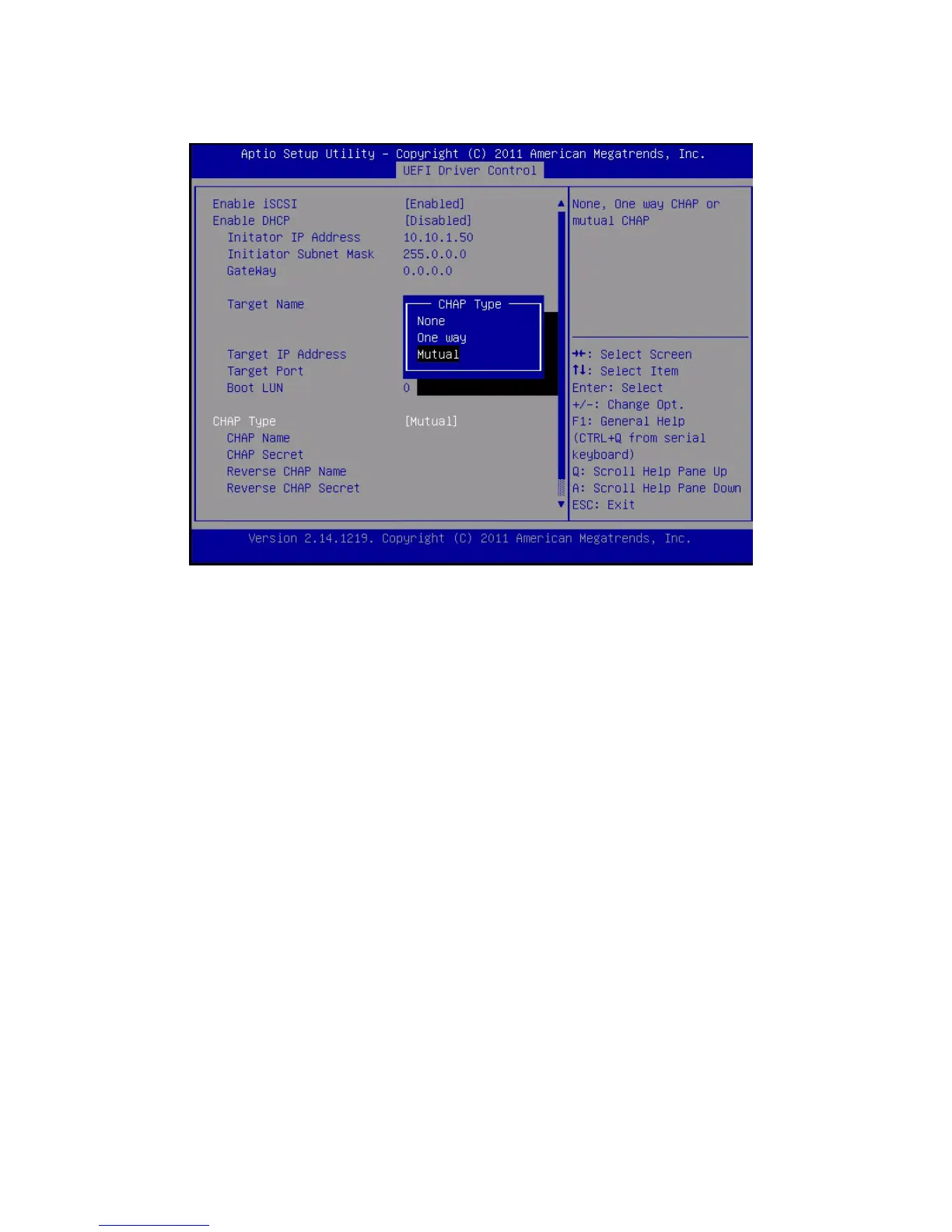
13. Verify that your settings match the iSCSI target server information.
14. Press F10 to save the changes and exit the BIOS Setup utilities.
See “Exit BIOS Setup Utility” on page 194.
15. Restart the server.
16. Press the F8 key (or Ctrl+P from a serial console) when prompted while the
BIOS is running the power-on-self-test (POST) code checkpoint tests.
The Please Select Boot device dialog box appears.
17. Verify that the iSCSI target appears in the boot list.
Related Information
■ “Access BIOS Setup Utility Menus” on page 164
■ “Exit BIOS Setup Utility” on page 194
▼ Enable or Disable Oracle System Assistant
If you have disabled Oracle System Assistant, you can use the BIOS Setup Utility
Boot Menu to put the USB device in an online state, so that Oracle System Assistant
becomes available to the operating system.



 To Next Page