Setting Up BIOS Configuration Parameters 183
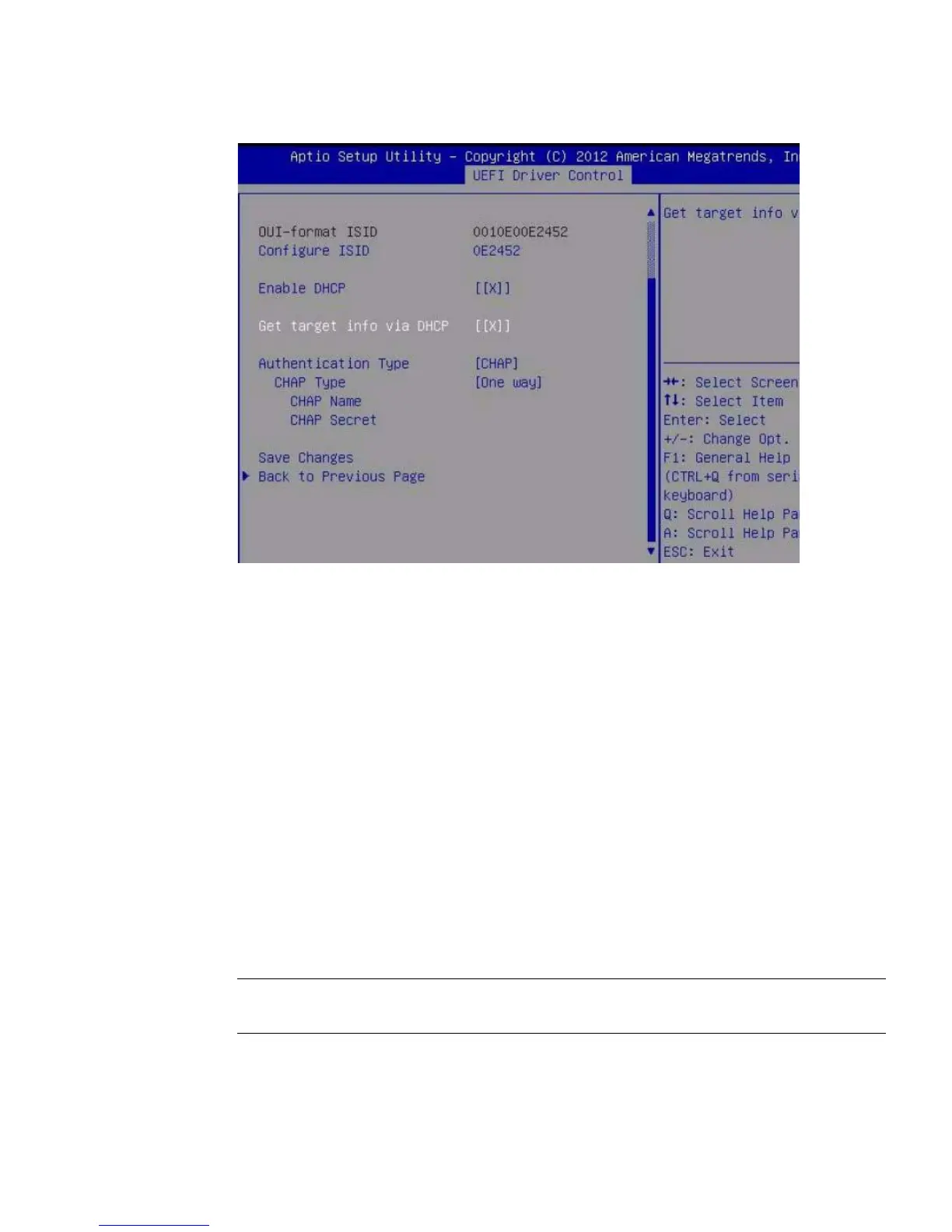
12. Select a Challenge-Handshake Authentication Protocol (CHAP) Type to enable
password security.
■ None –IfNone is selected, the default setting, CHAP is disabled and not
required.
■ One Way (also known as unidirectional) – If One Way is selected, the CHAP
Name and CHAP Secret are required.
■ CHAP Name – User configurable. Typically the name of the Initiator, but can
be any name. Must also be set at the target to authenticate the Initiator.
■ CHAP Secret – User configurable password. Must be set on the target and
the Initiator.
■ Mutual –IfMutual (also known as bidirectional) is selected, CHAP Name,
CHAP Secret, Reverse CHAP Name, and Reverse CHAP Secret are
required.
■ Reverse CHAP Name – Set a CHAP name for the target as a parameter of
the target.
■ Reverse CHAP Secret – Set a password for the target.
Note – The target must be configured to acknowledge a CHAP and for the
parameters to be used.



 To Next Page