Setting Up BIOS Configuration Parameters 187
2. In the BIOS Setup Utility menus, navigate to the Advanced Menu.
The Advanced Settings Menu screen appears.
3. In the Advanced Menu screen, select Trusted Computing.
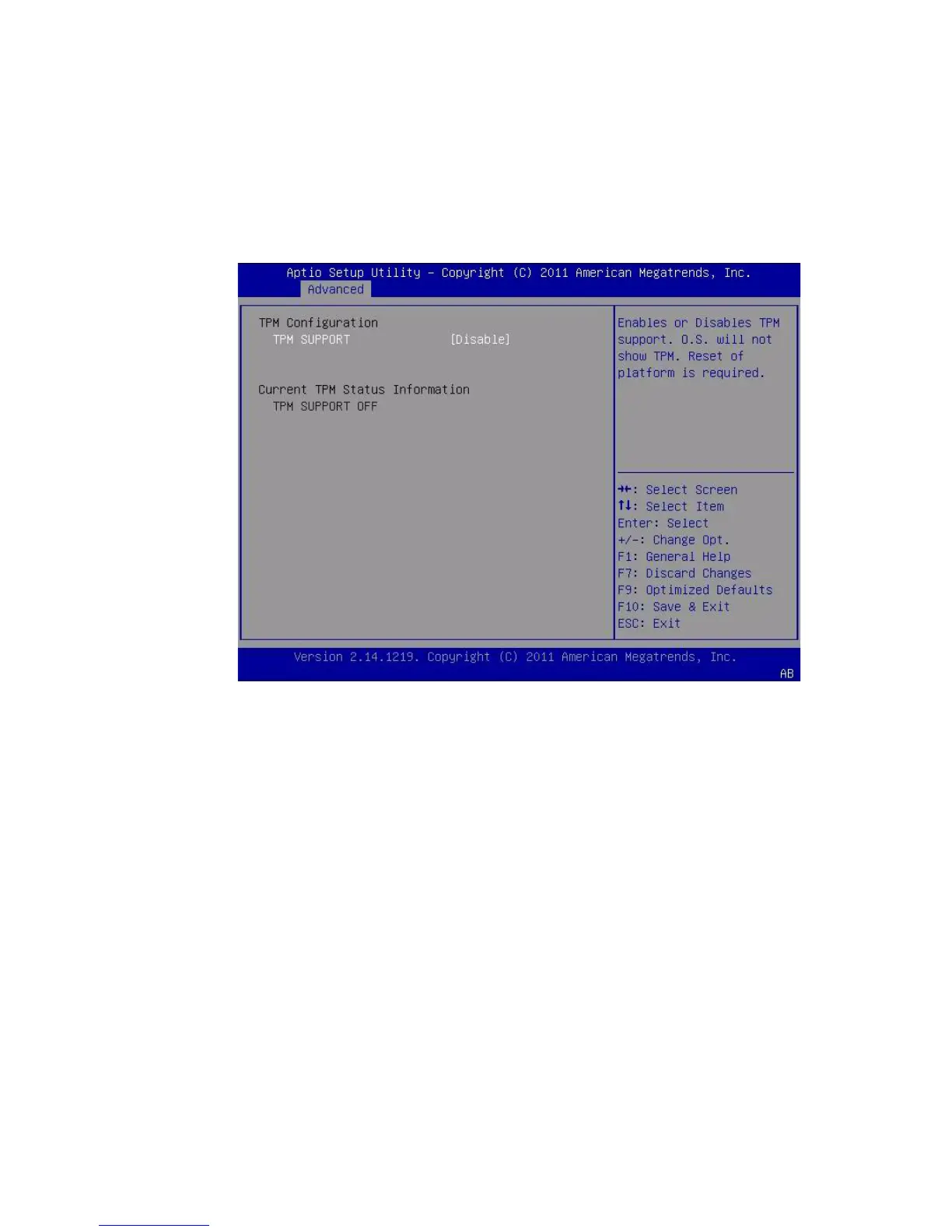
The TPM Configuration screen appears.
4. If the TPM State is listed as Disabled, select TPM Support and press Enter.
A TPM Support dialog box appears.



 To Next Page