8 Sun Server X4-2 Service Manual • May 2014
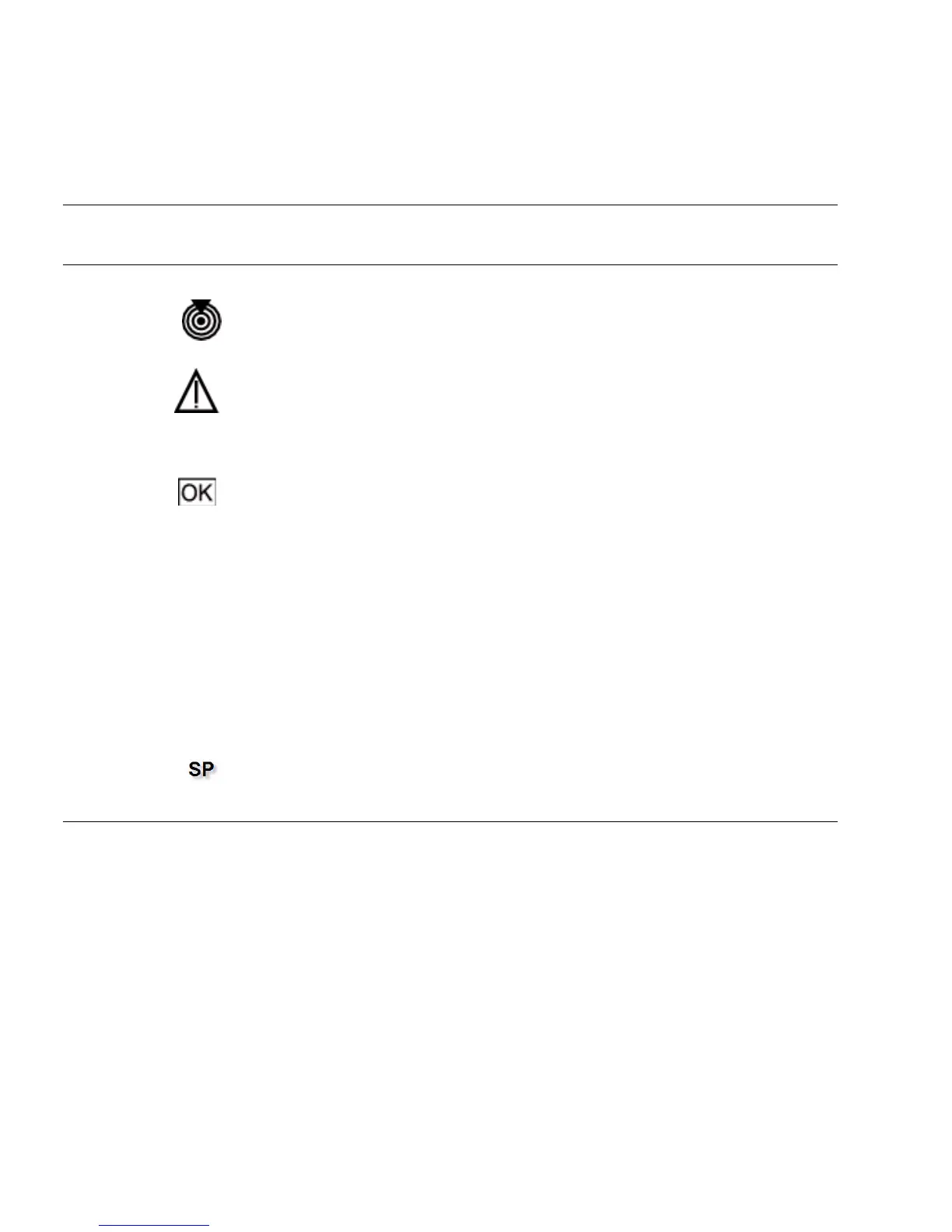
TABLE: Server General Status Indicators
Status
Indicator
Name Icon/Label Colors State Meaning
Locator LED
and button
White • OFF – Server is operating normally.
• FAST BLINK – Use Oracle ILOM to activate this LED to enable you to
locate a particular system quickly and easily.
• Pressing the Locate button will toggle the LED fast blink on or off.
Service
Required
Amber • OFF – The server is operating normally.
• STEADY ON – A fault is present on server. This LED lights whenever a
fault indicator lights for a replaceable component on the server.
Note - The lighting of this indicator is always accompanied by a system
console message that includes a recommended service action.
Power/OK Green Indicates the operational state of the chassis. This indicator can be in the
following states:
• OFF – AC power is not present or the Oracle ILOM boot is not complete.
• STEADY BLINK – Standby power is on, but the chassis power is off and
the Oracle ILOM SP is running.
• SLOW BLINK – Startup sequence has been initiated on the host. This
pattern should begin soon after you power on the server. This status
indicates either: (1) POST code checkpoint tests are running on the server
host system, or (2) the host is transitioning from the powered-on state to
the standby state on shutdown.
• STEADY ON – The server is powered on, and all host POST code
checkpoint tests are complete. The server is in one of the following
states: 1) the server host is booting the operating system (OS), 2) the
server host is running the OS.
SP OK Green • OFF – Service processor (SP) is not running.
• SLOW BLINK – SP is booting.
• STEADY ON – SP is fully operational.



 To Next Page