EasyManua.ls Logo

Swegon GOLD RX - User Manual

Swegon GOLD RX
196 pages
Print Icon
To Next Page IconTo Next Page
Loading...
GB.GOLDSKE.160901
www.swegon.com 1
We reserve the right to alter specifi cations without notice.
OPERATION AND MAINTENANCE INSTRUCTIONS FOR THE
GOLD RX/PX/CX/SD, GENERATION E
Applicable to program version 1.20 and newer versions
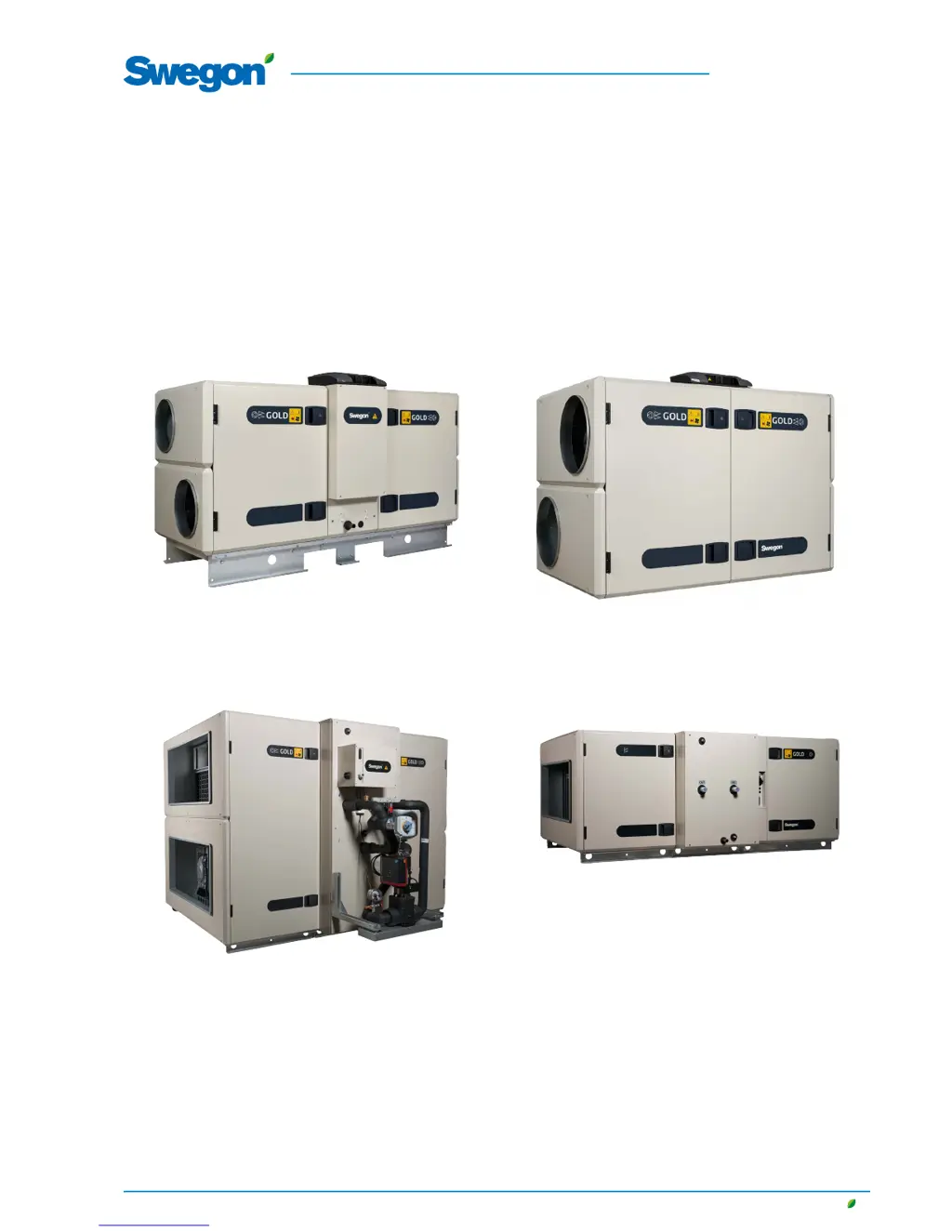
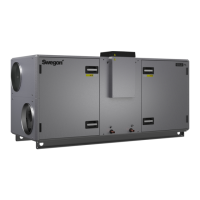
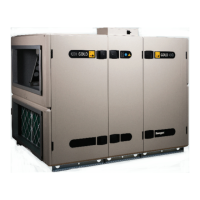
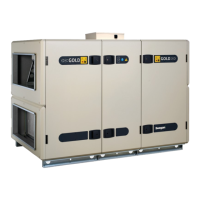
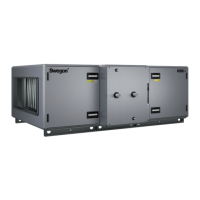
GOLD RXGOLD PX
The document was originally written in Swedish.
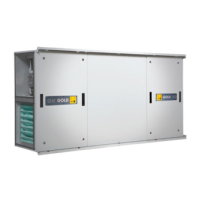
GOLD CX GOLD SD

Table of Contents

Other manuals for Swegon GOLD RX

Questions and Answers

  • V
    vjonesAug 30, 2025
    What to do if Swegon Air Handlers show extra regulation sequence 1 frost guard tripped?
    • P
      Philip ThompsonAug 31, 2025
      If the frost guard temperature sensor measures a temperature less than the preset alarm limit, select reset in the alarm log.
  • S
    schmidtcynthiaAug 29, 2025
    What to do if Swegon Air Handlers show supply air humidity sensor defective?
    • J
      John FreemanAug 29, 2025
      If the humidity sensor in the supply air duct is defective or not connected, select reset in the alarm log.
  • K
    Katie MitchellAug 28, 2025
    What to do if Swegon Air Handlers show coil heat exchanger temperature sensor defective?
    • D
      Dana HowardAug 28, 2025
      If the temperature sensor on the coil heat exchanger’s pipework package for the frost guard is defective or not connected, select reset in the alarm log.
  • M
    Michael BerryAug 27, 2025
    What to do if Swegon Air Handlers show external alarm no. 2 tripped?
    • M
      mike08Aug 27, 2025
      Select reset in the alarm log.
  • E
    Erika KingAug 26, 2025
    What to do if Swegon Air Handlers show external alarm no. 1 tripped?
    • J
      johnsonbriannaAug 27, 2025
      Select reset in the alarm log.
  • V
    Vincent HughesAug 25, 2025
    What to do if Swegon Air Handlers show internal fire alarm tripped?
    • M
      Mathew ArmstrongAug 26, 2025
      Select reset in the alarm log.
  • M
    Maria MillsAug 25, 2025
    What to do if Swegon Air Handlers show external fire alarm no. 2 tripped?
    • E
      Eric ReynoldsAug 25, 2025
      Select reset in the alarm log.

Summary

1. Safety Instructions

1.1 Safety Isolating Switch;Main Switch

Details the location and usage of the safety isolating switch for starting and stopping the unit.

1.2 Risks

Highlights potential risks associated with moving parts and general warnings before work.

3. Commissioning

3.1 General

Outlines the general sequence and procedures for commissioning the air handling unit.

4. IQnavigator Hand-held Terminal and Image Management

4.1 IQnavigator Hand-held Terminal

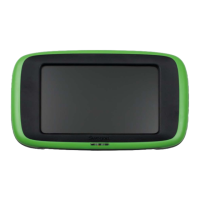
Describes the features, connections, buttons, and LEDs of the IQnavigator hand-held terminal.

5. User (local)

5.2 Filter Calibration

Details the process for calibrating filters after installation or replacement.

6. Installation

6.2 Main Setup

Guides through initial setup of time, date, airflow, and temperature settings.

6.3 Filter Calibration

Explains the procedure for filter calibration, crucial for system performance.

7. Maintenance

7.1 Filter Change

Provides instructions on how to remove and install filters, including ordering new ones.

8. Alarms and Troubleshooting

8.1 General

Explains how alarms are displayed, viewed, and reset.

Swegon GOLD RX Specifications

General IconGeneral
Fan typeEC fan
Heat recovery efficiencyup to 85%
Energy classA+
Heat recoveryRotary heat exchanger
Panel thickness50 mm
Frequency50 Hz
Protection classIP44
Control systemIntegrated
CasingGalvanized steel
FrameAluminum
Power consumptionvaries by model
Voltage230V
Weightvaries by model
Sound pressure levelVaries depending on model and configuration

Related product manuals