1-13
2345678
1
1
2
1-13
1.3. SETUP
1.3.5. Barcode reader (optional)
Scans the barcode on the sample collection tube and automatically enters the sample number into the system.
ID Barcode specifications
Barcode labels’ specifications must match the requirements for the barcode reader.
Symbol Check digit Number of digits
ITF
None
Modulus 10
Max. 14 digits (sample ID)
Max. 14 digits (sample ID) + 1 digit (check digit) = Max. 15 digits
NW-7
None
Modulus 11-16
Max. 15 digits (sample ID)
Max. 15 digits (sample ID) + 1 digit (check digit) = Max. 16 digits
CODE 39
None
Modulus 43
Max. 15 digits (sample ID)
Max. 15 digits (sample ID) + 1 digit (check digit) = Max. 16 digits
CODE 128 Modulus 103 Max. 15 digits (sample ID) + 1 digit (check digit) = Max. 16 digits
JAN-8 Modulus 10 Max. 7 digits (sample ID) + 1 digit (check digit) = Max. 8 digits
JAN-13 Modulus 10 Max. 12 digits (sample ID) + 1 digit (check digit) = Max. 13 digits
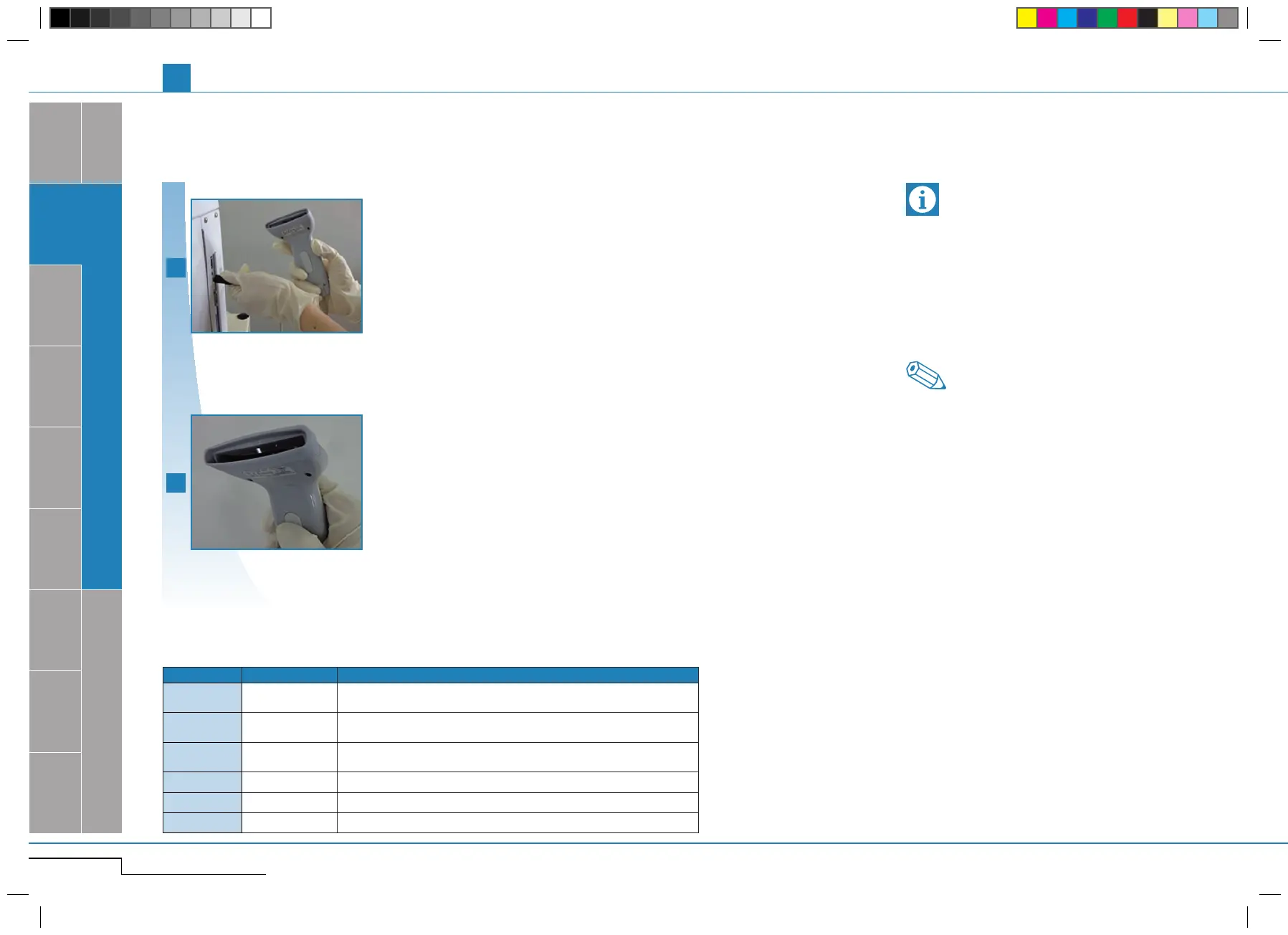
Plug cable into "BR" connection.
Plug cable into "BR" connection.
Turn the main switch ON, press
the trigger switch and check red
LED.
Turn the main switch ON, press the trigger
switch and check red LED.
•Disconnect theinstrument‘smainsbefore con-
necting the peripheral device. Else, the two de-
vices may not interchange any data.
•Inidentifyingpatientsamples,maximumintegrity
of data is required.
To avoid barcode identification mistakes, use a
check digit whenever the sample barcode is used.
If a check digit is not used, the chances of the bar-
code being misread increase.
Note
The barcode reader is not included as a standard
accessory. Refer to the barcode reader manual
for detailed information on the connection of the
barcode reader.
Important
pocH-100
i
Revised April 2013
SYSTEM OVERVIEW, TECHNICAL INFORMATION & SETUP
INTRODUCTION



 To Next Page