5-5
1234 678
5
pocH-100
i
Revised June 2008
SETTINGS & CALIBRATION
INTRODUCTION
5.1. SETTINGS
Parameter Selection
QC Method
(X
_
);
L- J
Data Output
Disable;
Print;
HC;
Print + HC
Choose the control method meeting your laboratory‘s internal regulations:
• L-J Levey-Jennings control method (initial factory setting):
Only one control blood analysis is performed and compared with the expected range.
• X
_
control method:
Two consecutive analyses are performed and the mean values are compared with the
expected range.
Select Quality Control and data output method.
5.1.2.4. QC settings
Note
The underscored items are factory set-
tings.
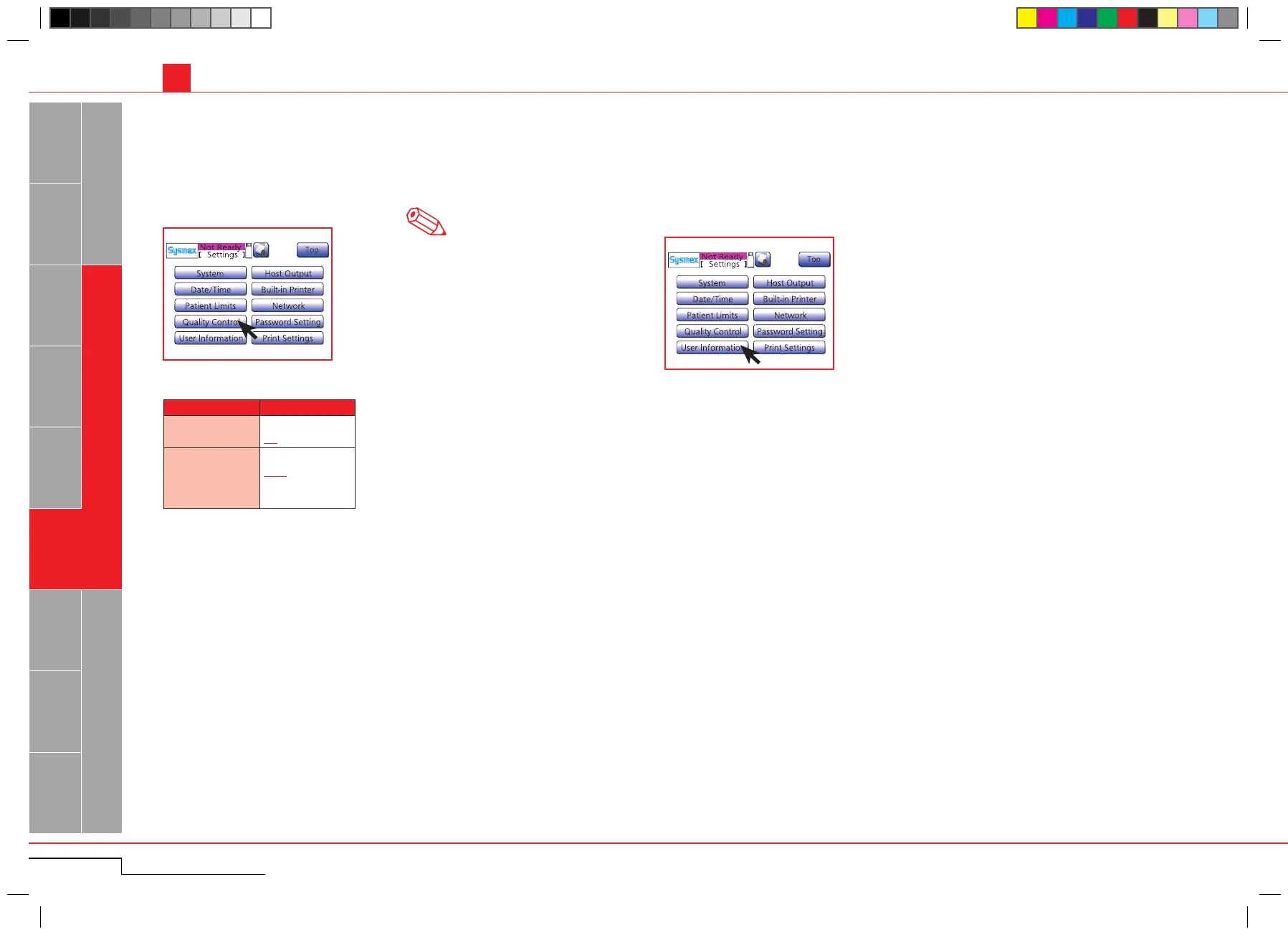
Press "Menu" > "Settings" > "Quality Control".
5.1.2.5. User information settings
If s ev eral p ocH-10 0
i
are connected to a host computer, a unique naming can be set to identify each
instrument.
Press "Menu" > "Settings" > "User Informa-
tion".
Press "Menu" > "Settings" >
"Quality Control".
Press "Menu" > "Settings" >
"User Information".



 To Next Page