5-4
1234678
5
pocH-100
i
Revised June 2008
SETTINGS & CALIBRATION
INTRODUCTION
5.1.2.2. Date/Time
For standard or daylight saving time, the clock must be set manually.
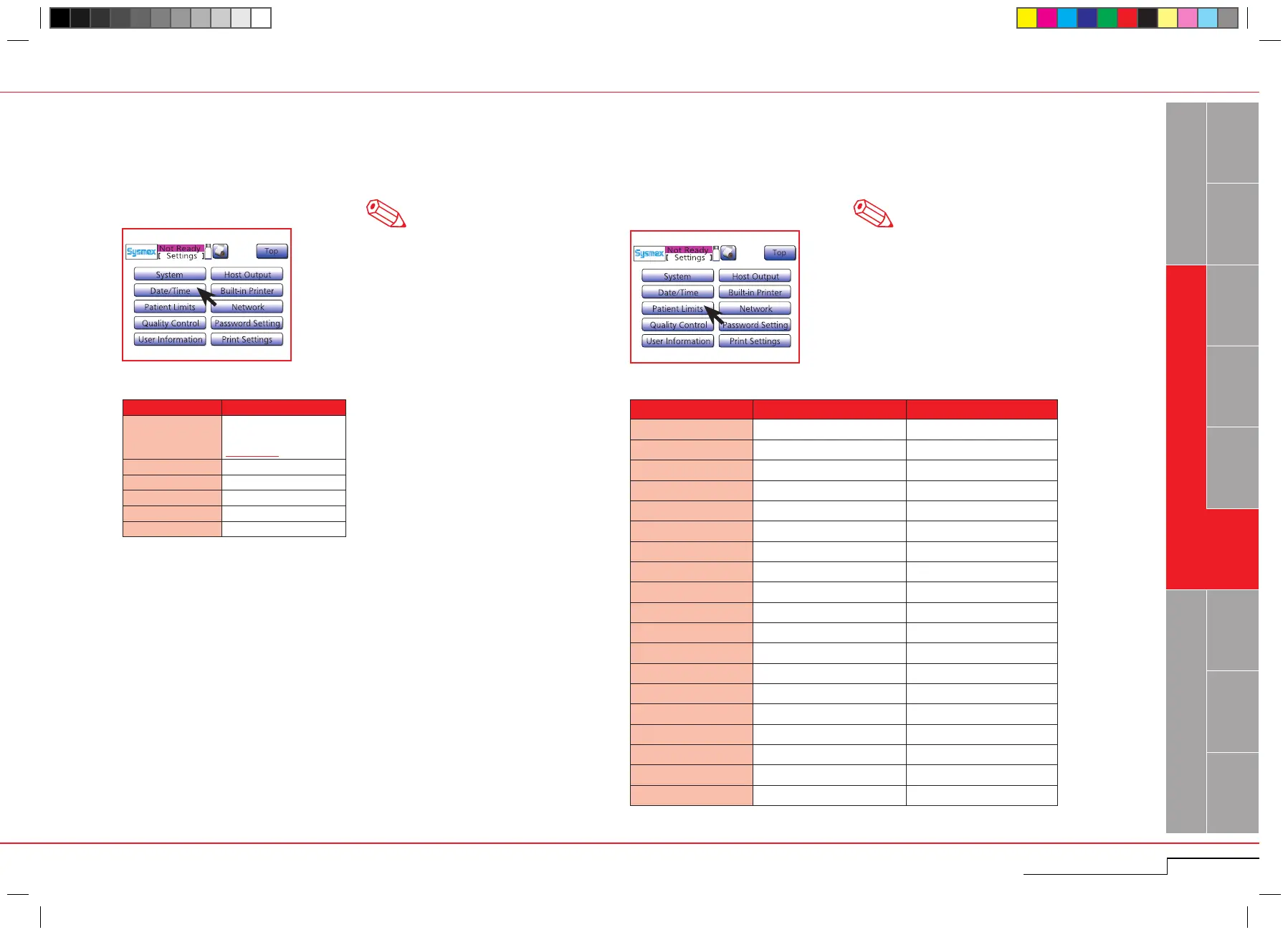
Press "Menu" > "Settings" > "Date/Time".
Press "Menu" > "Settings" > "Patient Limits".
Enter the upper and lower limit marks for the patient results.
5.1.2.3. Patient Limits
Note
The underscored items are factory set-
tings.
• The listed values are the initial settings
made before shipment from the fac-
tory.
• If LL or UL that satisfy the following
conditions was entered in the Patient
Limit setting screen, a beep sounds
and the entering is canceled.
- LL is higher than UL.
- UL is lower than LL.
Note
Parameter Setting
Format
yy/mm/dd;
mm/dd/yy;
dd/mm/yy
Year 2000 – 2037
Month 1 – 12
Day 1 – 31
Hour 0 – 23
Minute 0 – 59
Parameter LL (Lower Limit) UL (Upper Limit)
WBC 3.0 15.0
RBC 2.50 5.50
HGB 8.0 1 7. 0
HCT 26.0 50.0
MCV 86.0 110.0
MCH 26.0 38.0
MCHC 3 1. 0 3 7. 0
PLT 50 400
RDW-SD 3 7. 0 54.0
RDW-CV 11. 0 16.0
LYM% (W-SCR) 5.0 55.0
MXD% (W-MCR) 1. 0 20.0
NEUT% (W-LCR) 45.0 95.0
LYM# (W-SCC) 0.0 0.0
MXD# (W-MCC) 0.0 0.0
NEUT# (W-LCC) 0.0 0.0
MPV 9.0 13.0
PDW 9.0 1 7. 0
P-LCR 13.0 43.0
Press "Menu" > "Settings" >
"Date/Time".
Press "Menu" > "Settings" > "Pa-
tient Limits".



 To Next Page