1-17
2345678
1
1
2
1.3. SETUP
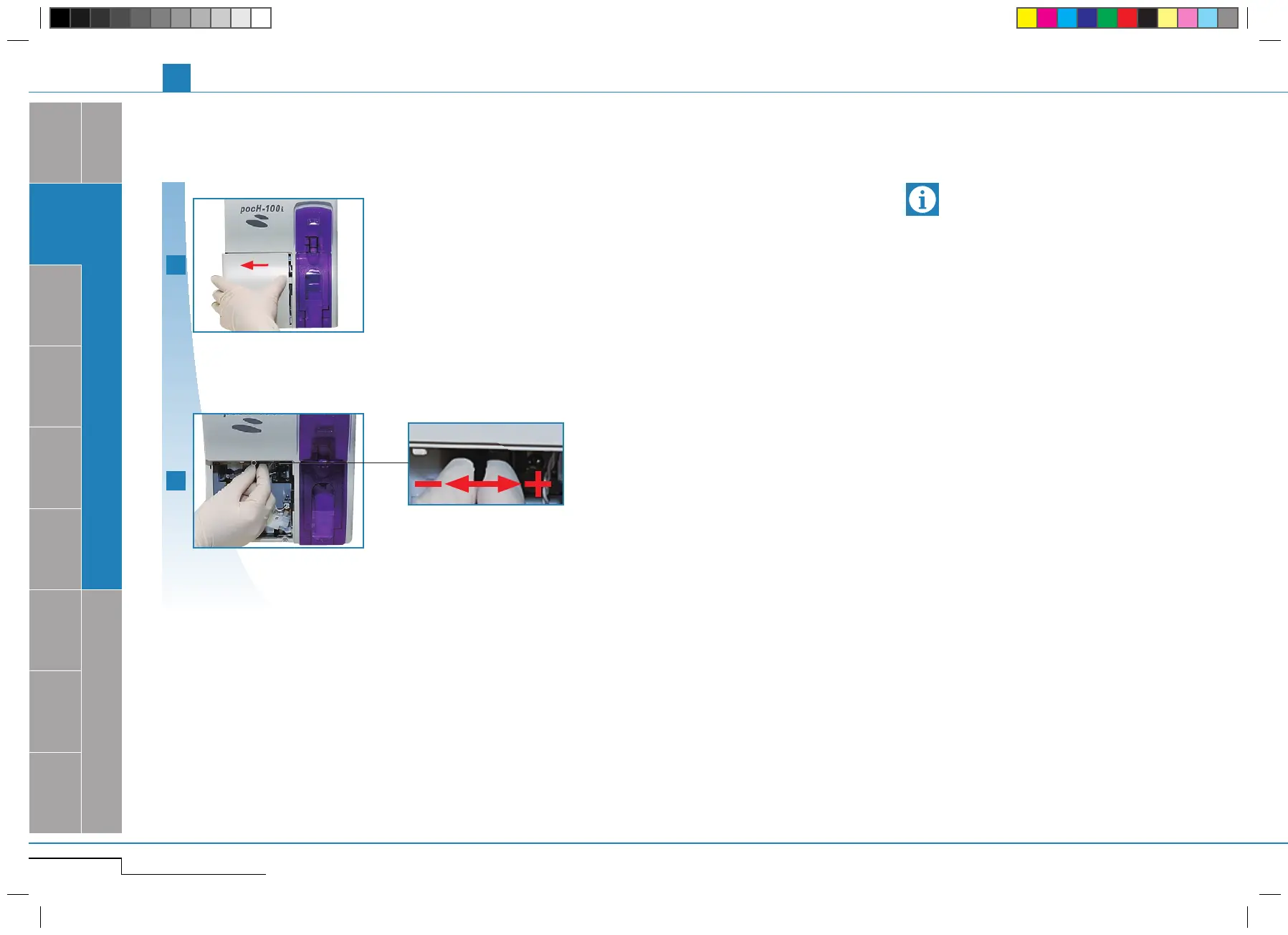
Open front cover.
Open front cover.
Adjust contrast.
Adjust contrast.
darker brighter
1.3.10. LCD contrast
If no operation is performed on the LCD screen for
a certain period of time, the LCD backlight will de-
crease automatically to save power (backlight sav-
ing timer function). Touch the LCD screen to relight.
Adjust the LCD contrast to your comfort.
Important
pocH-100
i
Revised June 2008
SYSTEM OVERVIEW, TECHNICAL INFORMATION & SETUP
INTRODUCTION



 To Next Page