2-3
ANALYSIS
1 345678
2
ABC DEF
JKL MNOGHI
TUV WXYPRS
-CQZ
alph
Ent.
ALPH
Ent.
C
3
6
9
-
2
5
8
0
1
4
7
pocH-100
i
Revised June 2008
ANALYSIS
INTRODUCTION
2.1. ANALYSIS
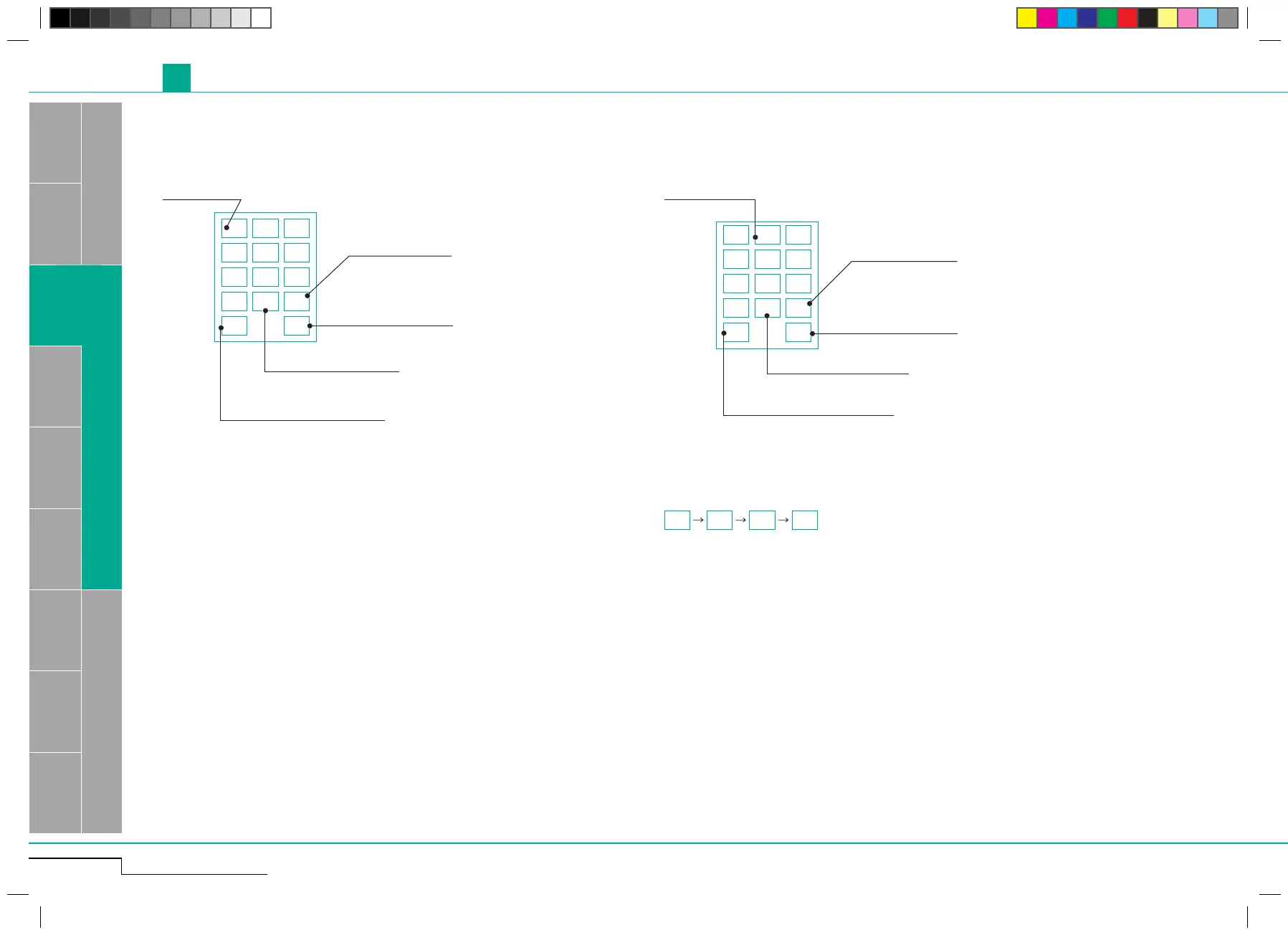
2.1.2. Numerical keys dialog 2.1.3. Alphabetical keys dialog
Enter numerals.
Change between
small letters/capitals/numerals.
Erase one character.
Confirm a value and
close the dialog.
Change between
small letters/capitals/numerals.
Erase one character.
Confirm a value and
close the dialog.
Enter letters.
If you want to enter two letters which are located on the same
button one after another, confirm your input by pressing "Ent."
after entering the first letter.
For example: desired input "AB".
Enter symbols.
Enter symbols.
Ent.
A
B
Ent.



 To Next Page