5-8
1234678
5
pocH-100
i
Revised June 2008
SETTINGS & CALIBRATION
INTRODUCTION
5.1.2.8. Network settings
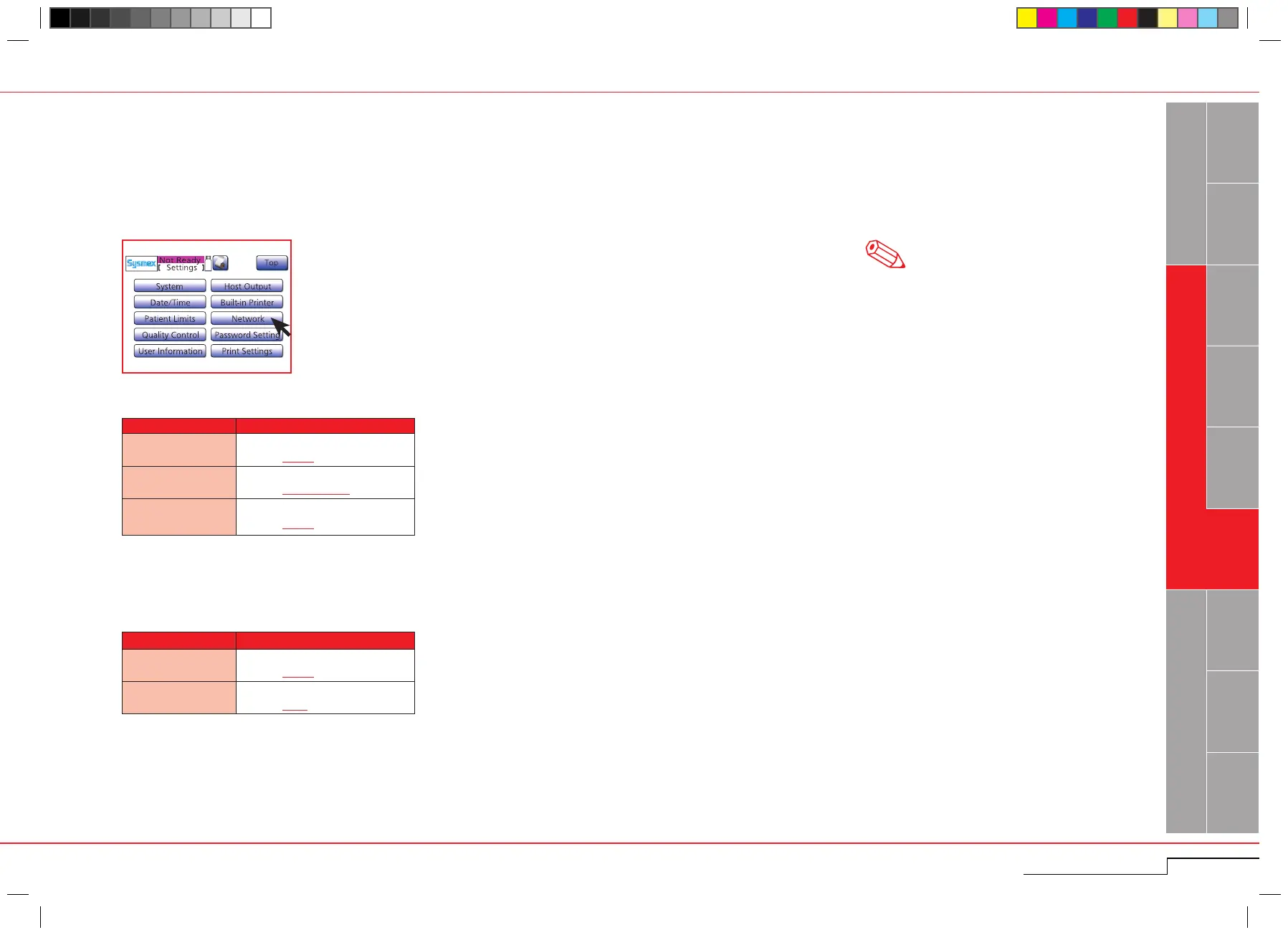
Address and other necessary settings can be entered for use of LAN port to communicate with a host computer. In addition, the MAC address can be viewed on this screen.
Press "Menu" > "Settings" > "Network".
Parameter Setting
IP Address
0 – 255 (common to all columns)
Default: 0.0.0.0
Netmask
0 – 255 (common to all columns)
Default: 255.255.255.0
Default Gateway
0 – 255 (common to all columns)
Default: 0.0.0.0
Parameter
Setting
IP Address
0 – 255 (common to all columns)
Default: 0.0.0.0
Port Number
0 – 9999
Default: 3000
Instrument side
Host side
Press "Menu" > "Settings" >
"Network".
Note
The underscored items are factory settings.



 To Next Page