5-3
1234 678
5
SETTINGS & CALIBRATION
INTRODUCTION
pocH-100
i
Revised June 2008
5.1. SETTINGS
5.1.2. Possible settings
Important
It is not possible to convert the stored data from
Dutch SI units to other units for the following 3 pa-
rameters: HGB, MCH, MCHC.
Do not use stored sample data which was saved
before changing the settings. In addition, renew
settings for patient limits, and for quality control
TARGET and LIMIT values.
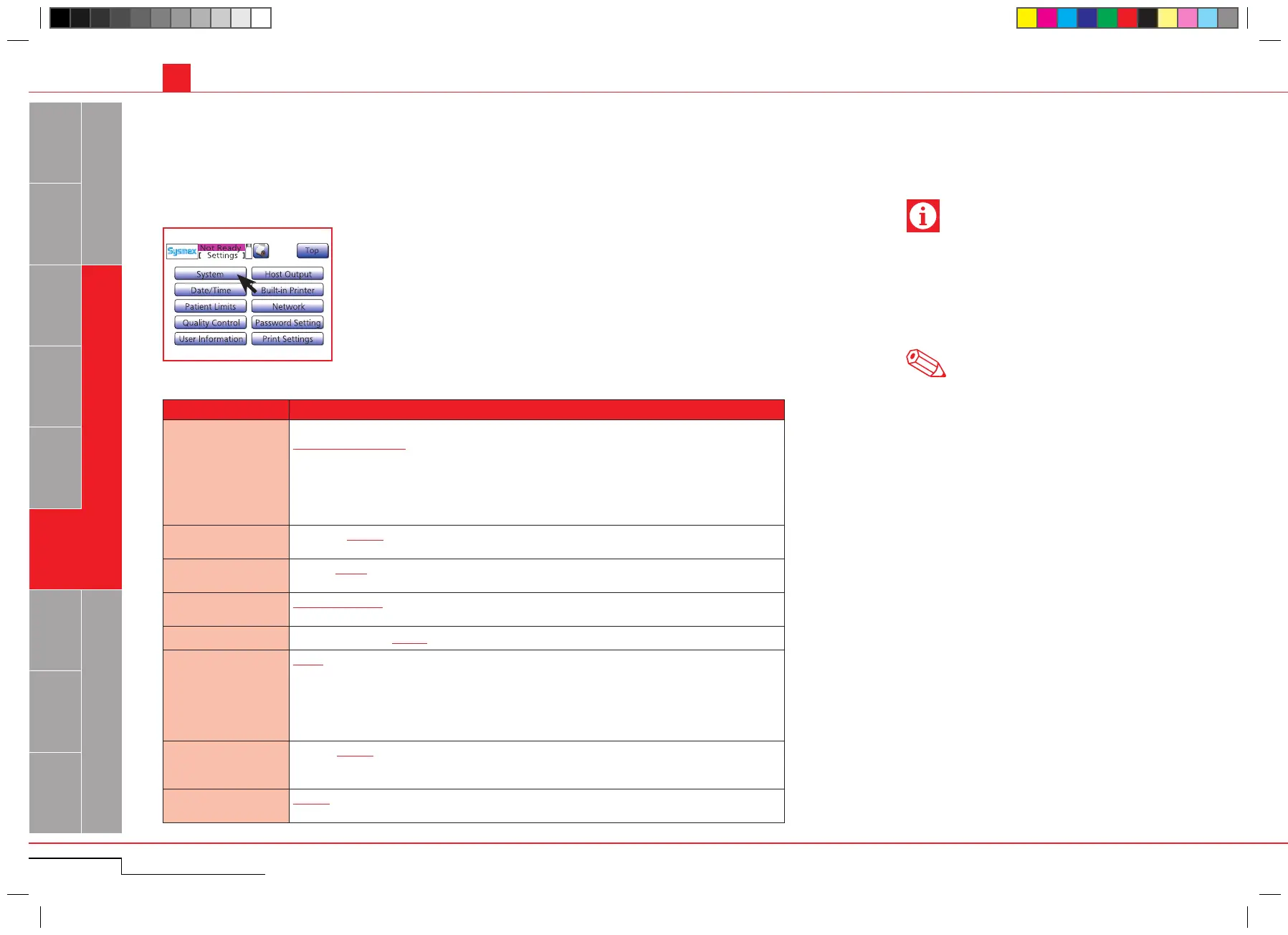
Press "Menu" > "Settings" > "System".
Press "Menu" > "Settings" >
"System".
Parameter Setting
Units
Type1: Japan
Type2: General Export
Type3: Canada SI
Type4: Dutch SI
Type5: Standard SI
Type6: Hong Kong SI
Settings for this parameter will come into effect the next time the main switch is turned ON.
Language
Japanese; English; French; German; Spanish; Italian
Settings for this parameter will come into effect the next time the main switch is turned ON.
Parameter Name
W-SCR; LYM%
Settings for this parameter will come into effect the next time the main switch is turned ON.
Blood collection tube
STANDARD TYPE: Standard sample tube
SARSTEDT TYPE: S-MONOVETTE (SARSTEDT) sample tube
Alarm sound volume
1 Quiet; 2 Medium; 3 Loud
Timbre
Type1: High continuous beep
Type2: Repeated high beeps
Type3: Repeated high two-tone beeps
Type4: Low continuous beep
Type5: Repeated low beeps
Type6: Repeated low two-tone beeps
ISBT128
Enable / Disable
When ”Enable” is selected, the ISBT128 barcode will be loaded as a sample ID number with up
to 13 characters.
ID Inc.
Disable / Enable
When ”Enable” is selected, the sample ID will be incremented automatically.
5.1.2.1. System setup
The underscored items are factory settings.
Note



 To Next Page