V/D
S
ERIES
S
ERVICE SOFTWARE
6-4 Revision: 2.1
6.1.2 Installation
The software is installed as normal in Windows by launching the set-up
program.
An installation wizard then guides you through each step of the
installation.
Aborting the installation!
The installation can be aborted during steps 1 to 5. To do this,
click “Exit Setup”.
• Start the installation by running the “Setup.exe” file in the directory on
the installation CD.
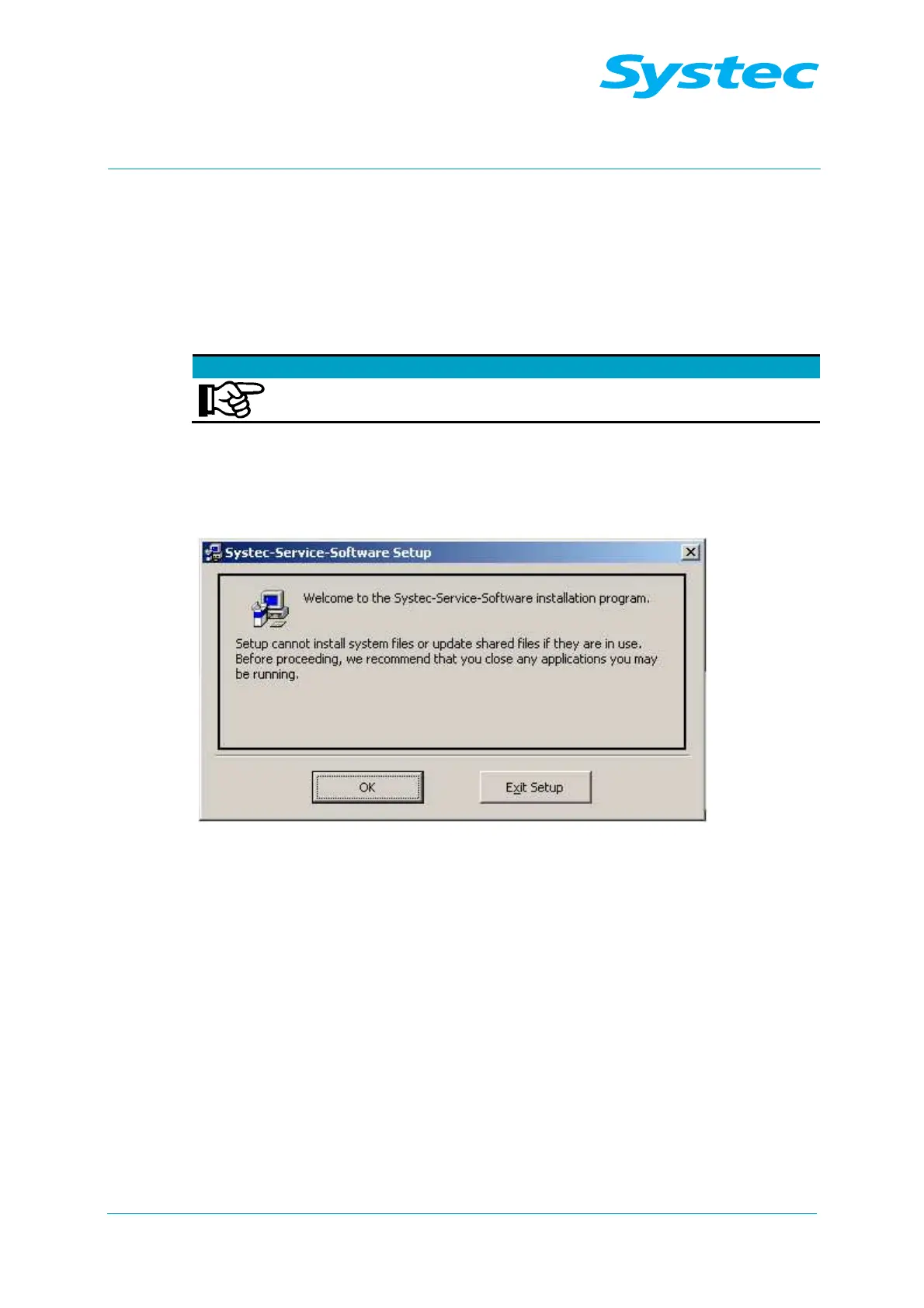
The installation wizard appears:
Fig. 1: Installation wizard: Start
• Click “OK”.



 To Next Page