V/D
S
ERIES
S
ERVICE SOFTWARE
6-6 Revision: 2.1
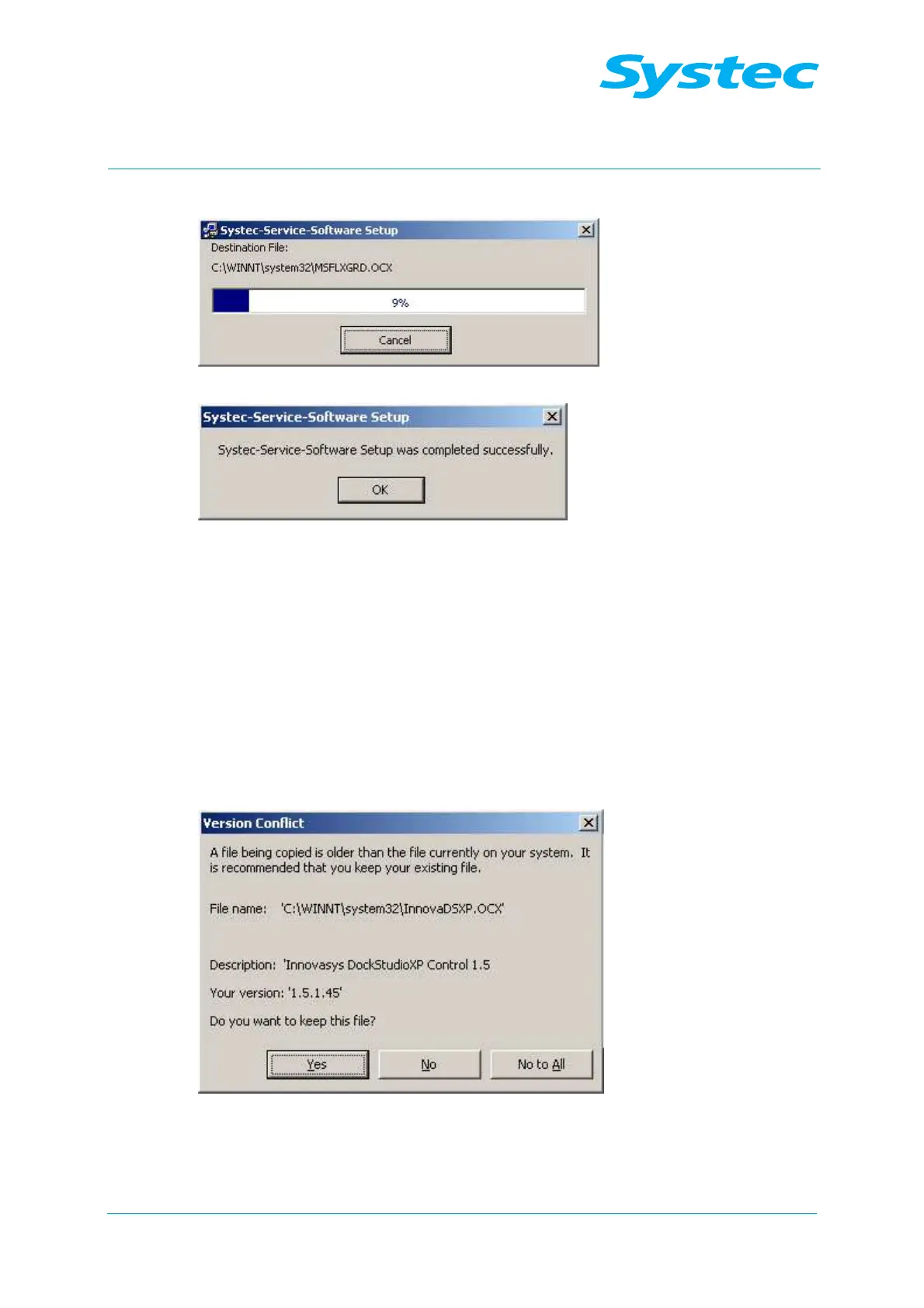
The files are installed and the registry is updated:
Fig. 4: Installation wizard: Installing the files
Fig. 5: Installation wizard: Completing the installation
• Click “OK” to complete the installation.
6.1.3 Updating an existing installation
The current version of the Systec service software includes all the
standard functions from earlier versions.
Recommended procedure:
• Uninstall the old version as described below.
• Install the new version.
Existing files may be overwritten in this case:
Fig. 6: Installation wizard: Overwriting existing files
• Click “Yes” if you want to keep the old files.



 To Next Page