V/D
S
ERIES
S
ERVICE SOFTWARE
6-10 Revision: 2.1
Dial delay
For modem connections only.
This is the delay time [s] before redialling if a connection
attempt fails.
Connection delay
For modem connections only.
The maximum number of attempts to establish a
connection.
Proceed as follows:
• Check the communication parameters and change them as necessary.
• Click “Save” to save the changes.
• Click “Back” to quit the dialogue.
You will return to the Systec service software start window.
6.2.3 Establishing a connection
• Click “Connect” to establish the connection to the device using the
configured communication parameters.
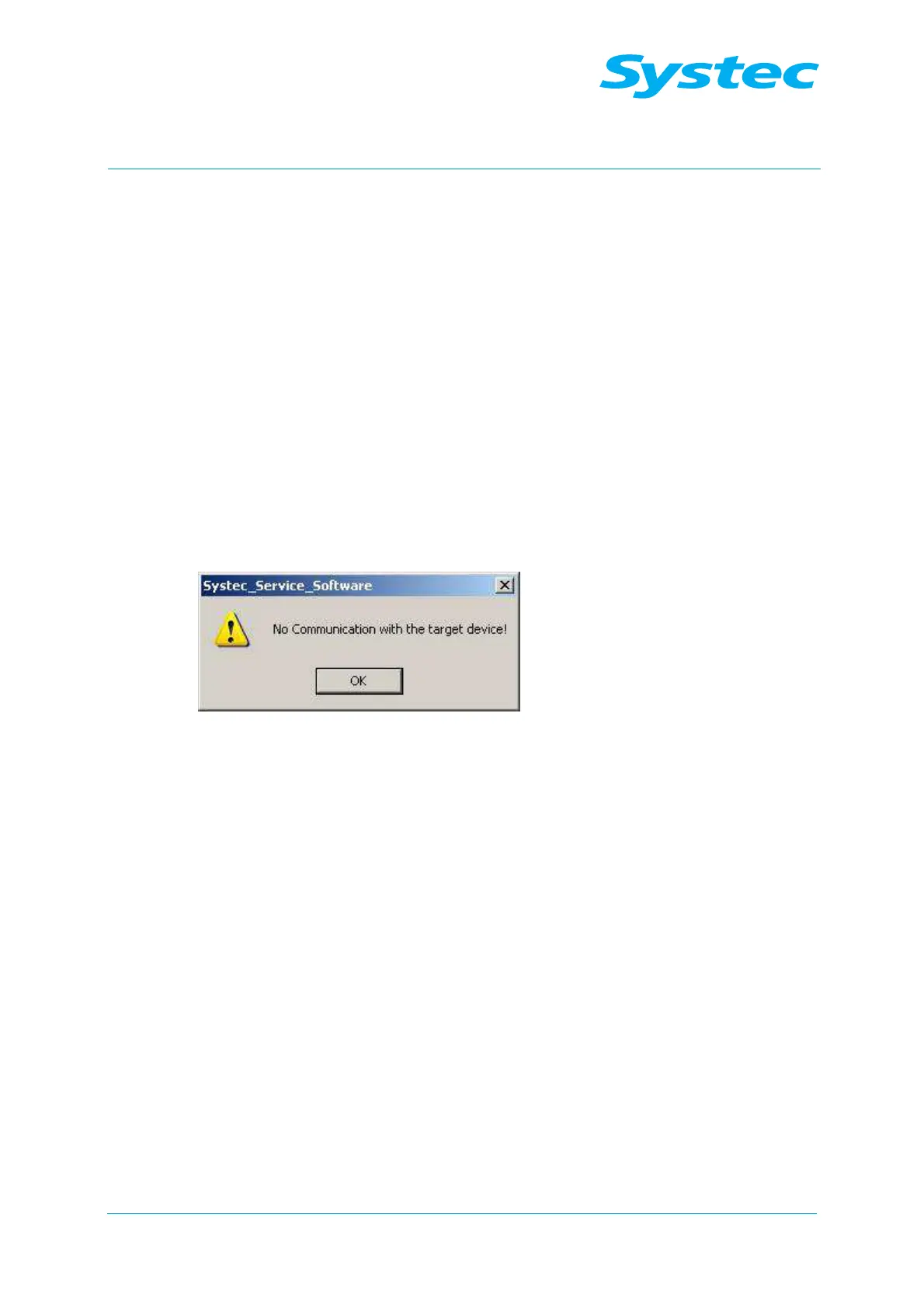
If no connection can be established, an error message appears:
Fig. 9: Error message “No communication with the target device!”
• Click “OK”.
• Check the communication parameters as described above.



 To Next Page