V/D
S
ERIES
S
ERVICE SOFTWARE
Revision: 2.1 6-21
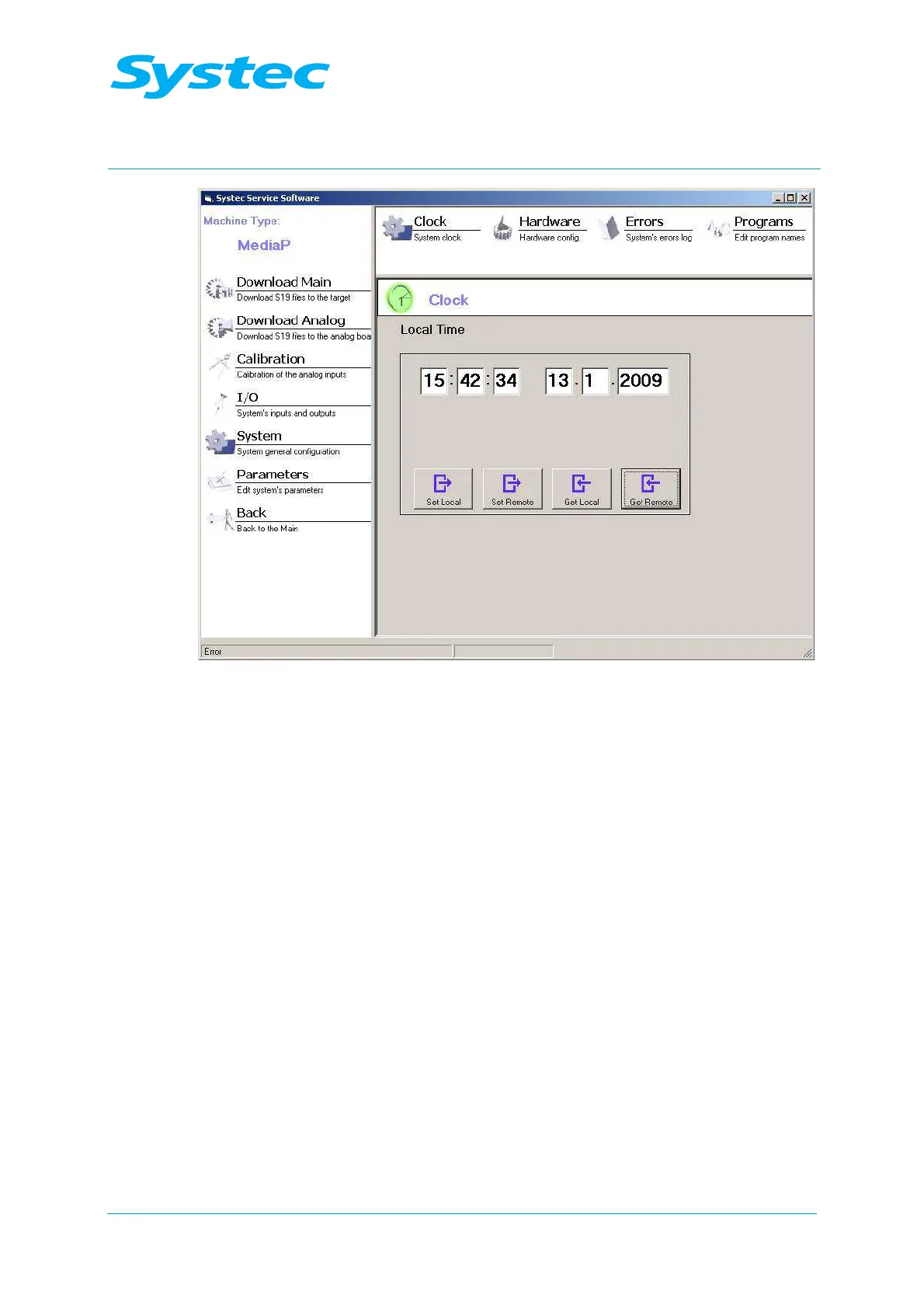
Fig. 16: Systec service software: Clock
The following options are available:
Local Time
The current time and date are displayed. When the dialogue
is called up, this is the current system time on the PC. You
can change the values manually.
Set Local
button
The values shown in the “Local Time” fields overwrite the
current system time from the connected PC.
Set Remote
button
The values shown in the “Local Time” fields overwrite the
current system time of the device.
Get Local
button
The values shown in the “Local Time” fields are overwritten
by the current system time from the connected PC.
Get Remote
button
The values shown in the “Local Time” fields are overwritten
by the current system time of the device.



 To Next Page