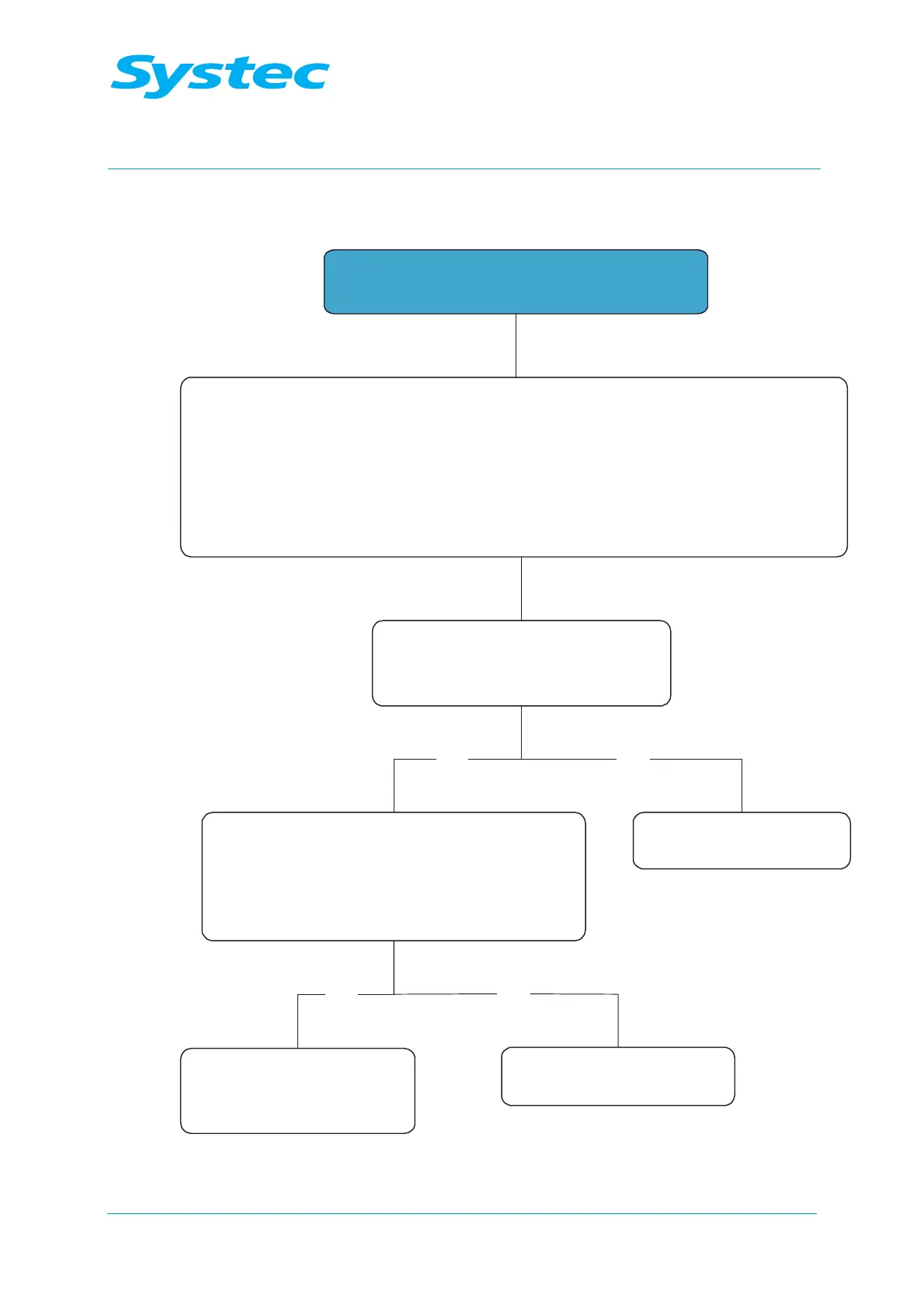
Error message: Sensor Error
Replace defective sensor,
check connecting wires:
Error rectified?
Perform a test run
Check the gain and offset values in the
calibration menu
(
see chapter 5.2, “Calibration and adjustment”)
Enter these values again if they have been
deleted (if not available, they can be requested
from Systec)
YesNo
Perform a test run
Replace analogue board
AS1002/AES1002 or
check the power supply
Yes
No
Use the “Analog inputs” menu to find the defective sensor, or start a test run
to identify the faulty sensor in the event of sporadic errors.
- Defective pressure sensor: Displayed value is min. = 000 kPa or max. > 550 kPa
- Defective temperature sensor: Displayed value is min. < 5 °C or max. > 155 °C
This error is triggered by the pressure or temperature sensor on the chamber.



 To Next Page