V/D
S
ERIES
S
ERVICE SOFTWARE
Revision: 2.1 6-9
6.2.2 Setting the communication parameters
• Click “Settings” to check and set the communication parameters.
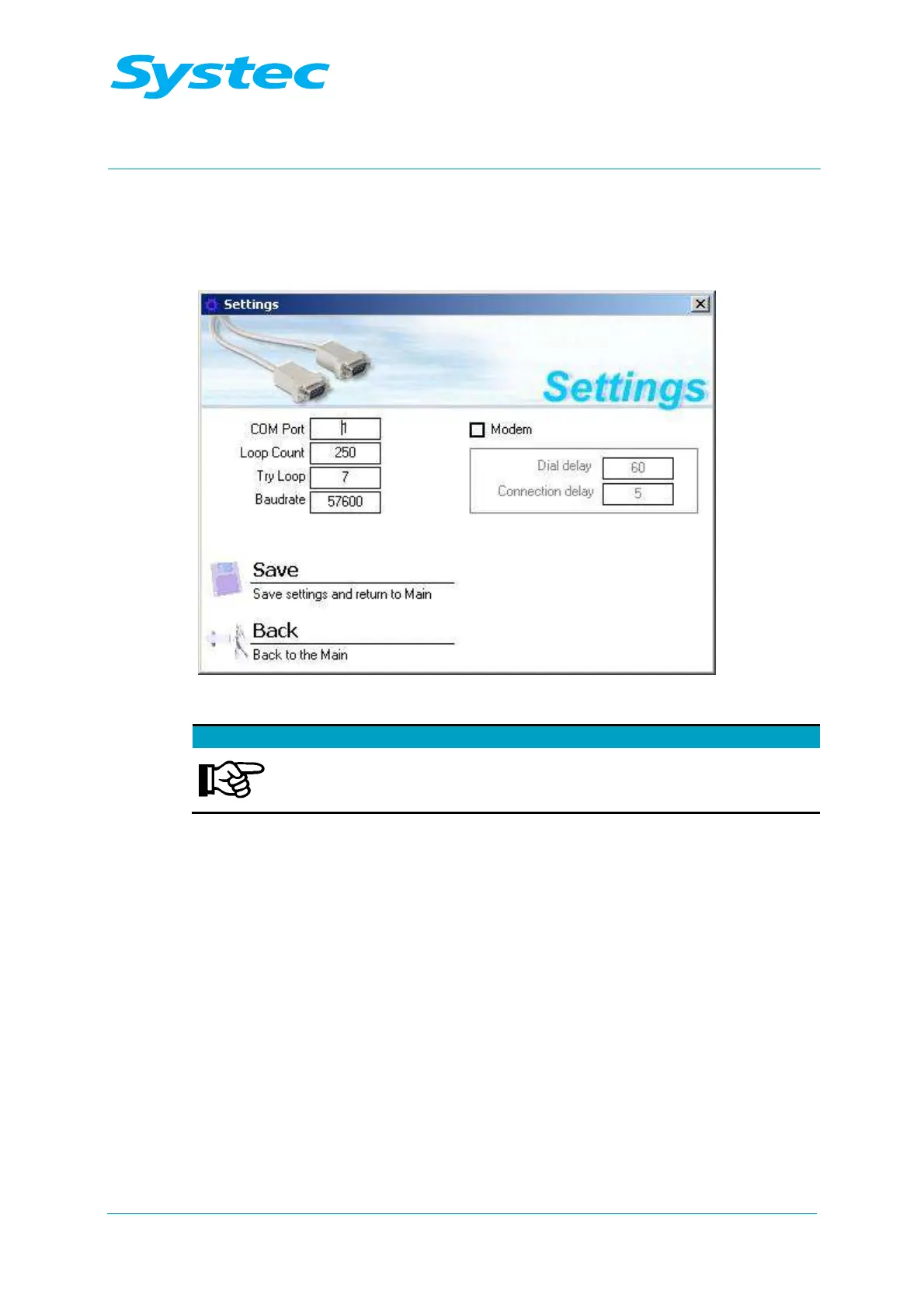
The “Settings” dialogue appears.
Fig. 8: Systec service software: Settings
Communication parameters to be checked in normal cases:
From the connection options offered, you normally only need to
adjust the “Com Port” and the “Loop Count” (value = 150)
parameters.
The following options are available:
COM Port
Specifies which COM port is used on the PC (usually
1 or 2)
Loop Count
Delay until another attempt is made to establish a
connection, should an attempt fail [ms].
This value must be set to 150.
Try Loop
The maximum number of attempts to establish a
connection.
This value does not normally need to be changed.
Baudrate
The data transfer speed [baud].
This value does not normally need to be changed.
Modem check box
This is a special case.
If a connection is to be established via a modem, you
must activate this check box.



 To Next Page