V/D
S
ERIES
S
ERVICE SOFTWARE
Revision: 2.1 6-29
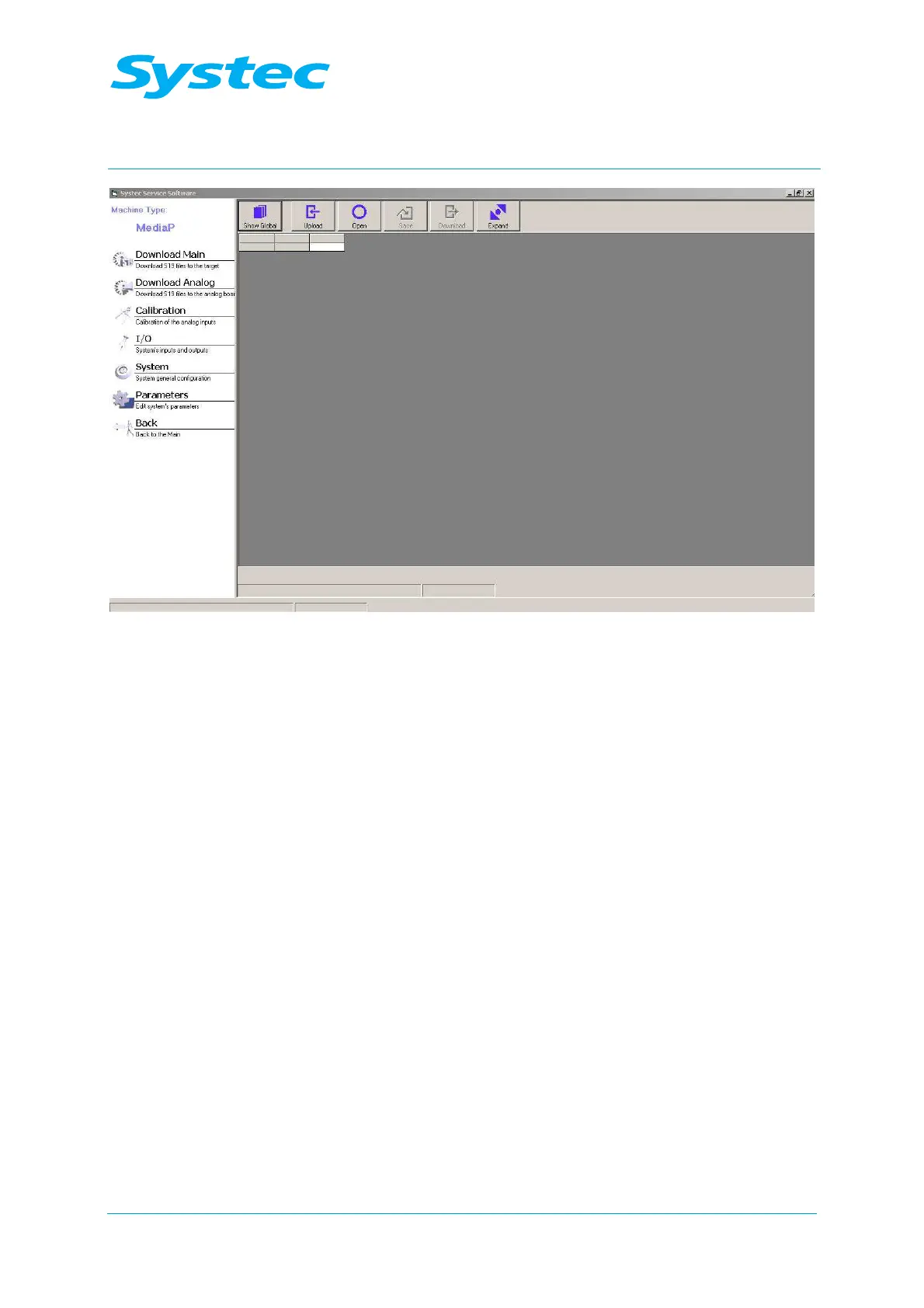
Fig. 21: Systec service software: Parameters
The following options are available:
Show Global/
Show Cycle
button
Switches the view between cycle and global.
Upload
button
Loads the current set of parameters from the device to
the PC.
Open
button
Loads a set of parameters stored on the PC (mdb file).
Save
button
Saves the current set of parameters on the PC (mdb
file).
Download
button
Writes the current set of parameters to the device
memory.
Expand / Shrink
button
Switches between the short and long view.
Parameter table
The displayed parameters can be changed manually.



 To Next Page