V/D
S
ERIES
S
ERVICE SOFTWARE
6-24 Revision: 2.1
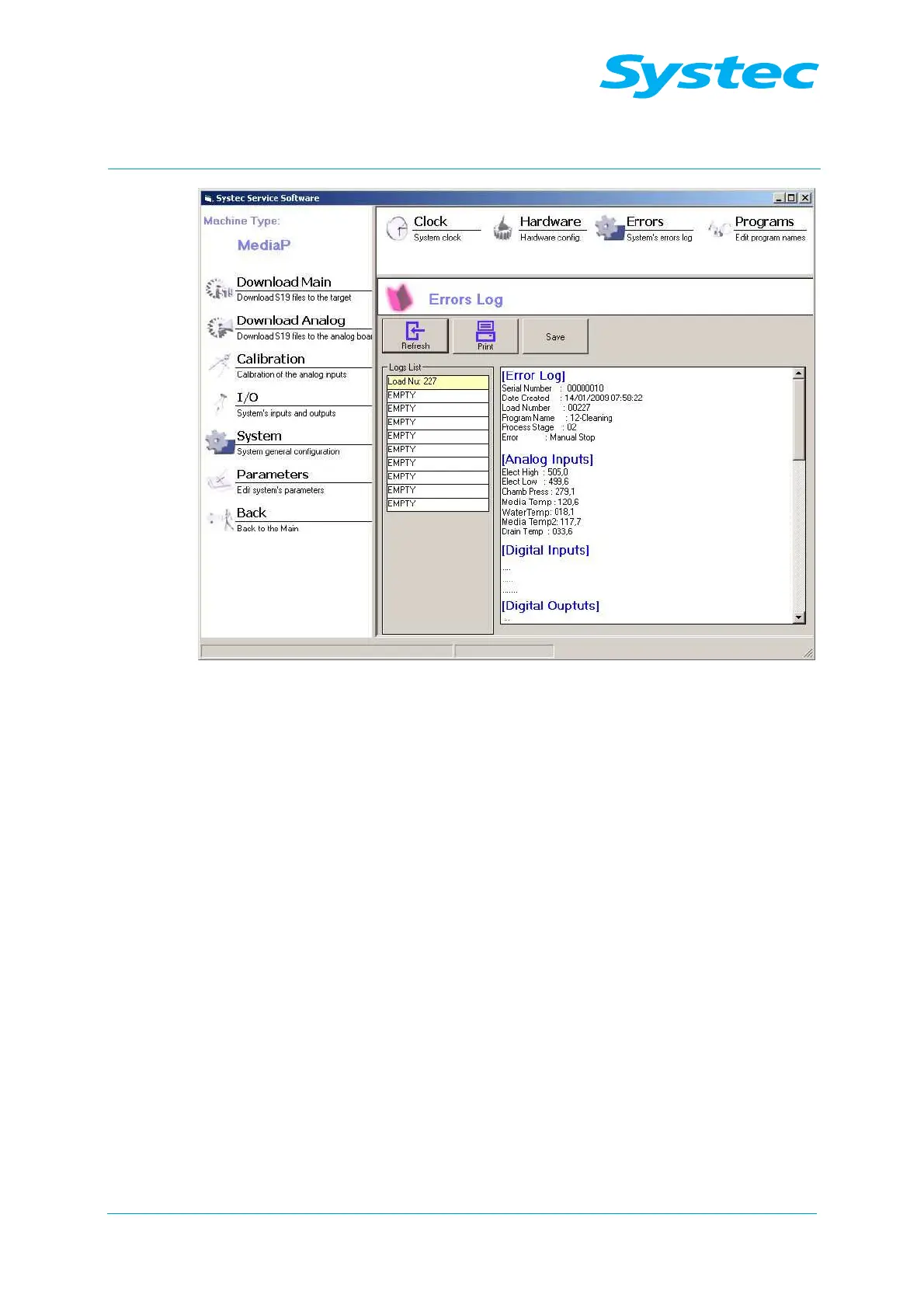
Fig. 18: Systec service software: Errors
The following options are available:
Refresh
button
Refreshes the error list.
Print
button
Prints out the error log of the selected error.
Save
button
Saves the error log as an rtf file.
Logs List
Shows the batch numbers of the last ten errors. Select
an error here to see the corresponding error log in the
field beside it.
Programs
The program names can be displayed and modified. The following options
are available:
− Select the language.
− Display and modify the program names for a selected language.
− Display and change the access level for each program.



 To Next Page