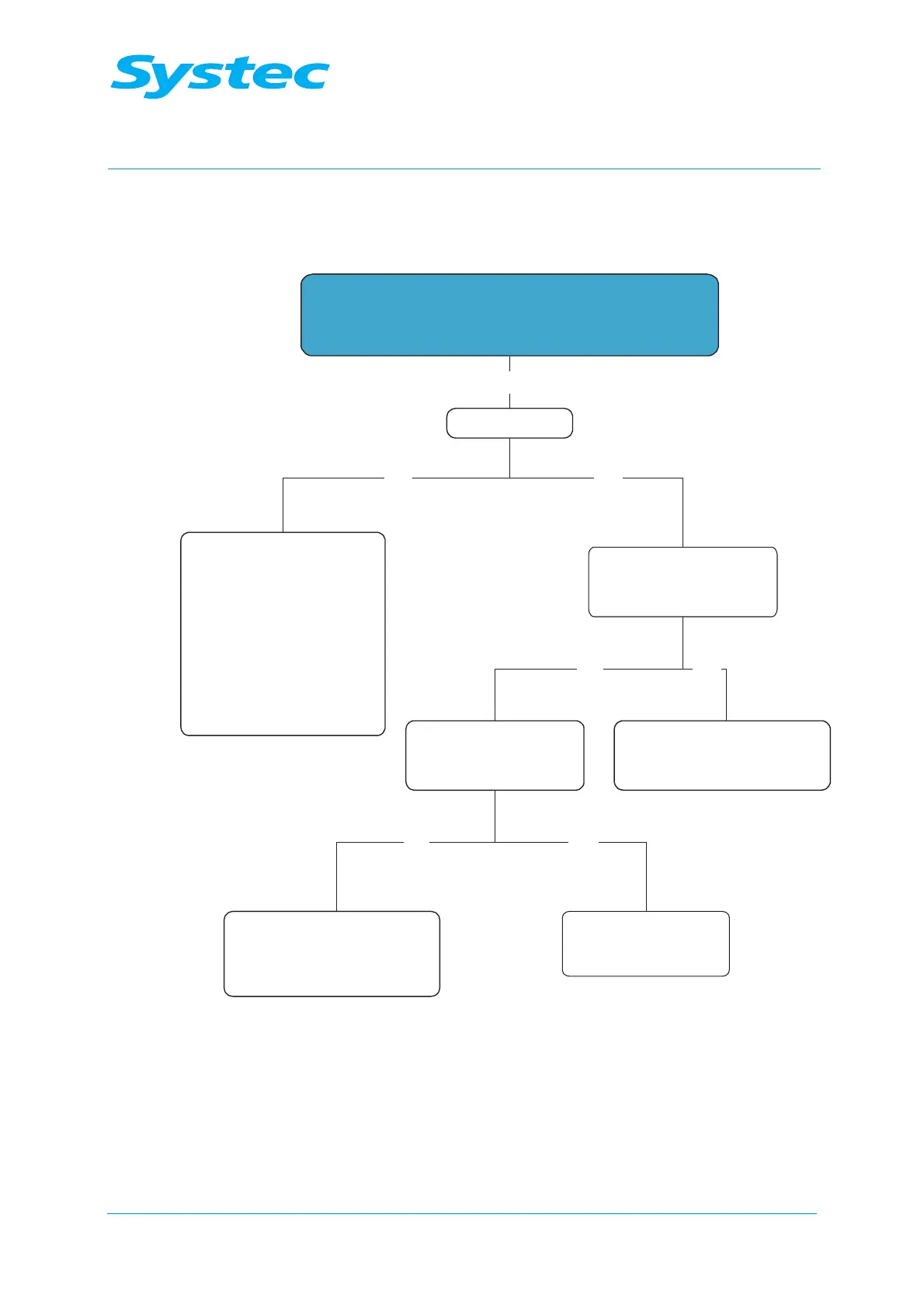
Switch on the device using the main switch:
- “Loading wait...” appears
- Signal tone present
Clock running?
- Check digital circuit board
DS1002 and replace,
if necessary
- Check control unit panel
and replace, if necessary
- Check connection cable of
control unit panel
and replace, if necessary
Program can be started?
- “Ready” in display
Wait for error message and
rectify and rectify any errors
according to the error message
After attempting to start the
program, follow the instructions
and rectify any errors
according to the error message
Door open and
cannot be locked
Check the door lock
see chapter 3.3,
“Door lock”
YesNo
YesNo
YesNo
Yes
- Door closed



 To Next Page