V/D
S
ERIES
M
ECHANICAL ASSEMBLIES
3-44 Revision: 2.1
3.4 Door cladding
In order to access the microswitches on the door lock, the control panel
(V series only) and the motor on the radial fan, the door cladding must be
removed.
3.4.1 Removing the door cladding
V/D-65 – 200
Necessary tools - 3 mm Allen key
- Phillips screwdriver for M6 screws
- Slotted screwdriver
• Open the door.
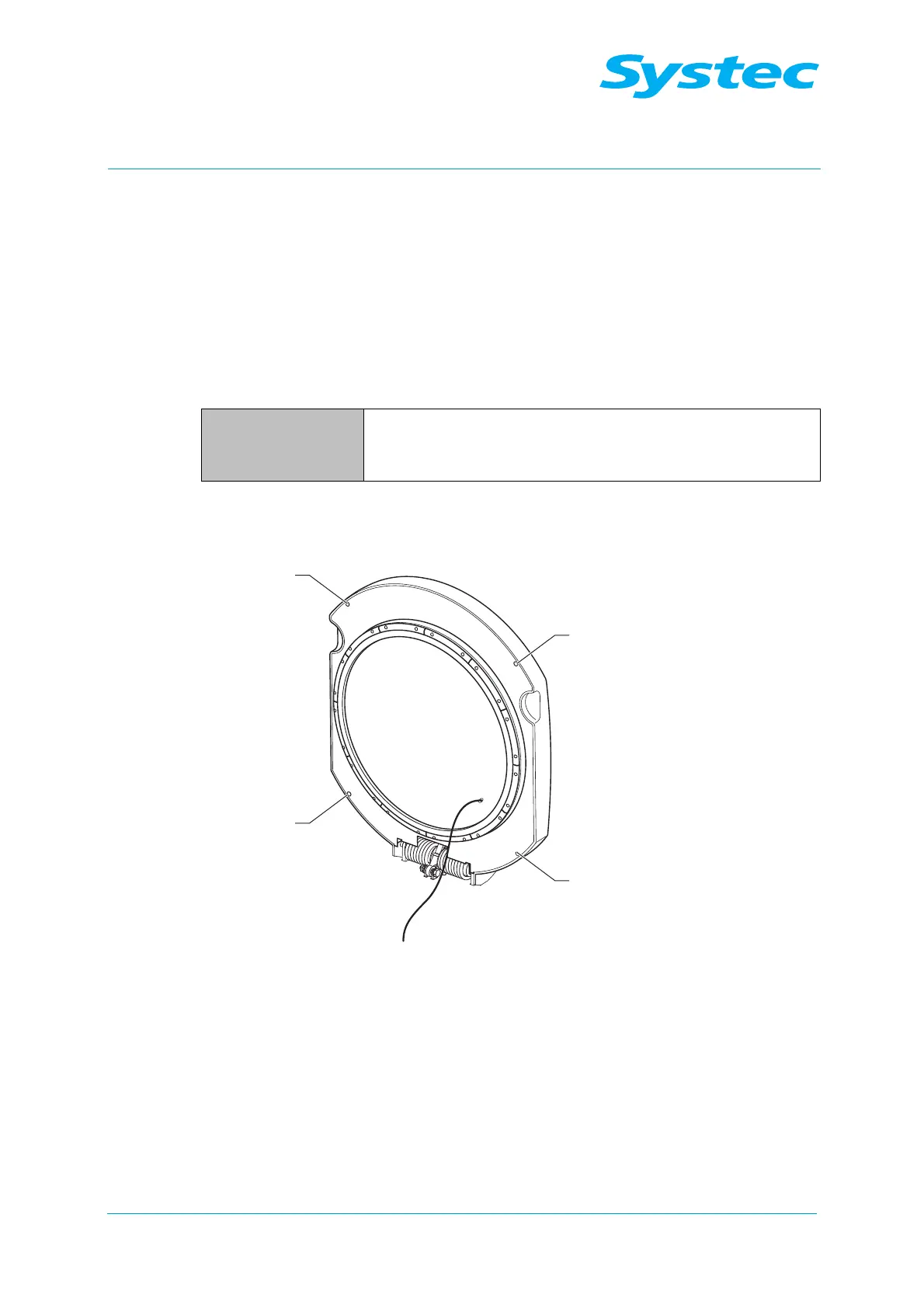
Fig. 21: Loosening the fastening screws on the panel
• Loosen the fastening screws (1) on the panel, then remove the panel.



 To Next Page