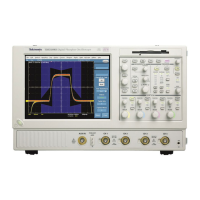
Acquiring Waveforms
3-10
TDS5000 Series User Manual
Overview Control elements and resourcesTo set up signal i nput
Set the vertical
acquisition
window
7. Use the vertical knobs to scale and position the
waveform on screen.
Positioned vertically Scaled vertically
8. Open the Vertical Setup control window as
described in Step 5. To change the offset, click the
Offset control, and use the mul tipurpose knob to
adjust the offset.
Dragging the waveform
handle also positions the
waveform.


 To Next Page
 Loading...