Term
Definition Supported in
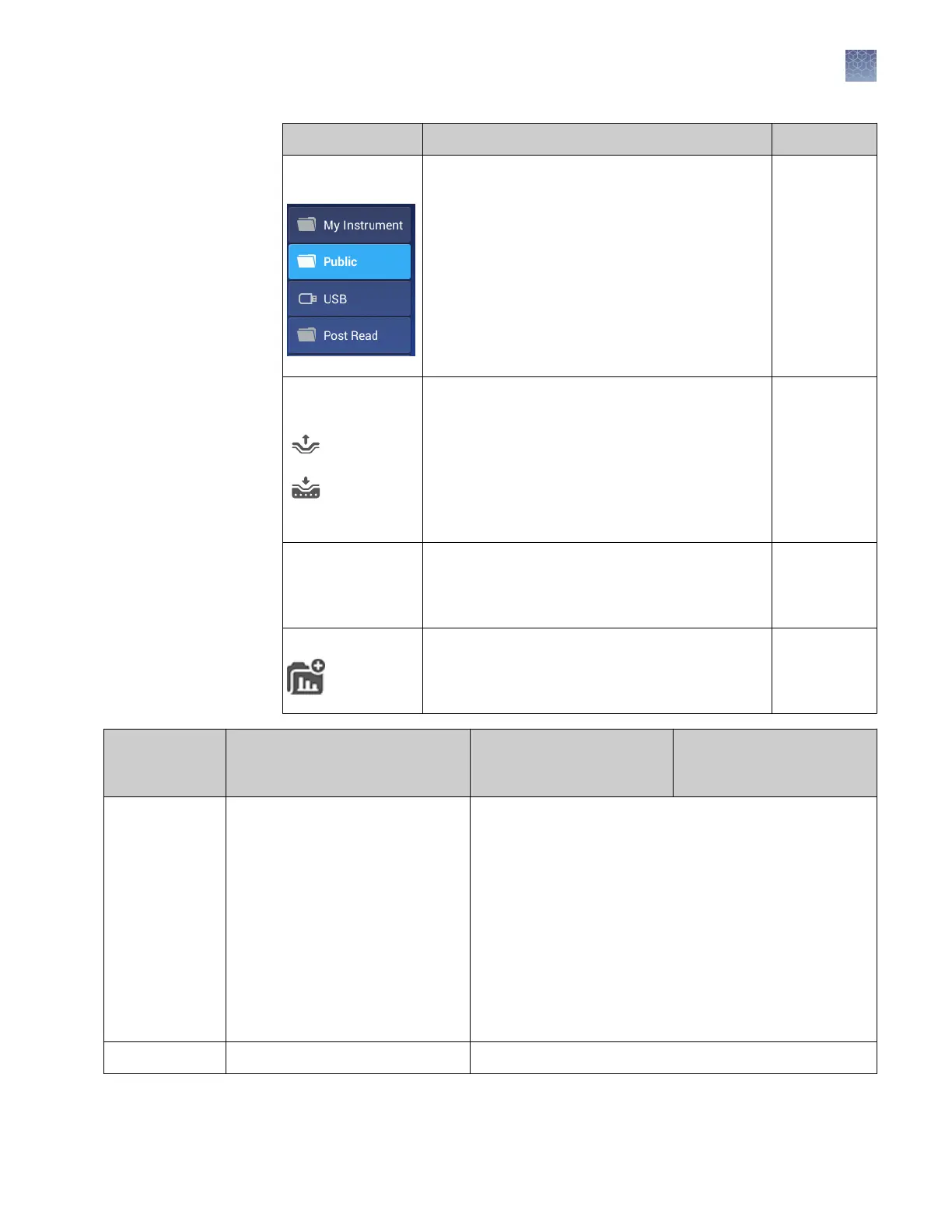
Folders in Load
Experiment
Location in which you can store templates (EDT
files) on the instrument:
• My Instrument – Displayed if you are signed in
• Public – Location in which all experiments run
by guest users are stored
• USB – USB for manual transfer to and from a
computer
• Post Read – If you run an endpoint experiment,
the pre-read experiment is automatically saved
in this folder for post-read analysis
Instrument
Experiment
Template File (EDT)
Default settings for an instrument run, can be
modified before instrument run.
Two types:
• Factory-provided, accessed from Open
Template (instrument) or Create Experiment
(desktop or cloud)
• User-created, accessed from Load Experiment
Instrument
Desktop
Cloud
Experiment Run
File (EDS)
Settings and data for a completed instrument run. Instrument
Desktop
Cloud
Project Function in the Cloud Data Manager that is used for
secondary analysis applications. Does not apply to
the cloud software, which is a primary analysis
application.
Cloud
Template and
experiment
components
Instrument Desktop Cloud
Properties
• Experiment file name
• Reagent information (Reagent
barcode, Lot#)
• Plate barcode
• Data destination (location for
auto-transfer of data)
• Comments (Tags are not used
at this time)
• Experiment file name
• Plate barcode
• User name
• Instrument type
• Block type
• Experiment type
• Chemistry (reagent information)
• Run mode
• Comments
• (
Cloud software only
) Notifications
Method
Thermal cycling conditions Thermal cycling conditions
Folders,
templates,
experiments, and
projects
Chapter 1 Product information
Software description
1
QuantStudio
™
1 Real-Time PCR System Installation, Use, and Maintenance Guide
15









 To Next Page