Create a custom dye calibration plate
IMPORTANT! Wear powder-free gloves while creating the dye plate.
Create a full plate of the custom dye diluted to the optimal concentration:
1.
Dilute the custom dye to the optimal concentration in buer.
Prepare an adequate volume, using a volume range of 10–20 µL/well for a
96-well plate.
2.
Pipet the appropriate volume of the diluted custom dye to the plate wells.
3.
Seal the plate.
4.
Vortex the plate for 5 seconds, then centrifuge at 750–1,000 × g for 2 minutes.
5.
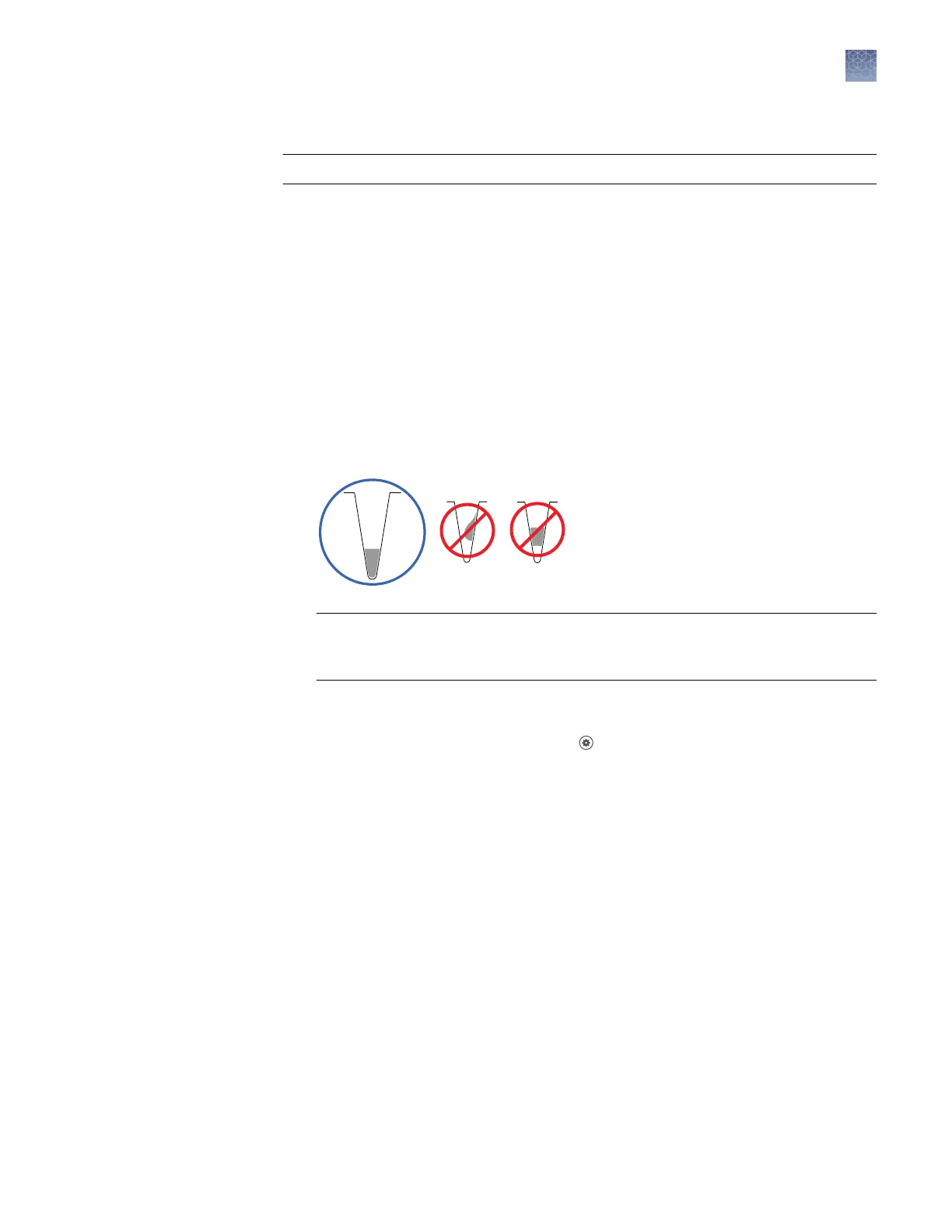
Conrm that the liquid in each well is at the boom of the well and free of
bubbles. If it is not, centrifuge the plate again.
IMPORTANT! Keep the boom of the plate clean. Fluids and other contaminants
on the boom of the plate can contaminate the sample block and cause an
abnormally high background signal.
Add a custom dye to the instrument
1.
In the instrument home screen, touch
Seings4Maintenance and
Service4Calibrations4Custom4Custom Dye.
2.
Touch Add Custom Dye.
Calibrate the
custom dye
Chapter 5 Calibrate and verify instrument performance
Calibrate custom dyes
5
QuantStudio
™
1 Real-Time PCR System Installation, Use, and Maintenance Guide
65









 To Next Page