Software description
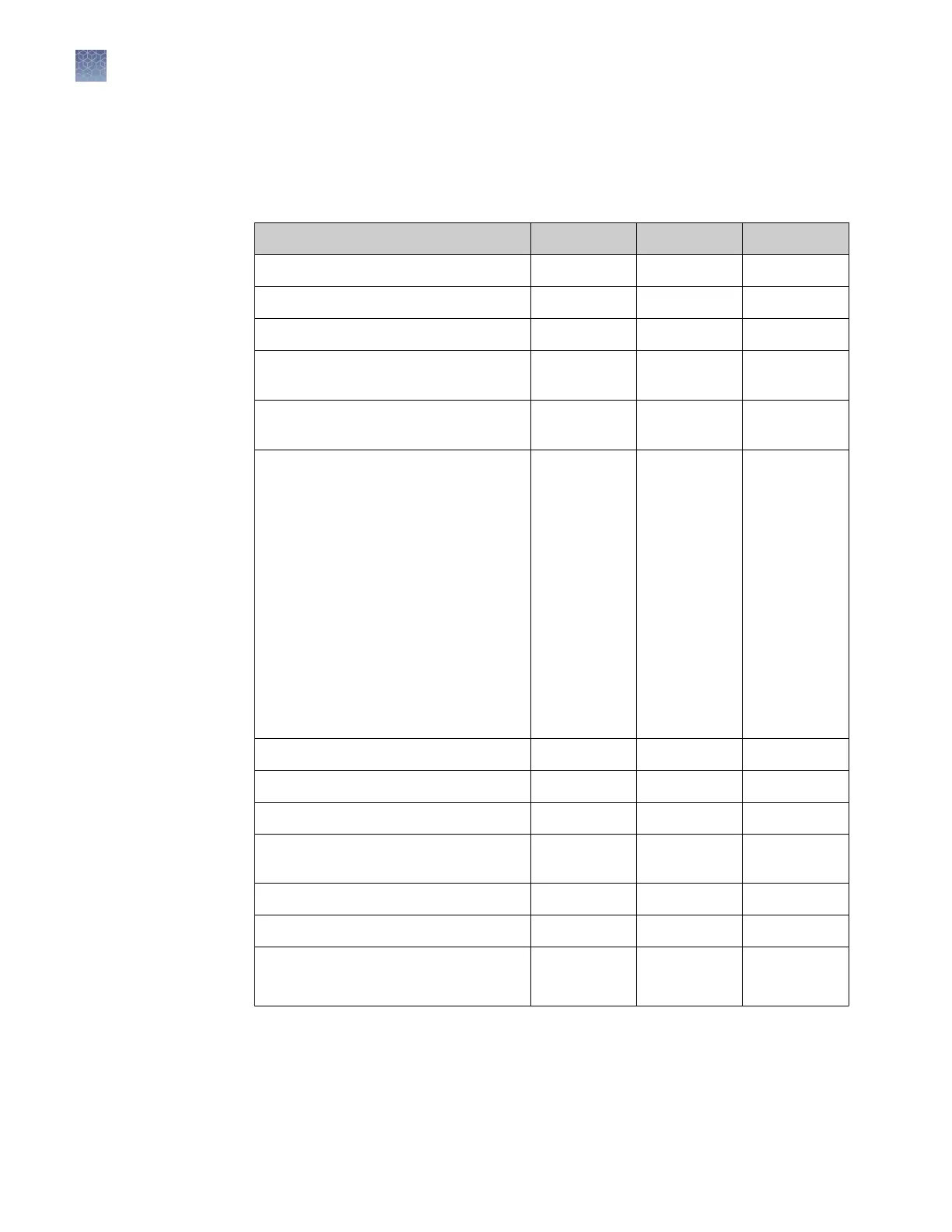
The instrument and the software (desktop and cloud) include the features described
in the following table.
Feature Instrument Desktop Cloud
Use as guest (no sign in) 3 3 —
Create templates (unlocked or locked) — 3 3
Edit unlocked templates 3 3 3
Edit locked templates (password
assigned by template creator required)
— 3 3
Load system or user-created templates
(EDT file) to instrument
3 3 —
Change experiment settings in template
(EDT file) loaded on the instrument
Settings that can be changed in a locked
template (no password required):
• Properties: All settings
• Method: No changes allowed
• Plate: Sample names
Settings that can be changed in an
unlocked template:
• Properties: All settings
• Method: All settings
• Plate: Sample names
3
— —
Load plate in instrument 3 — —
Start run 3 3 —
View real-time data during a run 3 3 3
View instrument status (running,
calibration needed, and so on)
3 — 3
Analyze results — 3 3
Set calibration reminders 3 — 3
Review exported calibration or RNase P
verification results
— 3 3
(
only RNase P
)
Instrument,
desktop, and
cloud software
features
Chapter 1 Product information
Software description
1
14
QuantStudio
™
1 Real-Time PCR System Installation, Use, and Maintenance Guide









 To Next Page