Access a template (EDT le). For more information, see the following sections.
• “Create and run an experiment from a template“ on page 40.
• “Run an experiment from a saved le“ on page 40.
• “Repeat the last instrument run“ on page 41.
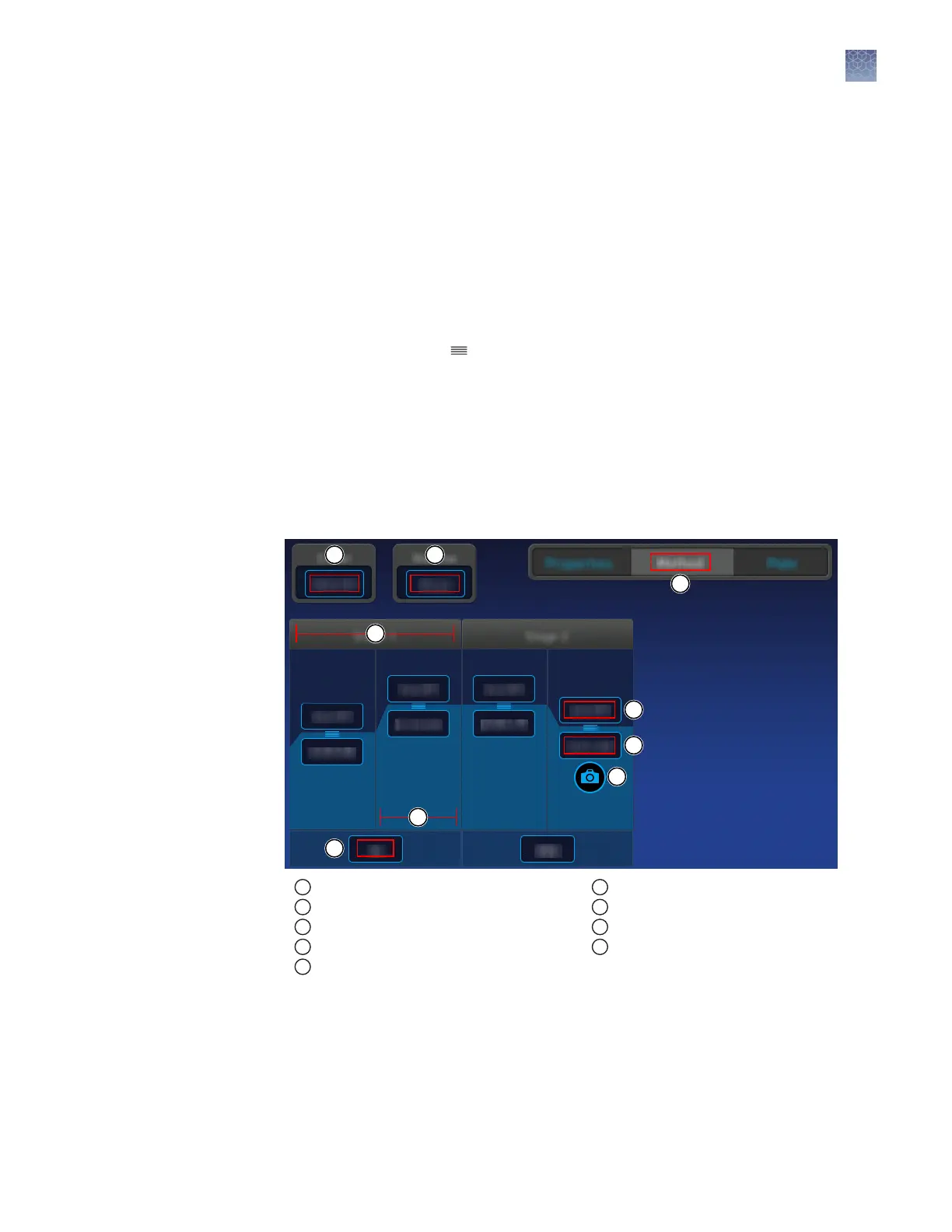
For an overview of the method as it is graphically represented on the touchscreen, see
“Method elements“ on page 43.
1.
In the Method screen, touch Edit.
2.
Touch a eld, enter changes, then touch Enter.
Note: Touch–drag to quickly increase or decrease a step temperature.
3.
Touch “Manage steps, stages, melt curves, and data collection points“ to add or
remove a step, stage, melt curve, or data collection point.
Note: The Manage Steps screen also provides access to conguring Ramp Rates
and Add Pause seings. See “Congure ramp rates and pause seings“ on
page 45.
Method elements
1
Method tab
2
Heated cover temperature
3
Reaction volume
4
Stage of thermal protocol
5
Step within a stage
6
Number of cycles for the stage
7
Temperature for the step
8
Hold time for the step
9
Data collection point
Manage steps, stages, melt curves, and data collection points
Add or remove a step, stage, melt curve, or data collection point using the Manage
Steps option. You can also congure ramp rates and pause seings from the Manage
Steps screen (see “Congure ramp rates and pause seings“ on page 45).
Edit the run
method
Chapter 4 Create and run experiments on the instrument
Edit an experiment before starting a run
4
QuantStudio
™
1 Real-Time PCR System Installation, Use, and Maintenance Guide
43









 To Next Page