• In the Method screen, touch Edit4Manage Steps.
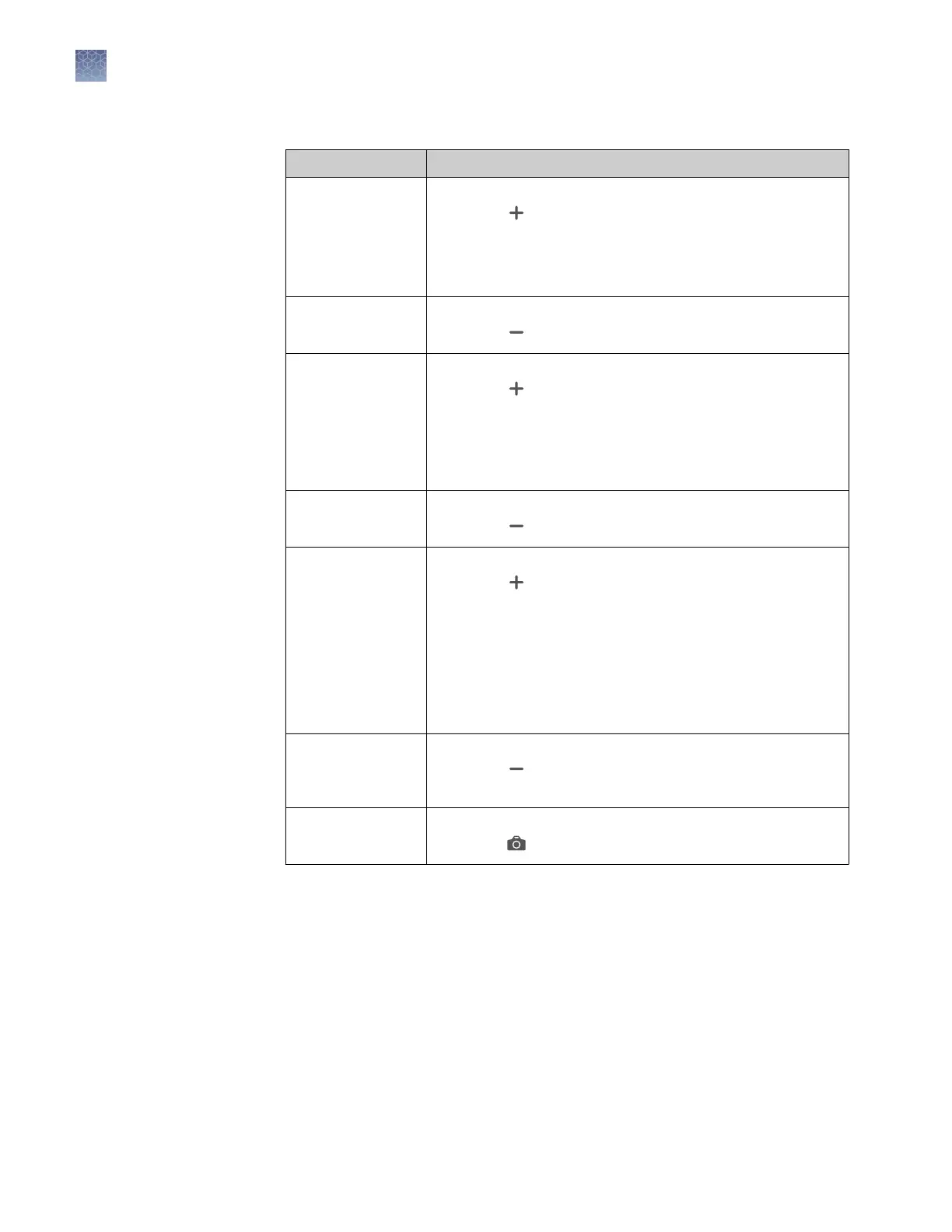
Option Procedure
Add a step
1. Touch Add/Remove steps4Add steps.
2. Touch on the left or right border of a step to add a step
before or after the step, respectively.
3. Enter parameters for the new step, then touch Enter.
4. Touch Done.
Remove a step
1. Touch Add/Remove steps4Remove steps.
2. Touch on the step to be removed, then touch Done.
Add a stage
1. Touch Add/Remove stages4Add stages.
2. Touch on the left or right border of a stage to add a
stage before or after the stage, respectively.
3. Edit parameters of the new stage in the Method screen.
See “Edit the run method“ on page 43.
4. Touch Done.
Remove a stage
1. Touch Add/Remove stages4Remove stages.
2. Touch on the stage to be removed, then touch Done.
Add a melt curve
1. Touch Melt curves4Add melt curve.
2. Touch on the left or right border of a step to add a
melt curve before or after the step, respectively.
3. Select Continuous or Step and hold.
4. Touch melt curve parameters to edit, then touch Done.
5. Touch Done.
Note: Depending on the experiment type, there can be
restrictions on the addition or placement of melt curves.
Remove a melt
curve
1. Touch Remove melt curve.
2. Touch on the melt curve to be removed, then touch
Done.
Add or remove data
collection points
1. Touch Data collection location.
2. Touch to switch data collection on or off.
Chapter 4 Create and run experiments on the instrument
Edit an experiment before starting a run
4
44
QuantStudio
™
1 Real-Time PCR System Installation, Use, and Maintenance Guide









 To Next Page