12 Advanced Total Station Features
7.
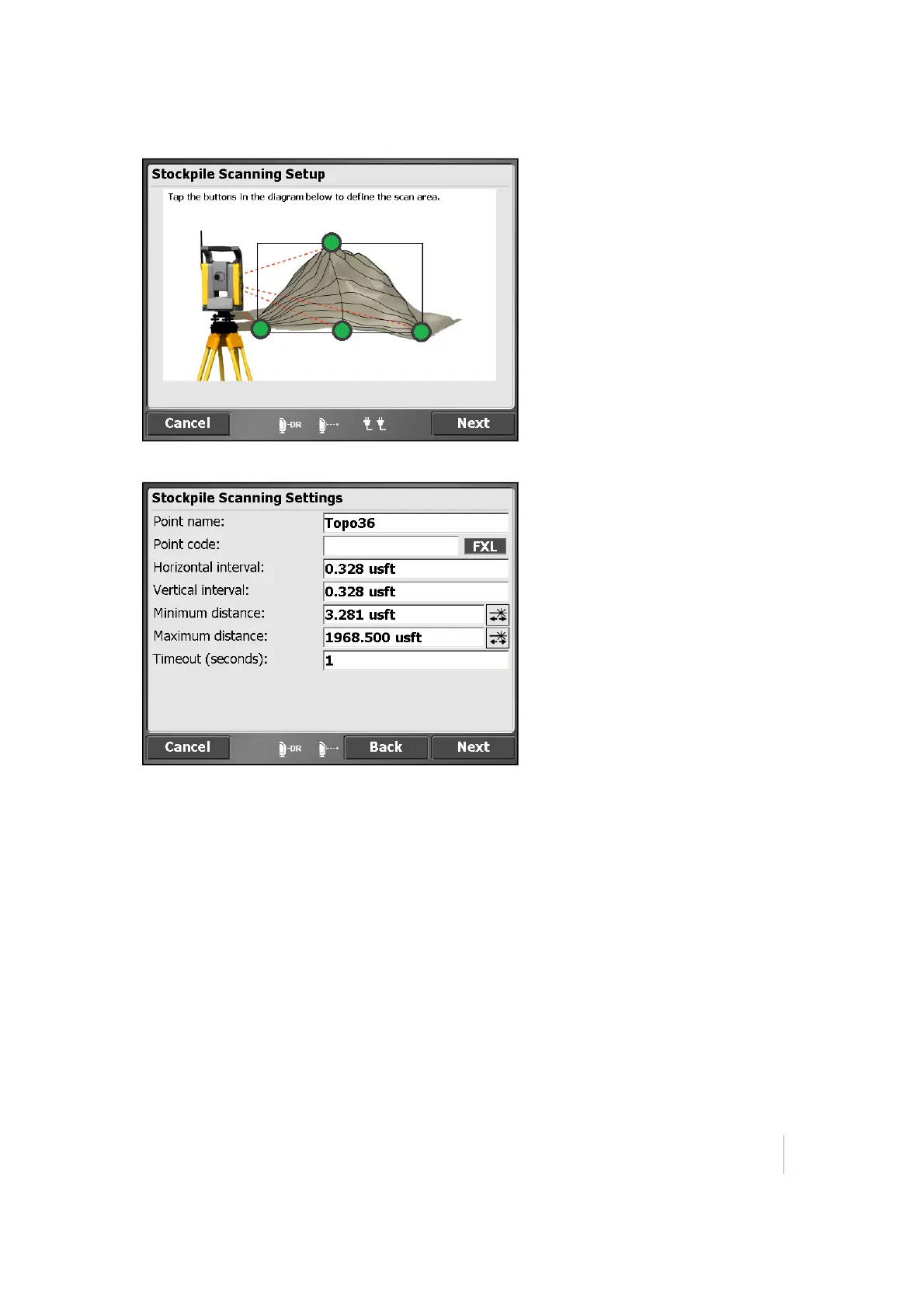
Tap Next. The Stockpile Scanning Settings dialog appears:
8. Enter a point name and code and set the distance intervals. Setting the distance intervals low
results in more measured points; setting the distance intervals high results in fewer measured
points. When entering these values, keep the size and shape of the stockpile in mind. Define
your minimum and maximum distances and then tap Next. Correct use of these settings helps
you collect only relevant points in the field. The software will default to the recommended
Timeout value depending on which instrument is being used.
9.
The Scanning Area Estimates dialog displays the total number of points to be collected as a
result of the dimension and distance intervals previously entered and an estimation of the time
it will take to record the points. This time is an estimate only and the reflectivity of the material,
distances involved, and the type of instrument used alters the total time once the scan has
started.
Trimble SCS900 Site Controller Software User Guide 109



 To Next Page