12 Advanced Total Station Features
Measuring rounds of angles
To start the network measurement:
1.
Open a site and work order that contains your existing control points and connect the
controller to an instrument.
Optionally, you can perform an instrument setup before starting the network measurement.
This enables you, during the configuration of the network measurement, to check the point
locations to verify if the prisms were set up over the correct control point.
2. Tap Home / Total Station / Station Setup / Measure Control Network.
3.
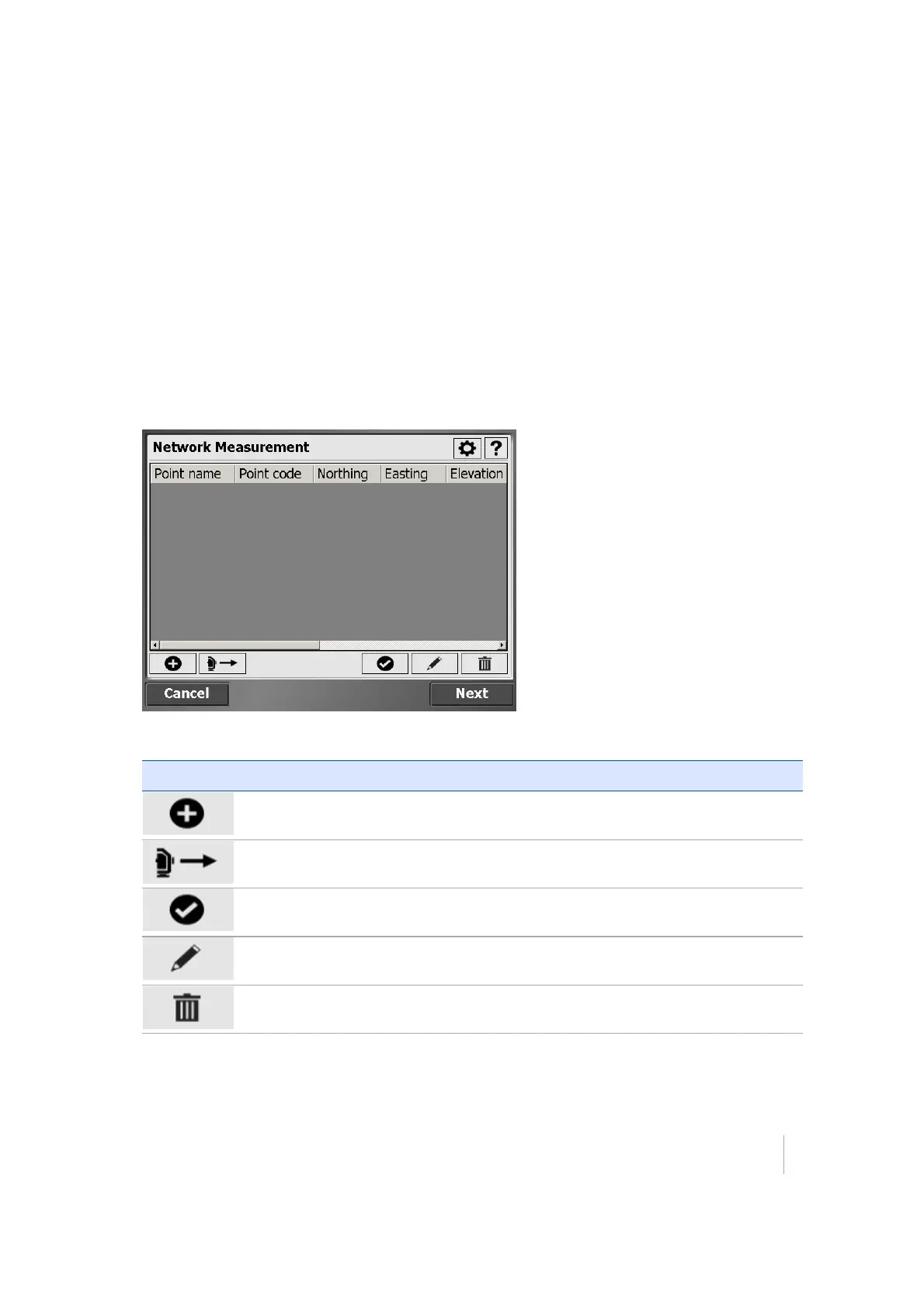
Use the following screen to configure the measurements for a control point:
4.
The Network Measurement dialog contains the following buttons:
Tap this button …… to …
add a new point to the list
measure and add a foresight point to the list
check a point location.
edit point information.
delete a point from the list.
Trimble SCS900 Site Controller Software User Guide 115



 To Next Page