CFM-BL10Pro General instruction manual
31 / 87
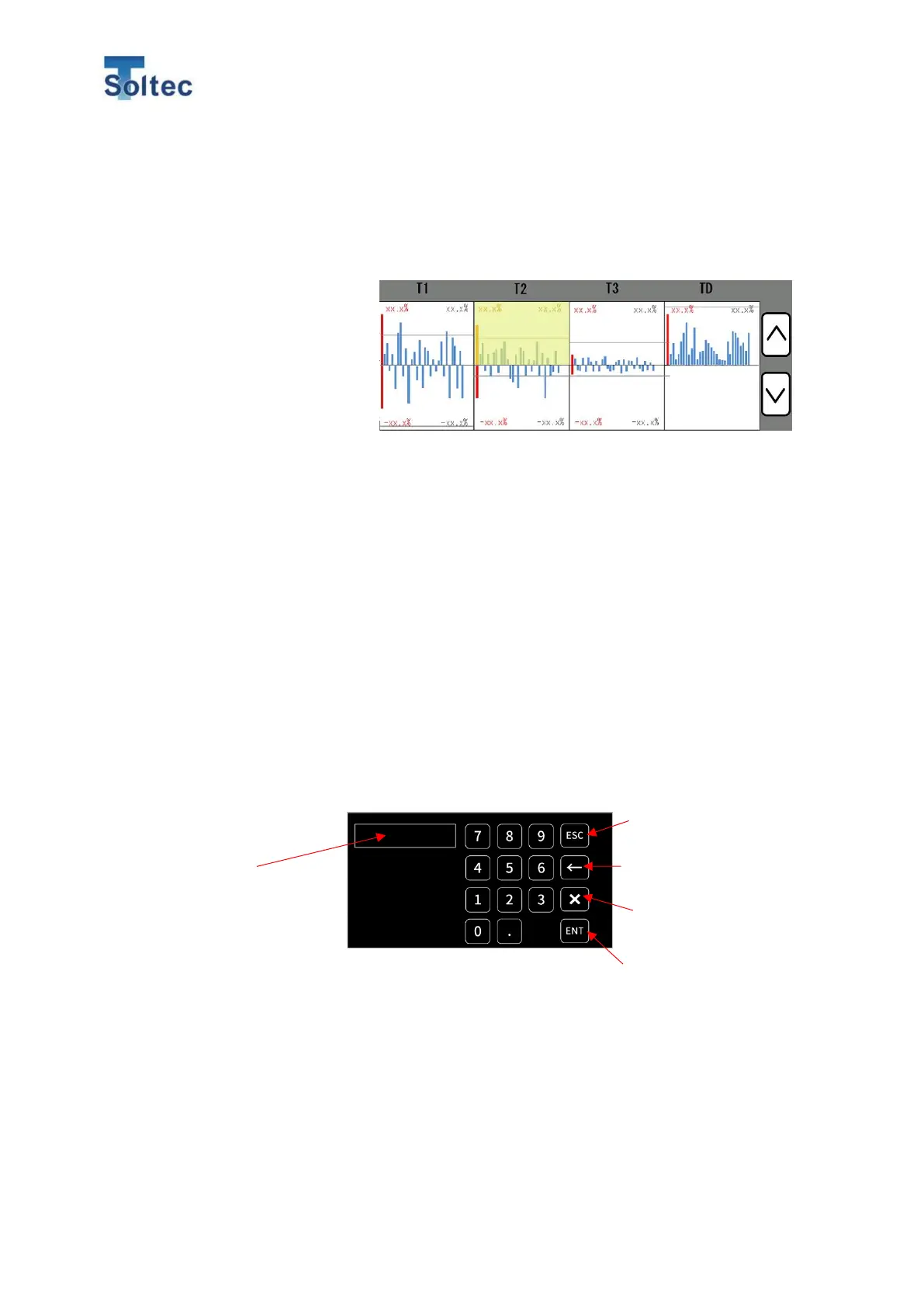
3. Tap the area frame you would like to change the values. Then the area color will
be yellow.
4. Change the tolerance by pressing the up and down button. The tolerance can
be changed by 0.1 units.
5. If there are any other area you would like to change the values, tap the area
and repeat the procedure from No.1 to 4.
6. Press OK button. The changed tolerance is saved, and CFM goes back to OPE
or Teach display.
Change the tolerance at bigger rate.
Except for changing the values with up and down button at small rate, the
tolerance values can be changed at a bigger rate by pressing the area frame you
want to change for 3 seconds. Then the numeric keypad appears. Put a value and
press ENT button. Then the value is saved.
5.1.8. Recalculate Auto tolerance
When Program is enabled and a program except for No program is selected, the
tolerance calculated at an initial Teaching is saved in the program and the
tolerance is not calculated again when CFM executes Teach with the same
program number next time. When a product lot of a terminal and wire change or
The value you
entered is displayed.
Cancel putting a value
and close the keypad.
Clear the value you
entered.
Confirm the value
and close the keypad.



 To Next Page