CFM-BL10Pro General instruction manual
25 / 87
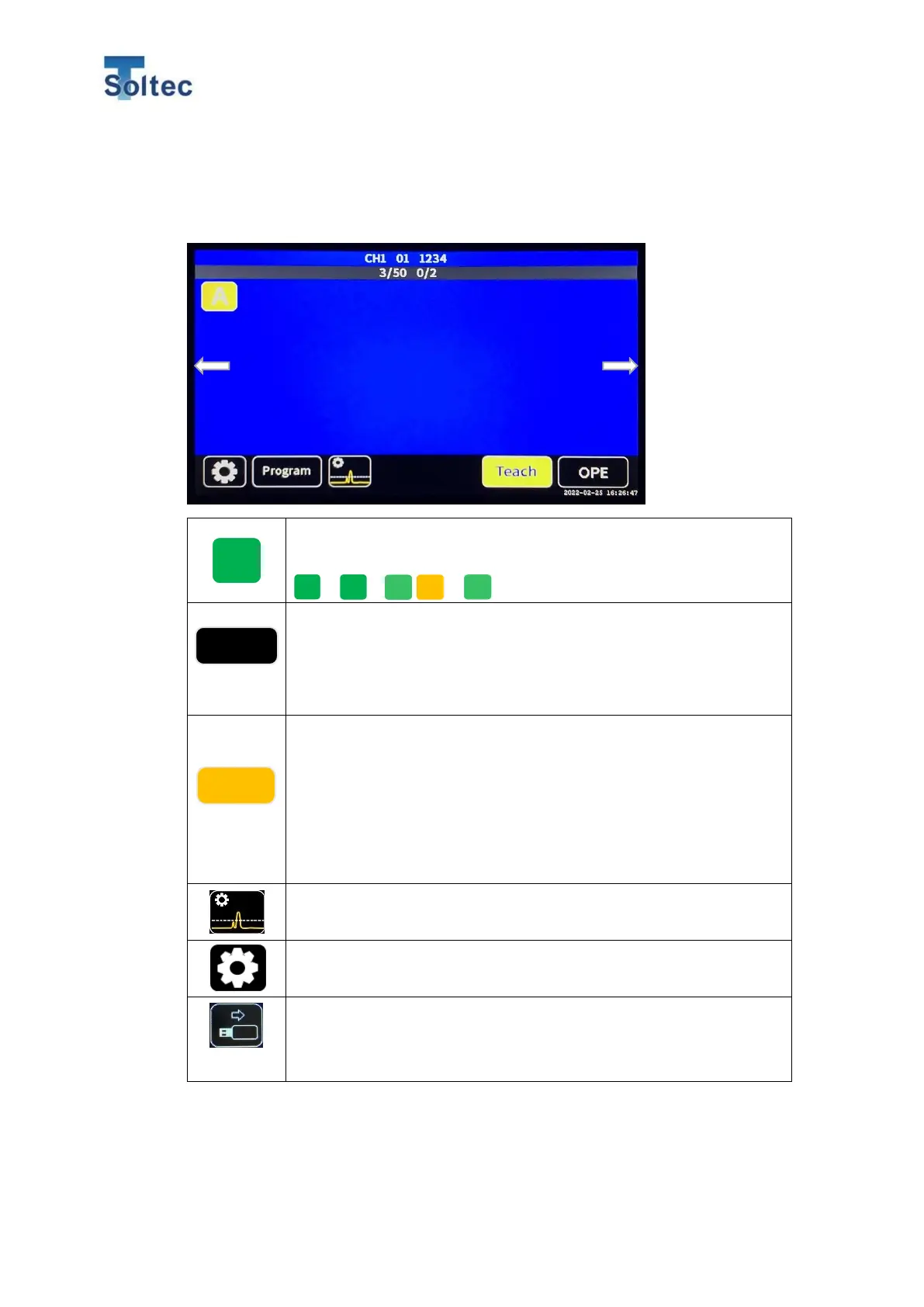
5.1.3. Teach screen
This is the screen during Teach. CFM turns to OPE display when Teach is finished
or cancelled.
Tolerance button. Selected tolerance number is displayed.
Press the button to move to tolerance select display.
~ / / are available.
Program button. Open setting display for checking conditions for
capturing force curve, area division, and so on. If Program is
enabled in System setting, Program list is displayed. For the
details, refer to 5.2. Program Edit.
Teach button. CFM is capturing force curve to calculate a reference
force curve. CFM creates the reference force curve by calculating
the average force curve of four good samples. The number of
Teach sample can be changed from 1 to 10 pcs. For the details,
refer to 5.3. System setting. When Teaching is finished, CFM
automatically goes to OPE mode.
Auto Trigger Check button.
For the details, refer to 5.3.3. Trigger check screen.
System Setting button.
For the details, refer to 5.3. System setting.
USB button.
When an USB memory is inserted to the main unit and CFM
correctly recognize it, the button appears.



 To Next Page