CFM-BL10Pro General instruction manual
60 / 87
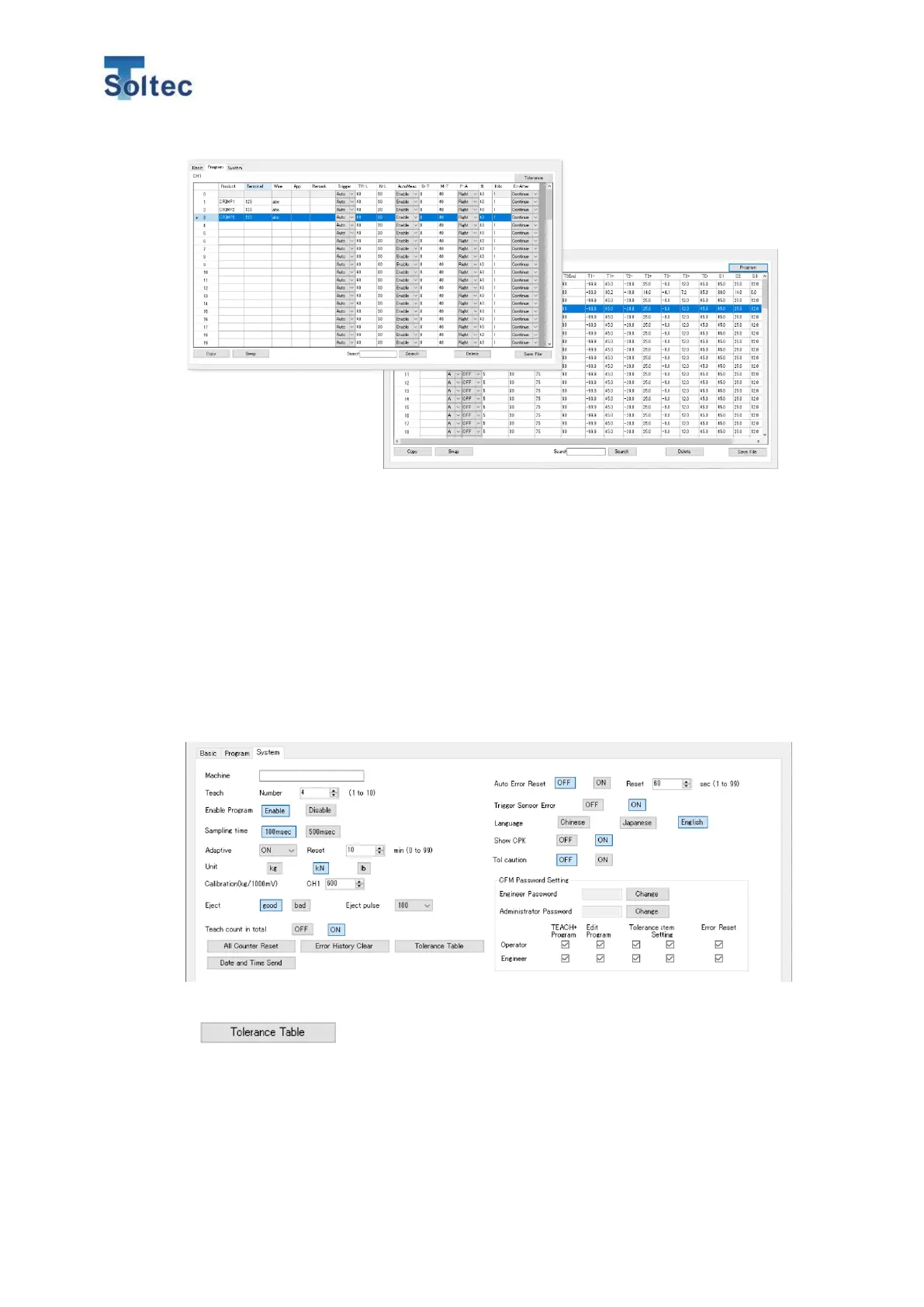
* You cannot select the program for production. select the operation program from
the Program switch on the main screen
* The program setting data can be saved as an CSV file from the “Save file button”
on the right bottom of the screen.
6.3.3. System setting (Tab)
Click this tab and the parameters for the System setting 1 and 2 are displayed.
As for the details of each function, refer to the 5.3 System setting
Click the “Tolerance Table” and the initial tolerance for the Tolerance No. 1 to 8
can be edited.
Caution: This Tolerance table is common for all the program.



 To Next Page