CFM-BL10Pro General instruction manual
56 / 87
When you create a new program, click the “Set Program” and register a new item
from the Program edit screen. After registering the item, select it as an operated
program.
Search function
Programs can be searched by product number. Input the product number in the
input box at the above Search button and click Search button. If the product
number is partially matched, CFM shows the target product number.
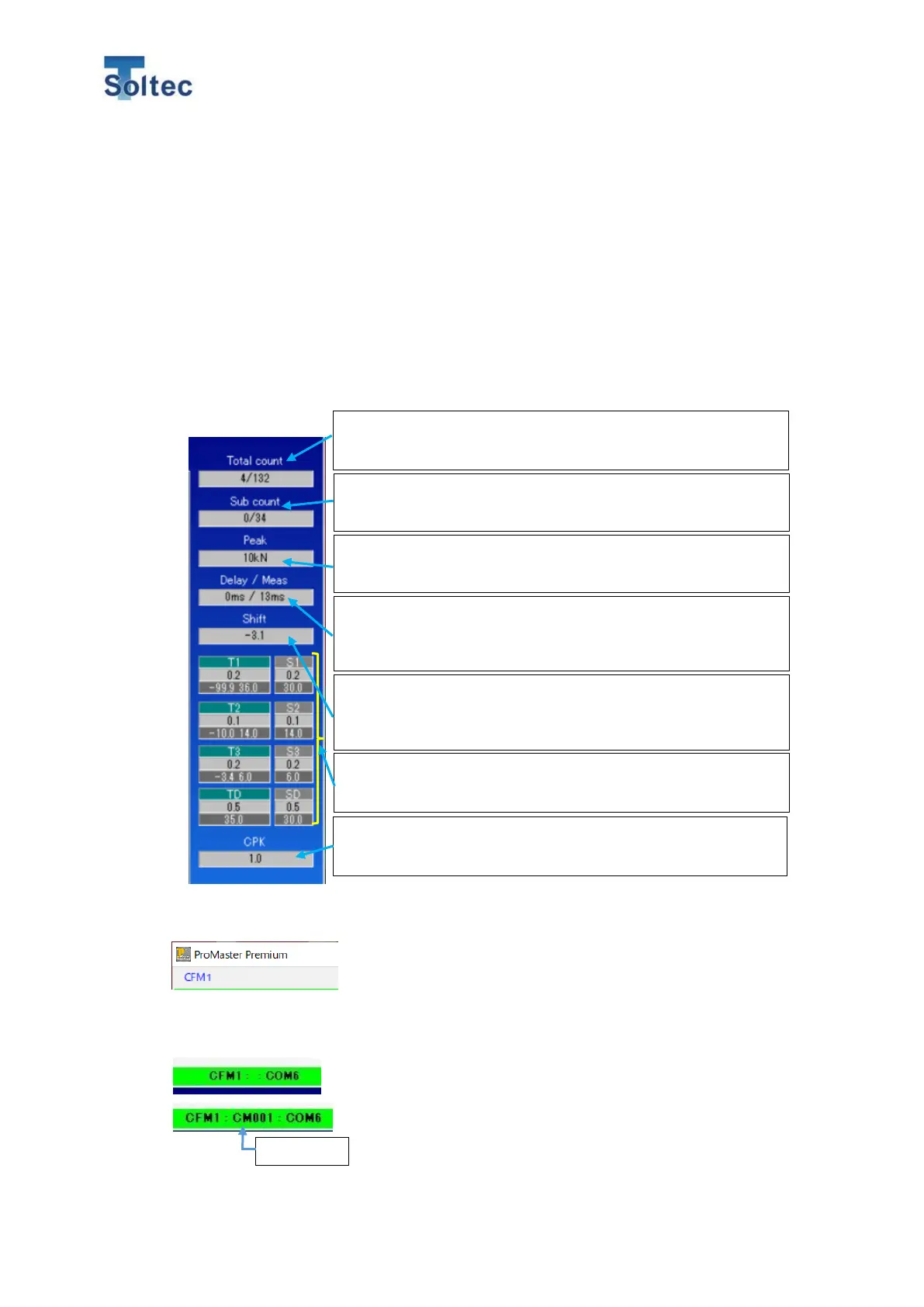
6.2.4. Detail value’s area
6.2.5. Other details
CFM1~CFM5 (These are displayed at the top left side of
the Main screen.)
This software can connect to the maxim 5 CFM units at the
same time. Depending on the number of the connected
CFM, it shows CFM1~CFM5. When you want to change
the unit you operated, select these numbers.
CFM1::COM No. (Displayed at the center.)
It shows the COM number that is used by the connected
CFM. If the Machine number is registered, it shows also
the number.
It shows the count of the Crimp bad/Total. This count will be
hold until the count clear button is pressed.
It shows the count of Bad/Total count after Teaching. This
count will be cleared every Teaching.
It shows the Delay time for the capturing force
curve/Measurement time. When CFM is Auto trigger mod,
the delay time will be always 0.
When the Alignment function is enabled, CFM shows the
difference percentage between the aligned force curve and
the initial Teaching force curve.
It shows CPK in the T3 area of the item that is judged as
good against the current tolerance.
It shows measurement values (upper row) and tolerances
(lower low) of T1 ~ TD and S1 ~ SD for every crimping.
It shows the maximum force of every crimping. The
displayed unit can be selected among kN, kg and Ib.



 To Next Page