CFM-BL10Pro General instruction manual
32 / 87
false alerts are increased because of changing crimping conditions while
continuous productions, Auto tolerance can be recalculated by pressing “A” button
on OPE display for more than 3 seconds. Regardless of Teaching, AI starts
analyzing force curves of 30 good samples after A button is pressed and set ideal
tolerances.
However, when “No program” is selected or Program is disabled, CFM
automatically calculates tolerance every Teaching.
While CFM recalculates tolerances, Tolerance No.7 is applied to judgments.
Regarding Program, refer to 5.2 Program edit.
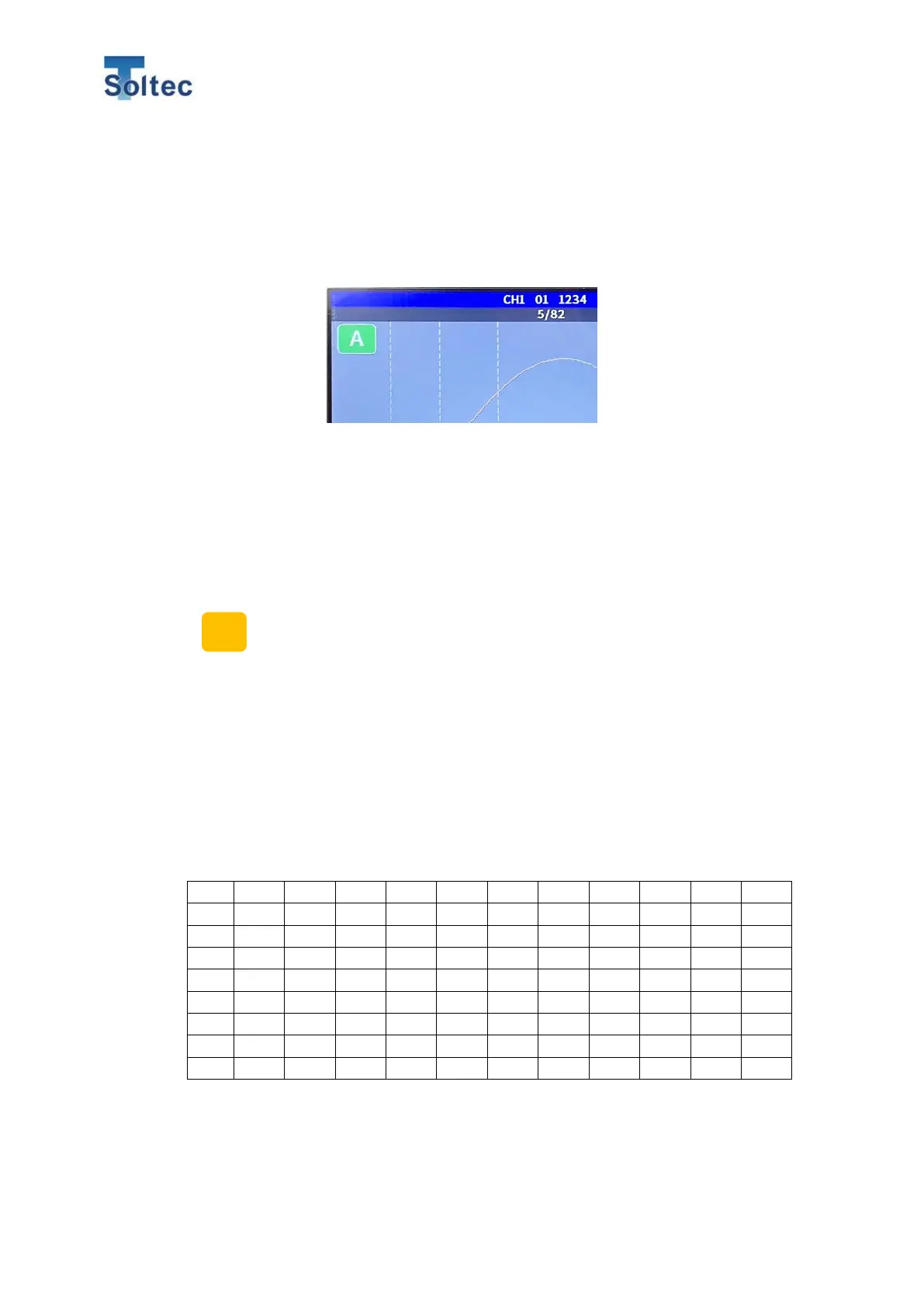
During an initial Teaching and calculating Auto tolerance, the color of the
icon is turned to yellow.
When the calculation is finished and the tolerance is decided, the color of
the icon is turned to green.
5.1.9. Tolerance table
In the tolerance numbers 1 to 8, the following tolerances are set in advance.
A value of each tolerance number cannot be changed. If the values are changed,
the tolerance number is saved as “M” tolerance.



 To Next Page