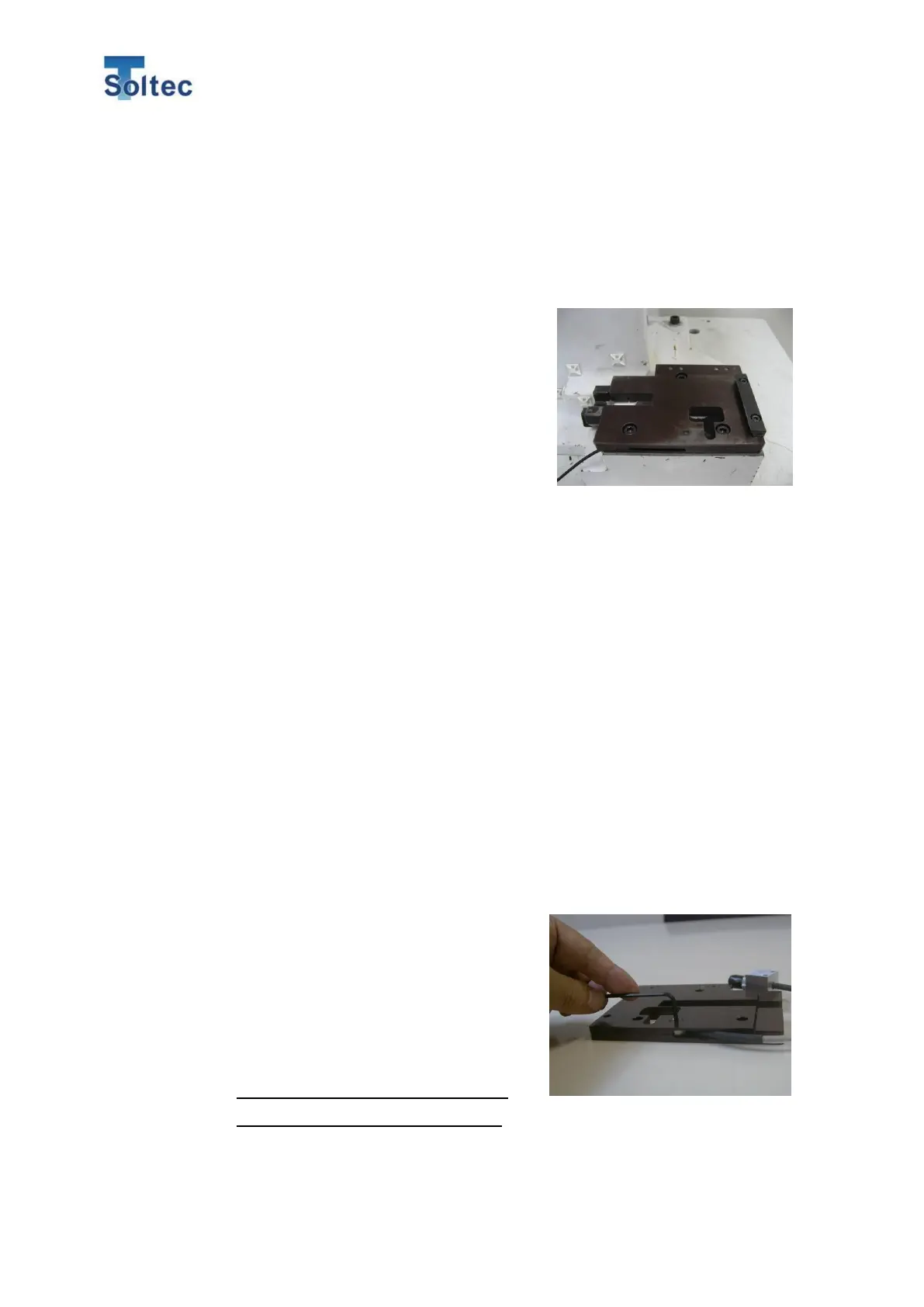
CFM-BL10Pro General instruction manual
72 / 87
In this case, remove the base plate originally installed and install a newly designed
by us instead.
*Do not disassemble our base plate because it is preloaded.
Cautionary point for exchanging base plate
・Clean a machine bolster. Remove oil
coagulations to ensure that the base plate is
adhered to the bolster.
・Depending on base plate, you may use several
parts from the original base plate.
・Fix sensor cable so that the cable is not in the
way of attaching and removing applicator.
7.1.3. FTW Sensor preload
Sensor preload is required if you sandwich it between a base plate.
Preform Sensor preload with checking Preload screen of 4.3.2. System setting 2.
Procedure:
1) Set FTW sensor on a lower base plate.
2) Set a sensor color in the center hole of sensor.
3) Check if there’s any dust on the surface of the upper and lower plate. Then
set the upper plate and temporarily fix them with M4 screw for sensor so that
sensor position is not changed. (Be careful not to firmly fix the screw.)
4) Fix the upper and lower plates with M5 screws. Tighten the screws firmly
except for M4 screw in the center of the sensor.
5) Connect the sensor to CFM via BNC cable.
6) Turn on CFM main unit and press Preload button on the System setting 2.
7) Tighten M4 screw at the center of the
sensor quickly until Preload value goes to
around 10%. Be careful not to tighten more
than 15%. Do not tighten it additionally.
If you want to tighten it again, loosen it
completely and tighten it again.
*The Preload value is slowly reduced
because of the sensor characteristic.
8) Press OK button.



 To Next Page