CFM-BL10Pro General instruction manual
54 / 87
Click this button to open Utility setting.
Saving force curve data that is collected while PC is connected
with CFM main unit and load a past saved data can be done.
And a password function which limit the operation of this
software can be set.
When Program function is ON, you can select an operating
program.
Click this area and the Program list is opened.
Click this button to open the Program select screen.
This button shows the current tolerance number.
A: Auto tolerance
1 ~ 8: Tolerance number which CFM uses from the Tolerance
table.
M: Manal tolerance.
This button shows the current CFM mode.
When this icon is OPE, click it to make CFM Teach mode.
When this icon is Teach, click it to make CFM OPE mode.
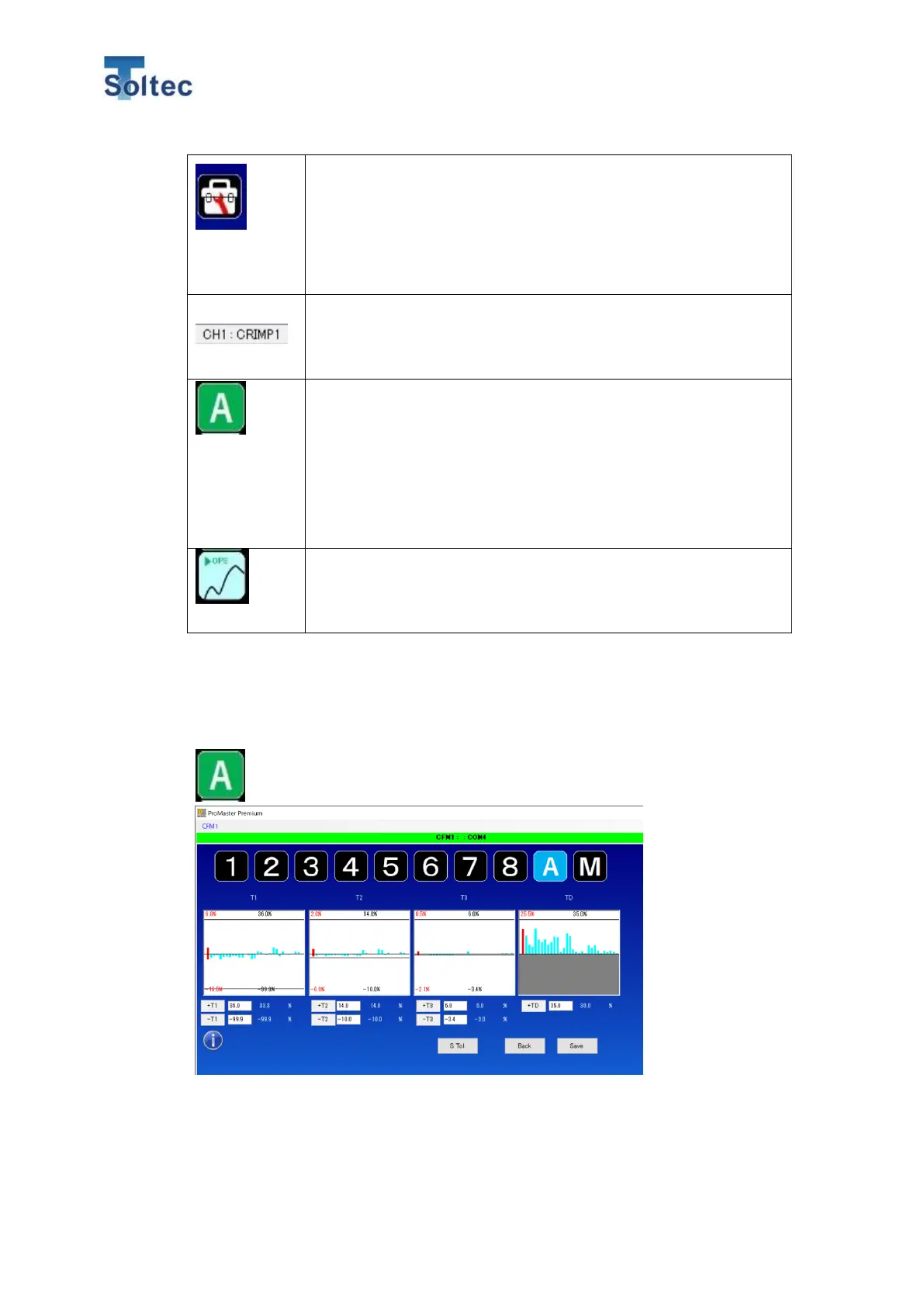
6.2.2. Tolerance setting screen
Tolerance setting screen can be opened from the Tolerance button on the
Main screen. This button shows the current tolerance mode and number.
The current selected tolerance mode or number is displayed with a blue color. If
you would like to change them, select a mode or number you would like to use
and click “Save” button at the right bottom corner. The graph on the each T1 to TD



 To Next Page