CFM-BL10Pro General instruction manual
51 / 87
6. ProMaster Premium (PC software)
PC software for monitoring force curve in real time via
connecting Windows PC is included. You can monitor force
curves, set parameter settings and save the data.
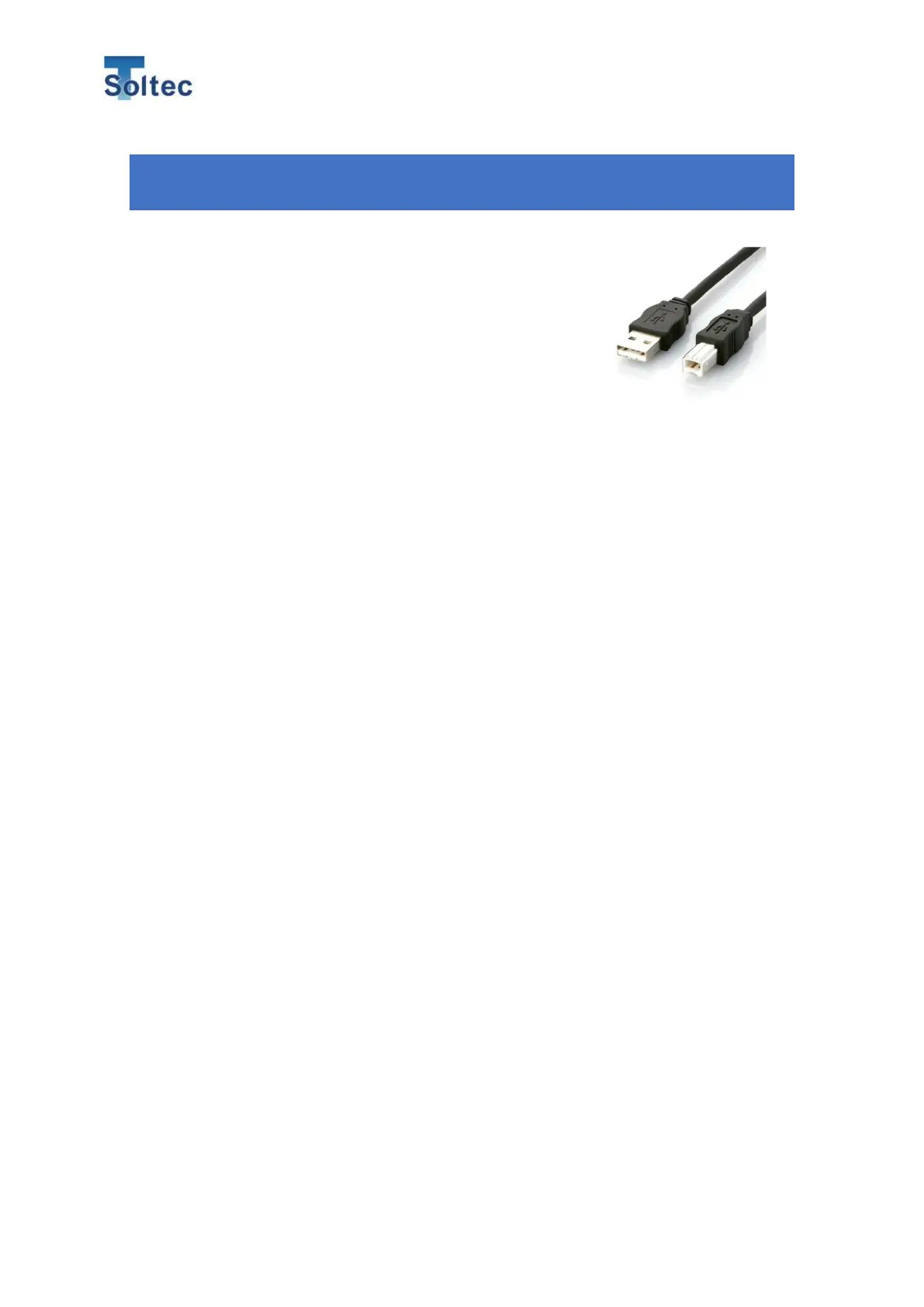
To connect CFM with your PC, a USB A-B type cable is
needed. The cable is not included in CFM accessories.
Arrange it by your side.
6.1. Before using PC software ProMaster Premium
This software is a special one only for Crimp force monitor “CFM-BL10Pro” made
by True Soltec Co.,Ltd. The copyright and intellectual property right of this
software is owned by True Soltec Co.,Ltd.
Therefore, do not modify, change and analyze this software. And True Soltec
Co.,Ltd. is never responsible for the loss of customers or third party, which is
caused by using this software. Additionally, True Soltec Co.,Ltd can upgrade this
software without notice to improve its function.
6.1.1. Operating environment
Recommended PC specification is below.
・ Dual core processor with more than 1.5GHz
・ [AMD Athlon X2, Intel Core2Duo, Intel Core I3 or better one]
・ Memory more than 4GB
・ Hard Drive more than 10GB
・ USB2.0 port×1 If you connect several CFMs with one PC, you need several
connection port or a USB hub.)
OS
・ Windows7(32bit/64bit)
・ Windows10(32bit/64bit)
Others
・ USB cable (TypeA-TypeB) *Refer to the above image.



 To Next Page