CFM-BL10Pro General instruction manual
84 / 87
noises. If this is your case, please open “Trigger” screen and set an appropriate
trigger level. You can also consider using our proximity trigger to help adjust the
trigger level more correct.
It is also effective to try to adjust the tolerance level or confirm whether the crimp
height of the current wire & terminal is proper or not.
8.6. CFM-BL10Pro does not show a force curve after crimping
If CFM cannot capture a waveform even though the wire is crimped correctly (CFM-
BL10Pro does not respond), it can attribute to the following causes.
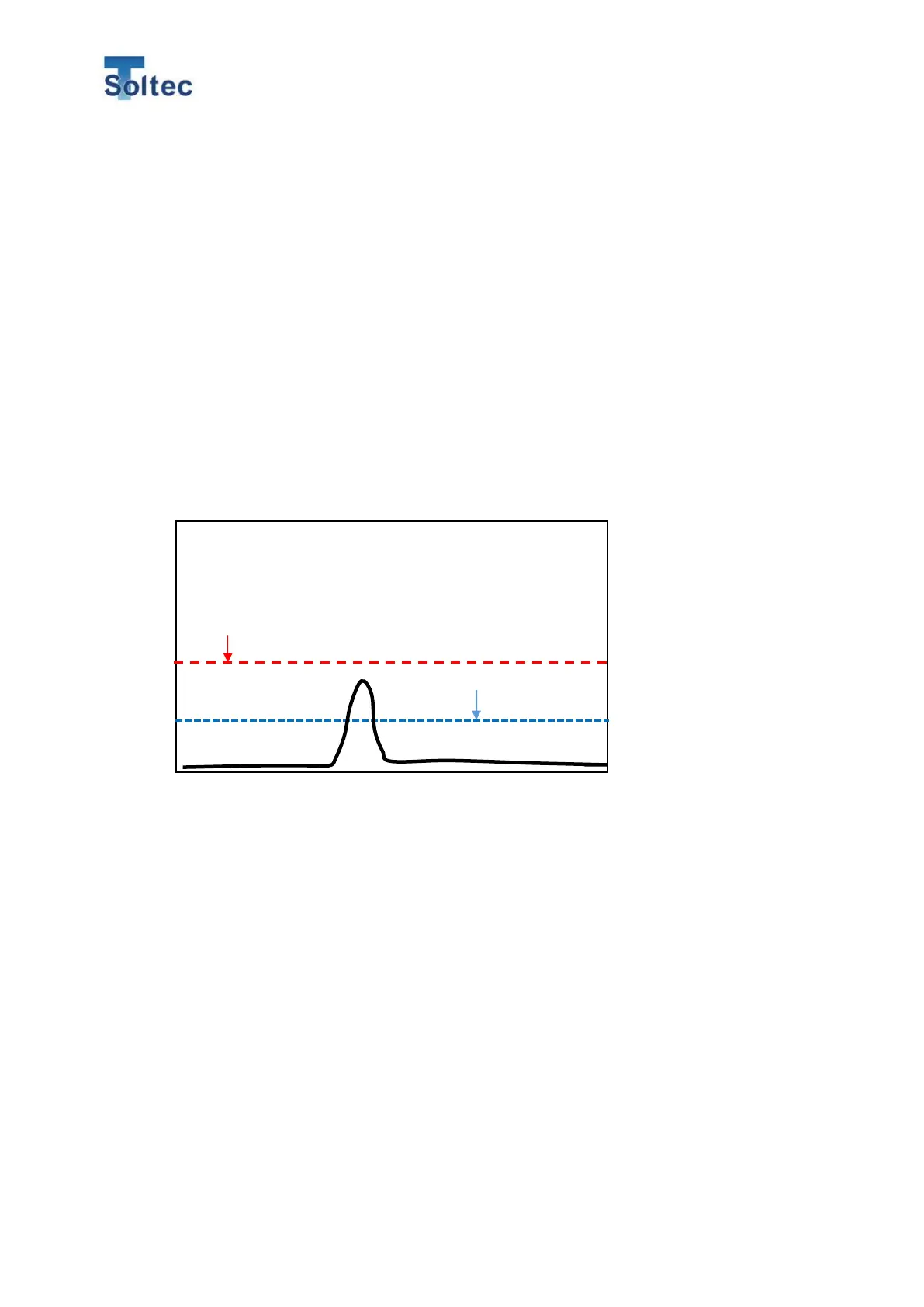
Cause 1: Inappropriate Trigger Level
If the trigger level is set higher than the actual force curve, CFM will not be able to
detect the curve. In this case, please lower the trigger level from the PC software. If
you are using an external trigger, please check the trigger mounting position or its
cable.
Cause 2: The sensor output or the sensor position has a problem.
At Trigger screen, if there is no waveform recorded (CFM fails to detect a crimping
curve), check the sensor position or its fixing screw.



 To Next Page