CFM-BL10Pro General instruction manual
24 / 87
5. Operation
5.1. Main screen
5.1.1. Activation screen
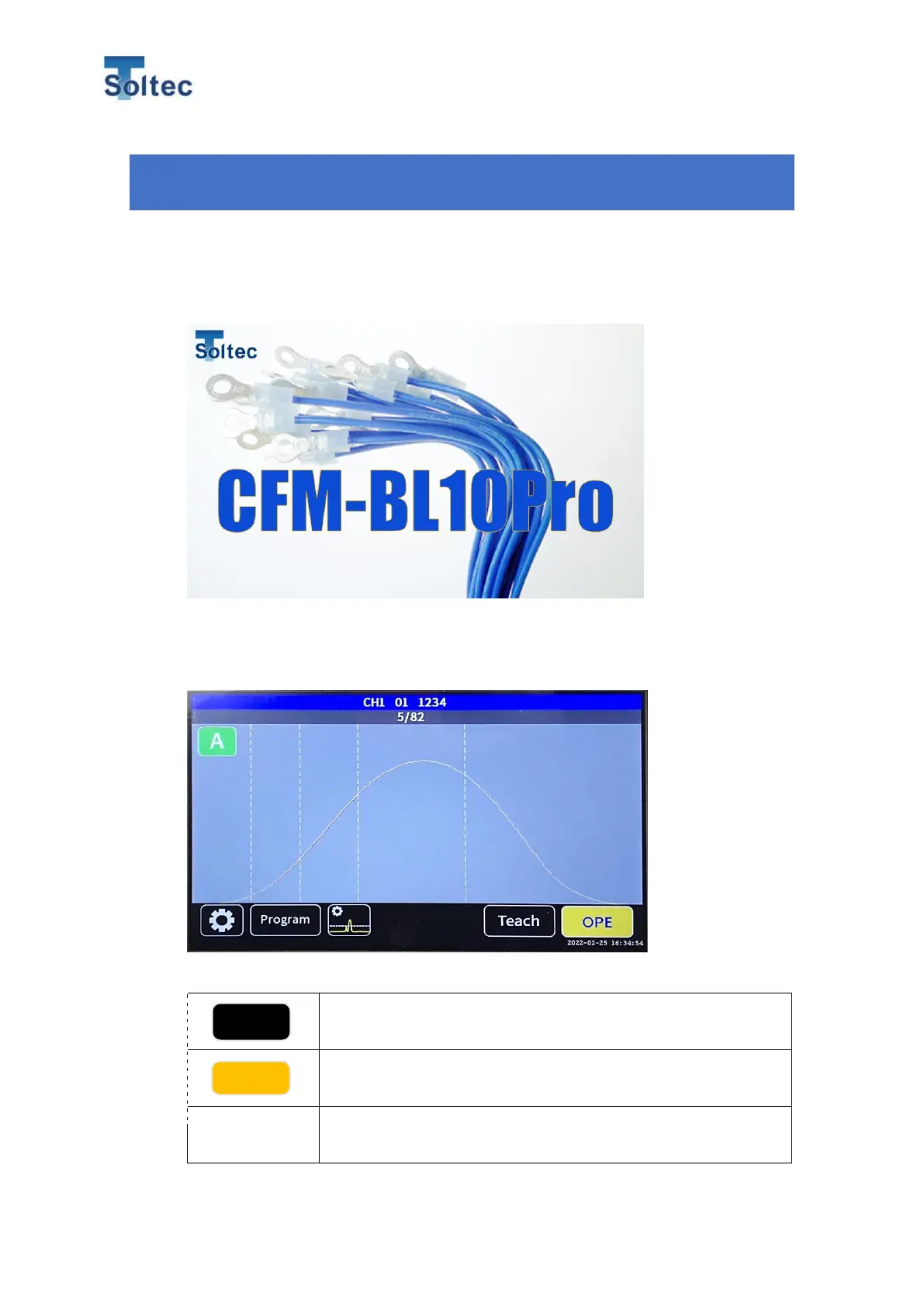
This screen appears when CFM is switched on.
It automatically turns to OPE screen in 3 seconds.
5.1.2. OPE screen
Before crimping a new item, Teaching has to be done.
Teach button. Tap to move to the Teach screen.
OPE button. It indicates CFM is OPE mode.
Measured force curve is shown in yellow line.
Reference force curve is shown in red line.



 To Next Page