CFM-BL10Pro General instruction manual
33 / 87
5.1.10. Tolerance alert icon
(This function is enabled, when ”Tol caution” is turned on in 5.3.2 System setting)
The Icons below are displayed in the following situations. This is the function CFM
automatically judges if the applied tolerance is suitable for the current item and
gives alerts.
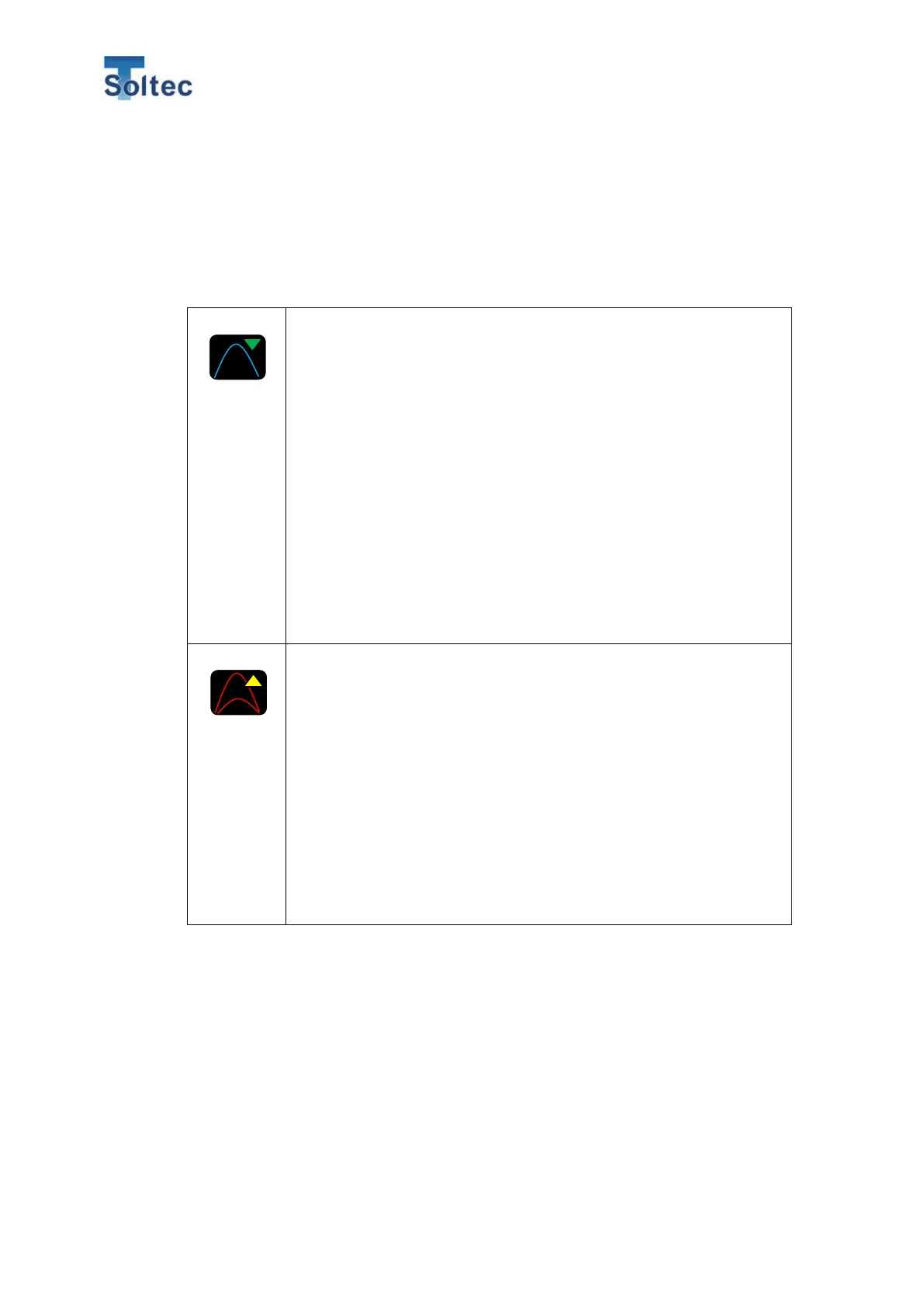
Tolerance alert (a current tolerance is too big.)
When the selected tolerance is too big against variations of current
good samples, this icon is displayed and blinks.
- When auto tolerance “A” is selected.
Recommend pressing “A” button and recalculate auto tolerance.
– When tolerance No.2 ~ 8 is selected.
Refer to transition graphs of each area in the tolerance select
screen and select the most severe tolerance number in which the
maximum value of the transition graph is acceptable.
– Manual tolerance ”M“ is selected.
Same as the tolerance No. 2 ~ 8, change the tolerance value in
which the maximum value of the transition graph is acceptable.
Tolerance alert (a current tolerance is too small.)
When selected tolerance is too small against variations of current
good samples, this icon is displayed and Teach icon blinks.
Regardless of whether Auto tolerance or Manual tolerance is
selected, Teaching is recommended.
If tolerance alert is continuously displayed with “A” tolerance,
recalculate the tolerance again. If tolerance alert is continuously
displayed with tolerance number or “M” tolerance, refer to the
transition graph and select a different tolerance number or set a
bigger value.



 To Next Page