CFM-BL10Pro General instruction manual
85 / 87
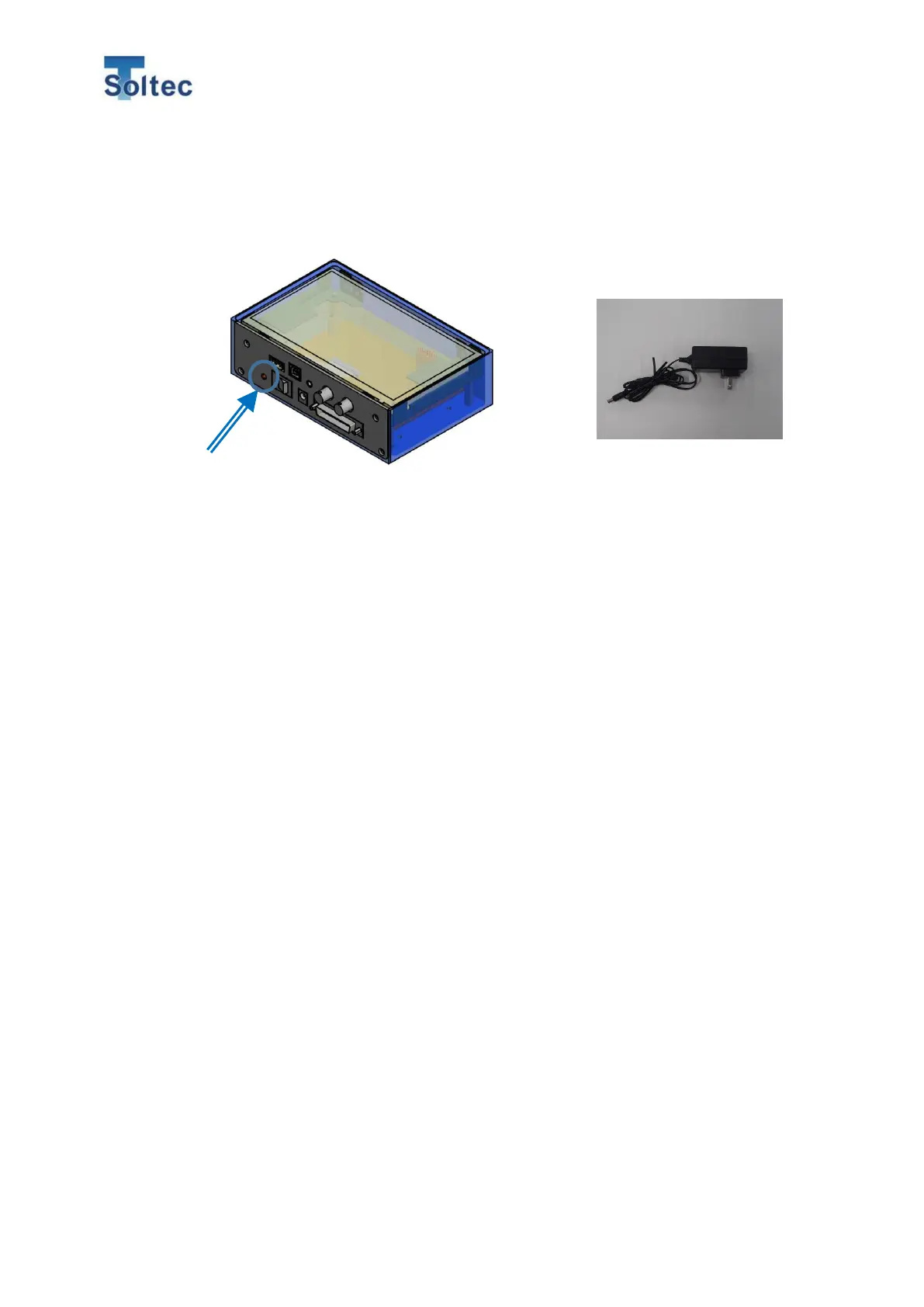
8.7. The LCD screen is not on even if the power switch is already turned on
Check the AC power plug and the socket again. Ensure they are connected
appropriately. When there is power, the red light on the left side will turn on.
8.8. Unable to connect to PC
It could be due to 3 possible causes.
・If the CFM power is turned off while being connected, it will interrupt the
communication between PC and CFM. In this case, please turn on the power and
connect to the PC again.
・USB port has a problem. In this case, unplug the USB cable and restart the
software Pro-Master Premium. Then, connect them again.
・The CFM is not recognized correctly on PC.
Please refer to 6.2.6 COM port setting for how to set a COM port.
8.9. Electrical noise gets in and causes the force curves to become abnormal.
Electrical noise (e.g., electrical leakage on the machine body or power supply noise)
usually exists at the factory. When these electrical noises are larger than expected,
they may get into the CFM and appear before or after the actual waveform.
Although CFM-BL10Pro is initially designed to be resistant to these electrical noises,
it is still a better idea to have all the devices connected to the earth-ground.
8.10. CFM fails to detect serious defects such as crimps without terminal / wire.
If CFM cannot detect a bad sample, which has only wire, it could be because the
crimping force is too small, so the curve is still under the trigger level. That’s why
CFM cannot detect the curve. In this case, decrease the trigger level to an
appropriate value. However, if the trigger level is too low, even a slight vibration may
be wrongly detected, and CFM may make false judgements. If this happens, please
consider using our external trigger sensor.



 To Next Page